공식 댓글

I can verify that the Air 2S works with the N1 remote connecting to it with an Android 13 device.
댓글 작업

4 Attempts to get aircraft to take off. Using Air 2S RCN1 controller with LG8. Force stopped djI Fly. Getting Aircraft Error Undefined Error
or Takeoff Error Undefined error. No numbers. Any suggestions?
I can verify that the Air 2S works with the N1 remote connecting to it with an Android 13 device.
댓글을 남기려면 로그인하세요.
Please give us a screenshot. You might need the Enterprise version. Be sure to check your firmware version numbers.
Does this mean I have to upgrade from points base before I know if this will work?
Version 1.4.9a 6/16/23
Installed the APK RTK Version, Now1.4.9b build 061620232 Restarted and got the same error. Here is the screenshot you asked for
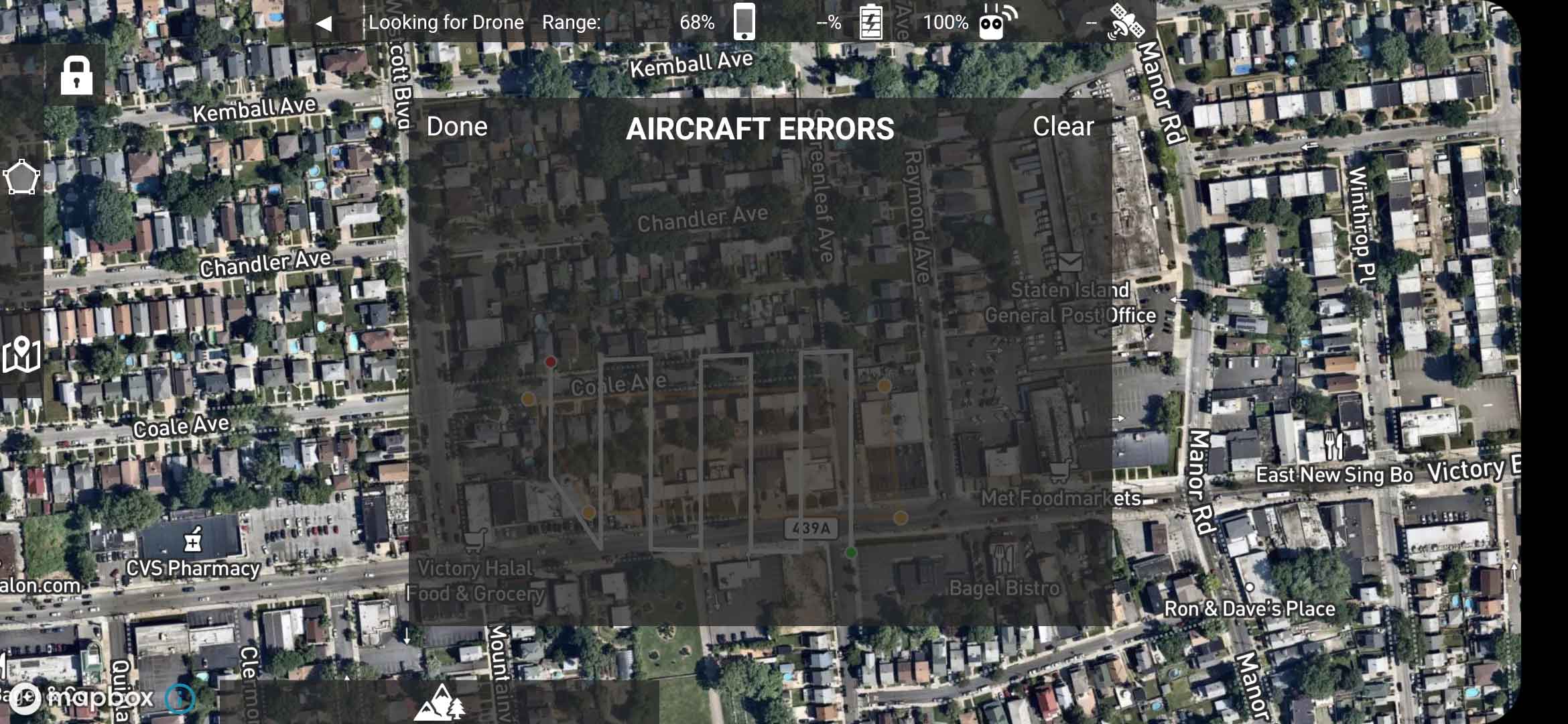
That is not an undefined error. That is a blank errors screen that shows no errors. That is a usually good thing. If you are not connected to your aircraft it should not be showing though. It is safe to hit 'Done' to dismiss it.
https://support.dronesmadeeasy.com/hc/en-us/articles/360060753611-Aircraft-Errors
There are no logs to look at so where do I go from here?
If it won't connect to the aircraft with either version of the app, 'b' or 'e', then the N1 remote won't work with your aircraft.
It sounds like you are not using the 'e' variant of the app that was advised to be used. You installed the 'b' version.
1.4.9e is installed and doesn't connect to the drone at all.
Well the Pro controller kills it since it costs more than the drone. That's dissapointing.

I have successfully created and flown a mission with the RCN1 controller and my Air 2S (with latest firmware), so it does work. The only problem is the camera is not recognized, therefore unusable. The gimbal will tilt to 90, just no feed from the camera nor will it take photos.
Android 13 on Galaxy S21 5G
'b' version of Map Pilot Pro


