Publication

4 abonnés S’abonner
0
Avatar

Can no longer connect with drone

Hello,

We have been using MME, now Map Pilot Pro for several years with just some minor issues and we are quite happy with it.

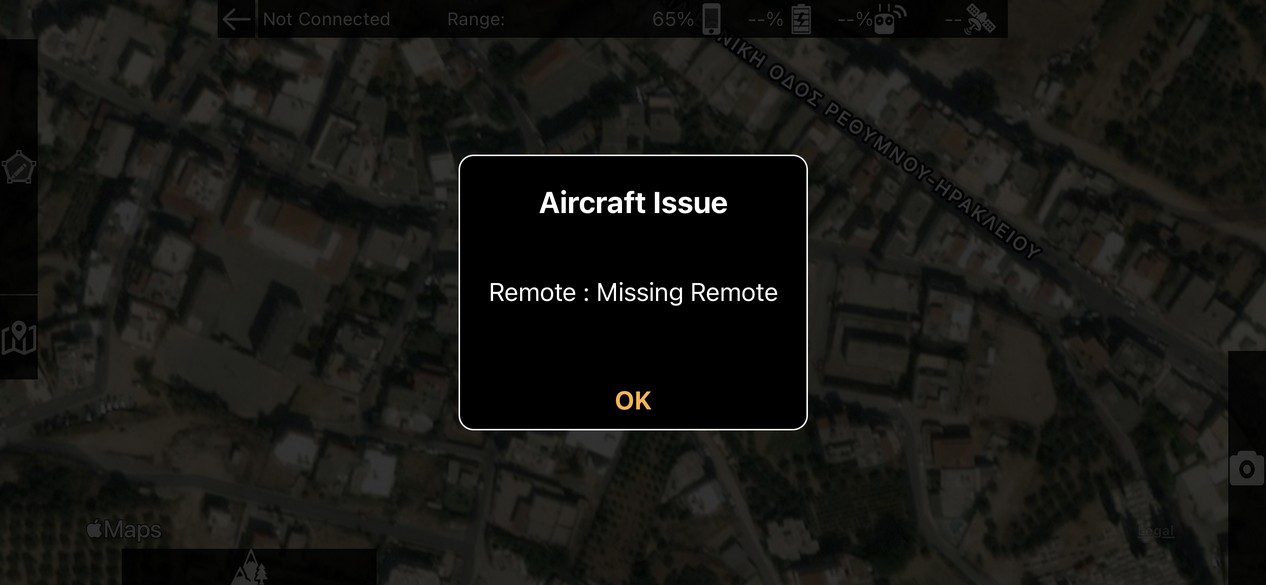
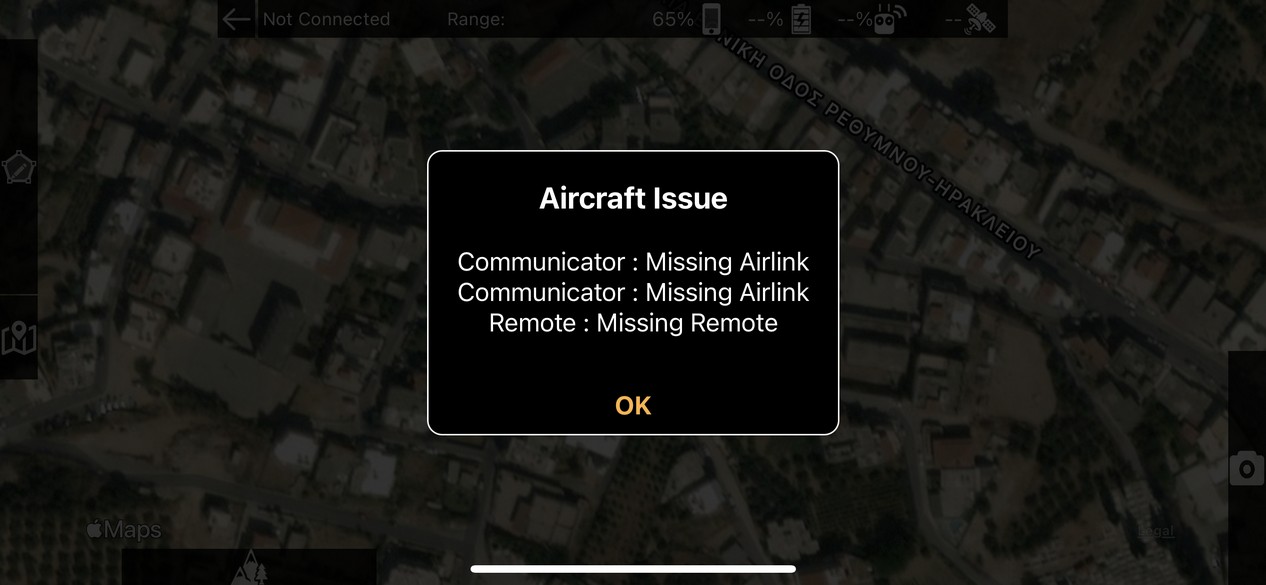
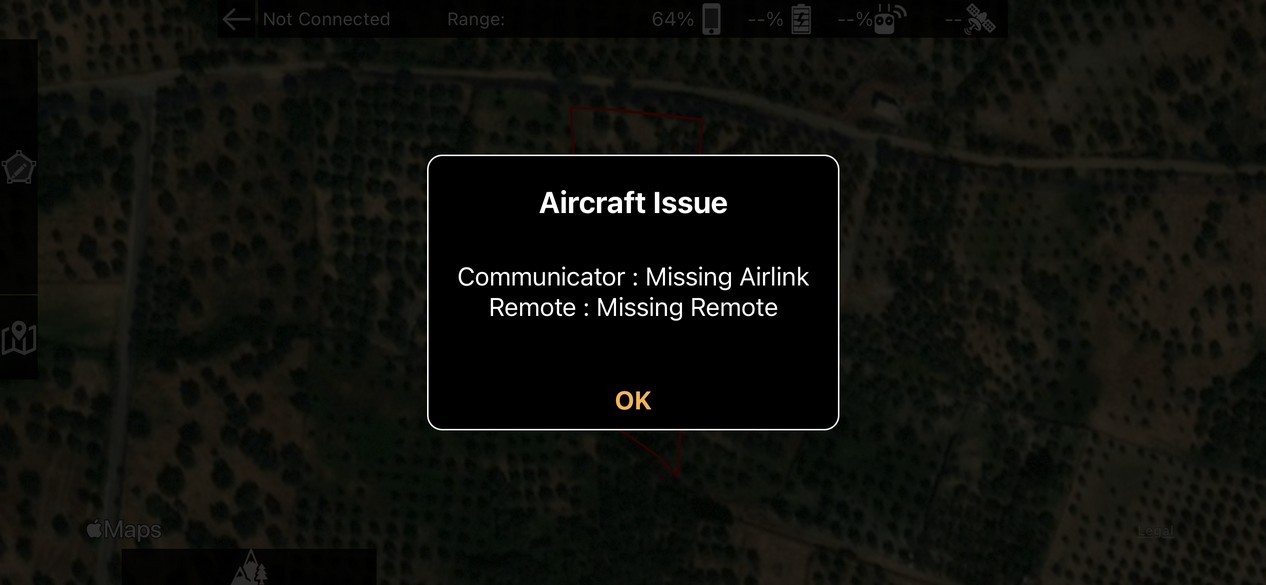
Last week a new app update was instaled on our iPad 2. Wednesday we had to do a 3D reconstruction of a forest plot. Once in the field and with everything set up, I tried to fly and found that the app could no longer connect to our Phantom 3 Advanced. Some error messages appeared, as "Communicator: Missing airlink" and some other saying Autel needs a permanent internet connection. The app was not "seeing" the drone.

I tried reseting the app, rebooting the iPad, rebooting drone, RC, etc. Enabled Bluetooth, Wifi, disabled all of them, checked that the correct model "phantom 3" was selected in settings and even created a hotspot to enable permanent internet connection just in case. I tried all possible combinations that I could think of. There was no luck and time was flying (unlike my drone) so I ended up downloading Pix4D app to perform the flight so that I could go back to the office not empty handed.

How can we fix this problem? We should be able to fly again this week.

Thanks in advance.

Inforest JRU

Vous devez vous connecter pour laisser un commentaire.

26 commentaires

0
Avatar

One other user has reported a similar issue with the old P3A but other users have been able to fly with it without issue. We are looking into it. 

We don't have an account for your email address in the system so please email us at mapping@dronesmadeeasy.com to get us that info so we can try to see what is going on. 

Zane 0 votes
Actions pour les commentaires Permalien
0
Avatar

I just sent an email as asked.

Hopefully we can solve it soon.

Inforest JRU 0 votes
Actions pour les commentaires Permalien
1
Avatar

I have the same issue. I have the phantom 4 and probably after an updated started this issue. I'm running version 5.1.3 build 110220212 in iPhone 12pro with iOS 15.0.2. The drone works perfect with DJI app.

Giorgos Adikimenakis 1 vote
Actions pour les commentaires Permalien
0
Avatar

This is a sign that something isn't right with the hardware. We added some error reporting to allow us to know what the issue actually is. If Map Pilot Pro is not able to find your AirLink we won't be able to report or log RC connection status. 

We will come up with a fix and get something out soon. Look for a 5.1.4 update. 

Zane 0 votes
Actions pour les commentaires Permalien
0
Avatar

When 5.1.4 is going to be available? 

Giorgos Adikimenakis 0 votes
Actions pour les commentaires Permalien
0
Avatar

Hopefully we can get it submitted today if we can find the issue. 

What errors were you seeing? 

When you were using the other apps was there any data missing?

Zane 0 votes
Actions pour les commentaires Permalien
0
Avatar

Please see the screenshots. I couldn't do anything with maps pilot pro and I used the pix4d which worked perfect.

Giorgos Adikimenakis 0 votes
Actions pour les commentaires Permalien
0
Avatar

5.1.4 has been submitted and will hopefully address your issues. 

Zane 0 votes
Actions pour les commentaires Permalien
0
Avatar

5.1.4 isn't available on app store


Giorgos Adikimenakis 0 votes
Actions pour les commentaires Permalien
0
Avatar

I have to mention that maps pilot business which is also installed in my iphone connects with drone without any issue

Giorgos Adikimenakis 0 votes
Actions pour les commentaires Permalien
0
Avatar

"5.1.4 has been submitted and will hopefully address your issues." means it has been submitted to Apple. It still needs to be approved before being released publicly. 

This page will show when it has been released:

https://support.dronesmadeeasy.com/hc/en-us/articles/360058422951-Update-History

5.1.0 added some error reporting capabilities to let users know when there is an issue with their aircraft. If you are getting these errors there is something wrong. 5.1.4 is now not going to stop you from flying because of these errors but it will tell you about them. The older versions did not have this. 

We never expected people to want to fly when there is an issue with their aircraft. 99.999% of users are not having this problem. 

Zane 0 votes
Actions pour les commentaires Permalien
0
Avatar

I understood that you didn't solve the issue on 5.1.4 but you allow to fly the drone although the app reports an issue.  I think that this is really dangerous. I cannot understand why appears this issue with Maps Pilot Pro and no other app, neither Maps Pilot Business.  I cannot believe that this is a hardware issue.

Giorgos Adikimenakis 0 votes
Actions pour les commentaires Permalien
0
Avatar

5.1.4 will be going back to how it was before, except it tells you when there is a problem. This appears in Map Pilot Pro after version 5.1.0 because we added it. The other apps just aren't telling you about it. It was likely happening in Map Pilot Pro 5.0.14 but it wasn't being reported to the user. We don't think it is a great idea to fly when everything isn't working properly either. 

Most other users are not having this issue. For example, with 5.1.3 there were 451 flights with a P4 yesterday that didn't get stopped by the error checking. 

If the AirLink is missing the RC signal strength telemetry will be missing. It isn't a safety thing, per se, but it isn't good. 

We have one drone in our testing fleet that reports this error and that is because it was crashed and the antenna in the landing gear is damaged. 

Zane 0 votes
Actions pour les commentaires Permalien
0
Avatar

I updated to 5.1.4 and there is now connection with drone following of this message


After pressing OK I noticed that I don't have battery status of controller, please look screenshot below


At the same time on Maps Pilot Business battery status of controller works perfect

Of course, I didn't fly the drone because I understand that there is a big issue on controller communication with the app. I checked the controller and drone if there is any problem but I didn't find anything. There is no issue with other apps. Please find a solution because I want to use your app for my flights. If you cannot solve it there is no reason to pay my subscription.

Giorgos Adikimenakis 0 votes
Actions pour les commentaires Permalien
0
Avatar

Just to verify, you only have one drone related app running at a time correct? When running Map Pilot Pro you have Map Pilot Business, the DJI app and any other apps fully closed, right?

Zane 0 votes
Actions pour les commentaires Permalien
0
Avatar

Yes correct! Only one app open.

Giorgos Adikimenakis 0 votes
Actions pour les commentaires Permalien
0
Avatar

The only difference in the connection logic from 5.0.X to 5.1.X is the DJI SDK version.

If you want to try 5.2.0 beta you can do so to see if that fixes it since it uses a more up to date SDK version.

Install the Test Flight app from the App Store first and get the beta here:

https://testflight.apple.com/join/14SRyZN6


Zane 0 votes
Actions pour les commentaires Permalien
0
Avatar

same problem since I updated to the latest map pilot pro software on my ipad. makes it totally unusable

Terry Bean 0 votes
Actions pour les commentaires Permalien
0
Avatar

Terry: What problem are you seeing? Are you getting an error message?

What version are you currently using that does not connect (5.2.0 is the latest)? What aircraft are you using? What iOS device and iOS version are you using? We would love to help but need a little more info. 

Zane 0 votes
Actions pour les commentaires Permalien
1
Avatar

Hello, OP here,

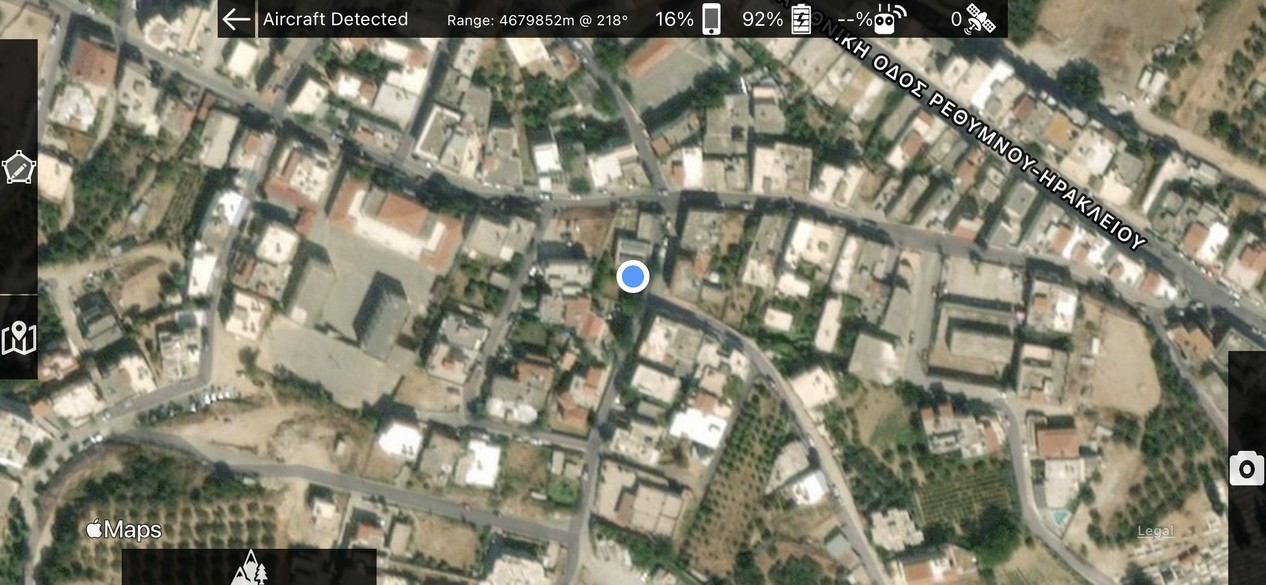
I went flying again this last weekend and experienced the same issue as the last users. Drone was being correctly found by the app but a message saying something like "Remote not found yet" was appearing every time and I couldn't see the signal strength (I think that is what the user Giorgos Adikimenakis was referring to, instead of remote battery). I could see drone battery, I was getting live view of the camera so I went on with the mission plan.

The flight was executed with no apparent errors, but I did notice lots of reconnections between the drone and the app every time I changed batteries. After three or four reconnections in less than 10 seconds, I could upload mission and resume the flight. It happened every time I changed the batteries (6~7 times).

Inforest JRU 1 vote
Actions pour les commentaires Permalien
0
Avatar

comment on my previous post re not connecting.. updated today and now shows 5.1.3 as the latest using a ipad mini4 and a dji phantom but no way would it find the drone. Bit peeved as was onsite ready to fly a mapping mission for a client and just had to abandon. Even more annoying when you have actually paid ofr the app! getting missing airlink! note 5.1.4 released 4 days ago which reading the posts should have fixed the issue. But.. does anyone not test these releases before release?

Terry Bean 0 votes
Actions pour les commentaires Permalien
0
Avatar

It sounds like you have a few issues going on here... If you read the rest of this thread you can see the history of this issue. It is always good practice to test your setup before heading into the field. 

The changes that were made in 5.1.4 made it so even if you were missing the airlink it would still be able to function. The airlink is what provides the connection status telemetry though. Reasons for not being able to get the airlink include other drone related apps running and onboard hardware issues. 

5.1.3 was released on November 3. 5.1.4 was released on November 10. 5.2.0 was released on November 20. I am not sure why you would be getting old versions at this point. 

https://support.dronesmadeeasy.com/hc/en-us/articles/360058422951-Update-History

We recommend using an iOS device with at least an A10 process so it can keep up with the increased CPU requirements of the DJI SDK. 

And no, we do not regularly test with the older Phantoms anymore. We will try to support it but that hardware is getting old and hard to find these days. 

Zane 0 votes
Actions pour les commentaires Permalien
0
Avatar

I'm very disappointed that the problem hasn't solved yet. Can you fix it please?

Giorgos Adikimenakis 0 votes
Actions pour les commentaires Permalien
0
Avatar

In the releases since this was reported we made it so missing the Airlink is not something we stop the operability of the app for. We can't fix whatever is wrong with your aircraft but the more recent updates have made it so you can at least collect data. We have a few old ones to test with and most of them don't have this problem. The one that does show this problem was crashed super hard. The app cannot make the Airlink connect if it can't. The app relies on what is reported by the aircraft. This is likely happening in other apps as well but Map Pilot Pro is the only one that is actually reporting it. We could make it report nothing and "fix the glitch" but we figure more information is better than less. 

Zane 0 votes
Actions pour les commentaires Permalien
0
Avatar

After all that was written in this post I had believed that there was a problem with the my aircraft, so I sent it to be checked by the DJI's official service center. The test results were that everything worked perfectly. I received it two days ago and tried your app again. The problem remains. At the same time it works with other applications such as DJI GO 4, Pix4Dcapture, even though Map Pilot Business without any problems. So what makes you think the aircraft is to blame and not your app? Nothing has happened to the aircraft since the last time I had a mission with Map Pilot Pro.

Giorgos Adikimenakis 0 votes
Actions pour les commentaires Permalien
0
Avatar

I am not sure what to tell you. Every day we have hundreds of flights that are successfully executed using the Phantom 3 on the latest version of the app. So far today 25 different Phantom 3s were able to use the app without issue. 

It may have something to do with differences in the the DJI SDK versions that are used but we can't really do anything about that to fix it. The code to connect is the same. We basically say "Connect to Airlink". If it doesn't do it there isn't much left to do. Instead of letting it fail quietly, we are telling you there is an issue. 

Zane 0 votes
Actions pour les commentaires Permalien