Publicación

2 seguidores Seguir
0
Avatar

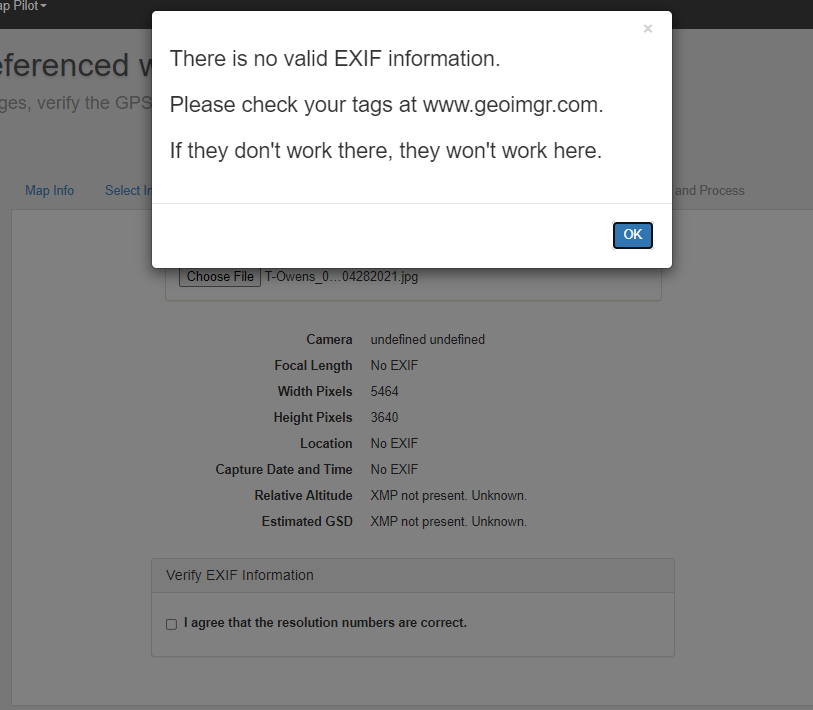
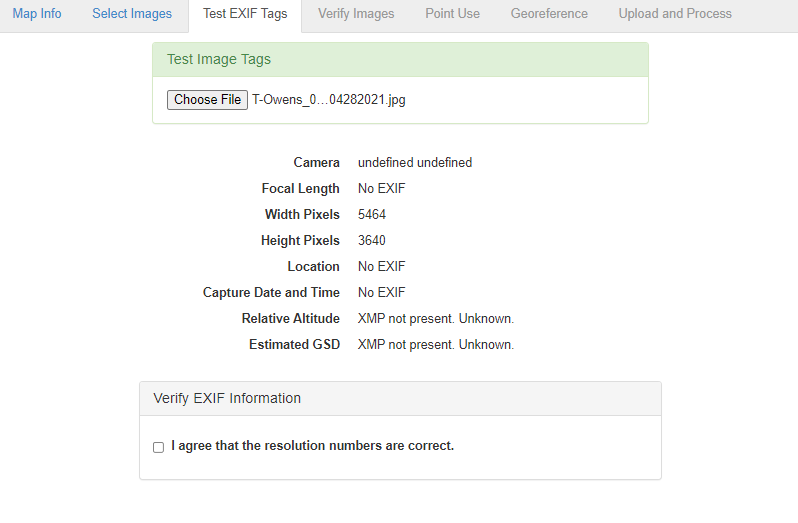
Error: "There is no valid EXIF...."... but there is..

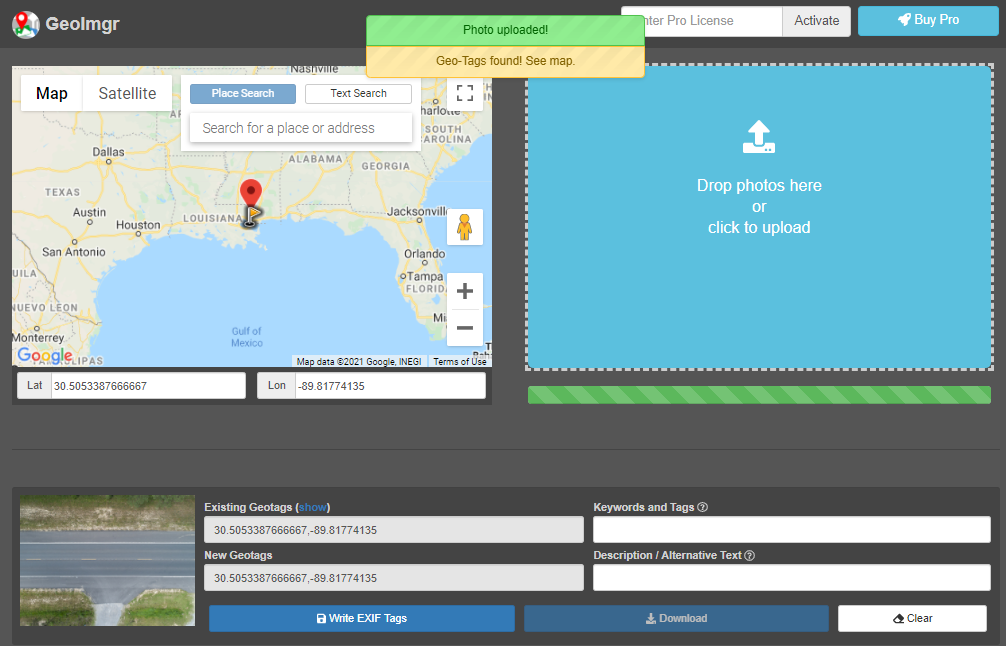
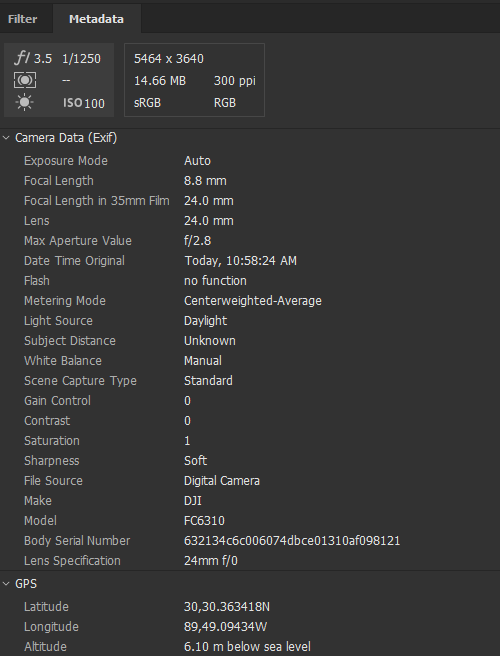
I'll confess to capturing in DNG (with sharpness and saturation pulled back a bit) and then converting to JPG, but the EXIF appears to be transferring OK. Images came straight off the SD card. See attachments. How can I get these to process??

Old Scout

Comentario oficial

Avatar

How are the images coming straight of the SD card if you have converted that DNG to JPG? That means you took them off as DNG and put them back as JPG.

The Classic workflow has less stringent tag requirements than the DJI specific workflow but certain things still need to be there. 

This topic has been coming up a lot lately and others have been able to keep their tags in place a little better using other software. 

https://support.dronesmadeeasy.com/hc/en-us/community/posts/360077683031-Geo-Tags

https://support.dronesmadeeasy.com/hc/en-us/community/posts/360074135411-upload-problem-a-question-to-clarify-your-instructions

https://support.dronesmadeeasy.com/hc/en-us/community/posts/360055740292

Zane
Acciones de comentarios Permalink

Iniciar sesión para dejar un comentario.

3 comentarios

0
Avatar

The Classic Workflow was the first thing I tried to remedy the issue.

Prior to that, the only thing I did was run the Adobe Bridge utility to convert to JPG. Otherwise, they were untouched. I did try the recommended geoimgr.com and it confirmed that the EXIF was onboard and readable.

Just trying to find a way to work around my bone-headed faux pas of shooting in DNG instead of JPG.

Old Scout 0 votos
Acciones de comentarios Permalink