Comentario oficial

You can define a flight area on Maps Made Easy by creating a boundary. This will let you define the survey area, not the actual flight plan itself since that is done on the iOS device.
https://support.dronesmadeeasy.com/hc/en-us/articles/360029963631-How-to-create-Boundaries
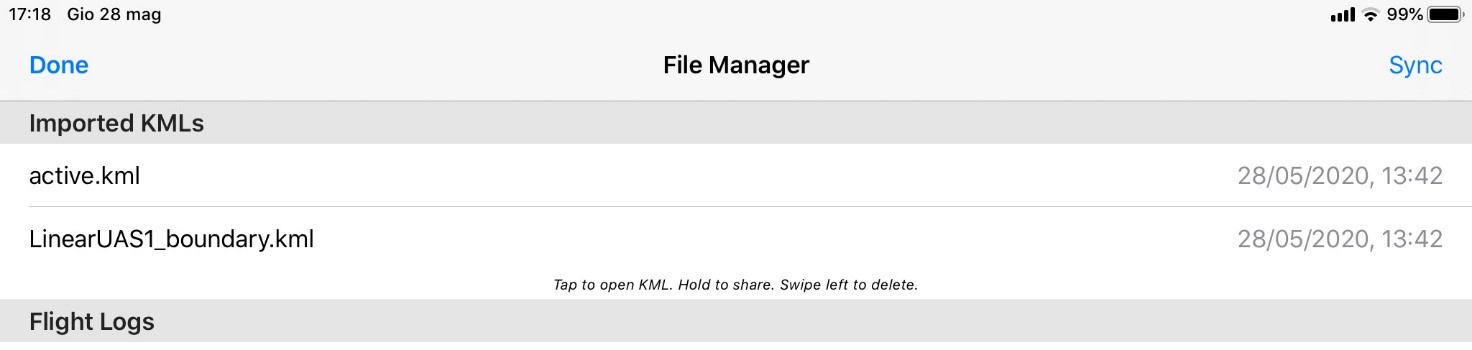
You could also define a polygon or linestring in Google Earth and import it into Map Pilot as you normally would (via Email or AirDrop) but rename the file from sample.kml to sample_boundary.kml to import as boundaries and linear plans. Adding the _boundary to the filename tells the system to import is as boundary definitions instead of just guidelines. The imported data will show up in the File Manager screen.
Acciones de comentarios