
Please make sure you are using the latest version which just added support for the Mavic Air. The latest version is 2.8.3.
Comment actions

I'm having odd problems getting Map Pilot for DJI to connect to a Mavic Air. Before I launch the app, my iPhone 6 is plugged into the remote controller, which is powered on as is the drone itself. After entering the "Create New Mission" screen, the software says that it has detected a Phantom 4 aircraft. However, in the flight planning/mapping screen, it says "not connected" and the flight controls do not appear.

When I tap and hold "not connected" it says it's reconnecting, then again says it detects a Phantom 4 and the flight controls still do not appear.
After drawing the area I want to fly, and double-tapping where my flight will start, it says I'm already connected, but still I have no flight controls and the indicator in the upper-left still says "not connected".

I've not been able to find any other posts describing the same or similar problem. My phone is running the latest iOS, it connects to the drone fine using DJI Go 4, the drone has the latest firmware. It is on the supported hardware list. I've also read in other posts that there's no setup needed in the settings of the Air (though there is for pro level drones like the Phantom).
What am I missing?
Please sign in to leave a comment.
Please make sure you are using the latest version which just added support for the Mavic Air. The latest version is 2.8.3.
Thanks. I bought the business version. The App Store only has version 2.8.1. I don't see any information in the App Store about which version of the non-business app is available.
Version info for business app on app store:
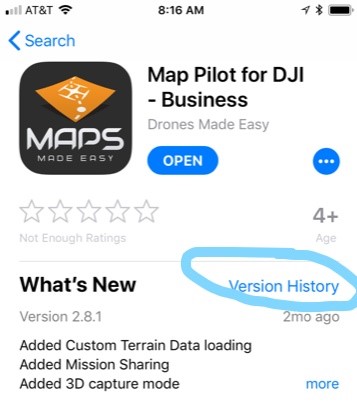
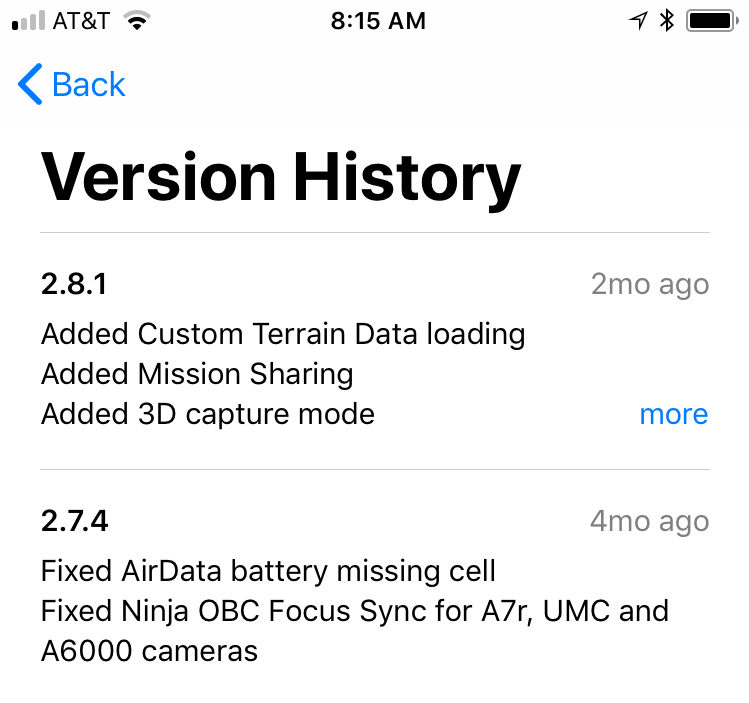
No version info for vanilla map pilot app on app store (I'd also rather not spend another $10 after buying the biz app):
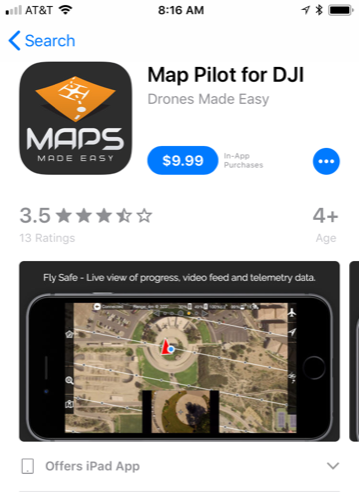
The Business version stays a few versions behind and only gets the most stable releases. It doesn't get all the new features as quickly but it stays predictable for business users.
Thanks, Zane. I see that the version history is now in the app store now for the non-biz app. That's helpful. It'd be helpful to also include the list of supported aircraft in the description for the biz app (a list does appear in the description for the non-biz app) so other newbies with our aircraft don't make the same mistake. I had read that the only difference in the biz version was that it contained the in-app purchases. Thanks again for the clarification.
The listings point you to the support site which has the Supported Hardware list article:
https://support.dronesmadeeasy.com/hc/en-us/articles/205704366-Supported-Hardware
It is called out here.


