تعليق رسمي

You will be able to share missions between users when we release Map Pilot Business up to version 4.0.x.
إجراءات التعليق

We have multiple pilots with their own paid version and accounts, We would like to share mission dependant on who is flying.
When we try to airdrop a mission we get the error "created with a different account", Can we not share missions? As vital for our operations.
R
You will be able to share missions between users when we release Map Pilot Business up to version 4.0.x.
الرجاء تسجيل الدخول لترك تعليق.

Zane, do you have an estimated release date for v.4 ? Just curious.
We hope to release 4.0.1 in the LITE version in the next couple of days and for Map Pilot later next week. Map Pilot Business will likely be at least a couple more weeks.
Starting with version 4.1 which was released today you can sync Mission Plans from Map Pilot to MME and back to enable sharing between devices logged into the same account.
My path to Business tier was though in-app purchases. Is there a way for the App to recognize that it is now the business version? When I navigate to the App store via the iPad, it doesn't recognize that the business tier was purchased. I noticed this while looking for v4.1
Thanks.
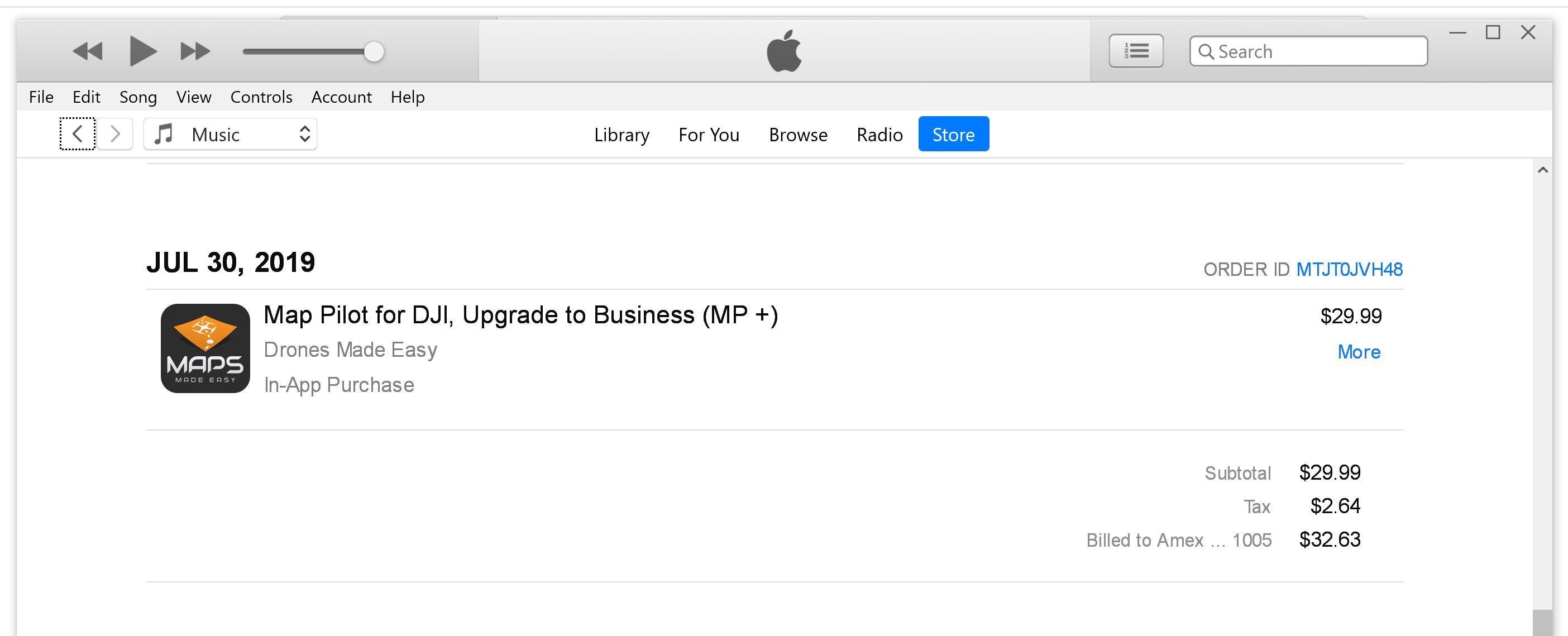
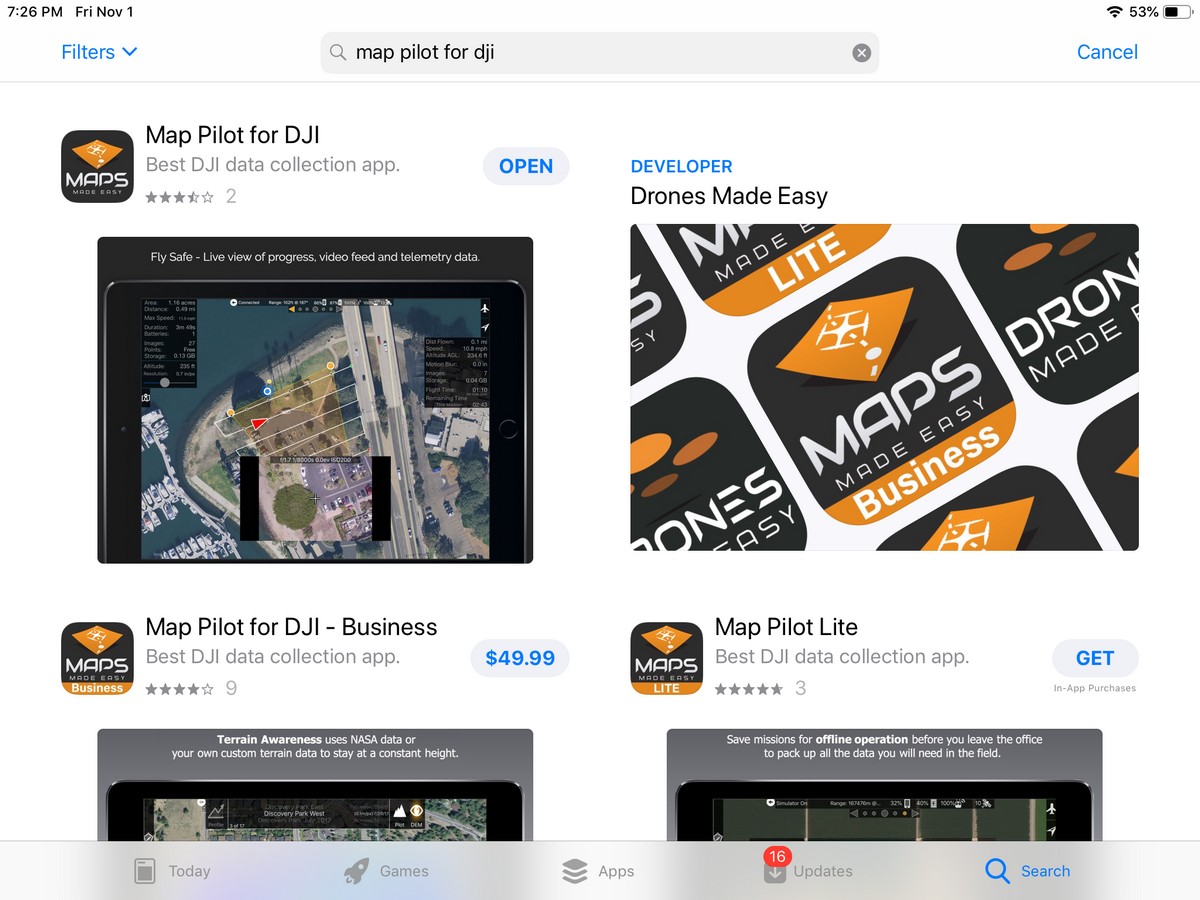
Dave: You are still on the regular version of Map Pilot but it has been upgraded internally. Apple tracks things by Bundle IDs. Your Bundle ID didn't change, it just has more capabilities.
I think I understand. The update does not yet show up for me and so I was going to force it by deleting and reinstalling because the version in the store is showing 4.1 but I don't think that is an option in my case.
The regular version was just updated today so it might take a bit to show up. The business version isn’t getting updated yet.
Updated to 4.1 today. Enabled the mission sync function, went to the mission page and tapped sync. Subsequently, 5 of 12 missions synced to my account online and also to another ipad. 7 out of the 12 do not sync after several tries.
I've tried a couple of tests.
Opened a mission and re-save as a new mission; Still will not sync.
In the mission list, edit the mission name; Still will not sync.
I've re-read the doc page
https://support.dronesmadeeasy.com/hc/en-us/articles/360029912271-What-is-Flight-Sync-
and don't see a 5 mission plan limitation. What am I missing, please?
I would add that mission logs in the File Management page also do not sync at all if they are supposed to.
Thank you.
There is definitely not a 5 mission limitation. There might be something funky about one of the missions that is causing subsequent ones to fail. Can you please send us the .mme files for the missions that won't sync so we can test with them.
Another solution might be to open the missions that won't sync, press the unlock button and then resave them.
Zane, do you think my issue here is related to what you said here:
https://support.dronesmadeeasy.com/hc/en-us/community/posts/360055462872-Missions-desappearing
Dave: Potentially. If they are old missions it is likely that 4.1.4 will solve it.
Yes, definitely some older missions. We'll see what happens when v.4.1.4 lands.
Well, no joy. Updated both iPads to 4.1.4
Old missions still don't sync. The missions that did sync have dates of 4/2019 and newer. But, there are some missions that are also from 4/2019 that do not sync.
I created a quick new test mission with the new version, and it will not sync. I tried with a new mission on both iPads, and neither one will sync a new mission. Must be some kind of plug on my account?
Also, something I've not seen before. On one of the ipads, when I open the new mission dialog, there is a small section of grid lines before doing anything. I rebooted and tried again and there was 2 overlapping small sections of grid. It's like the app is retaining some artifact.
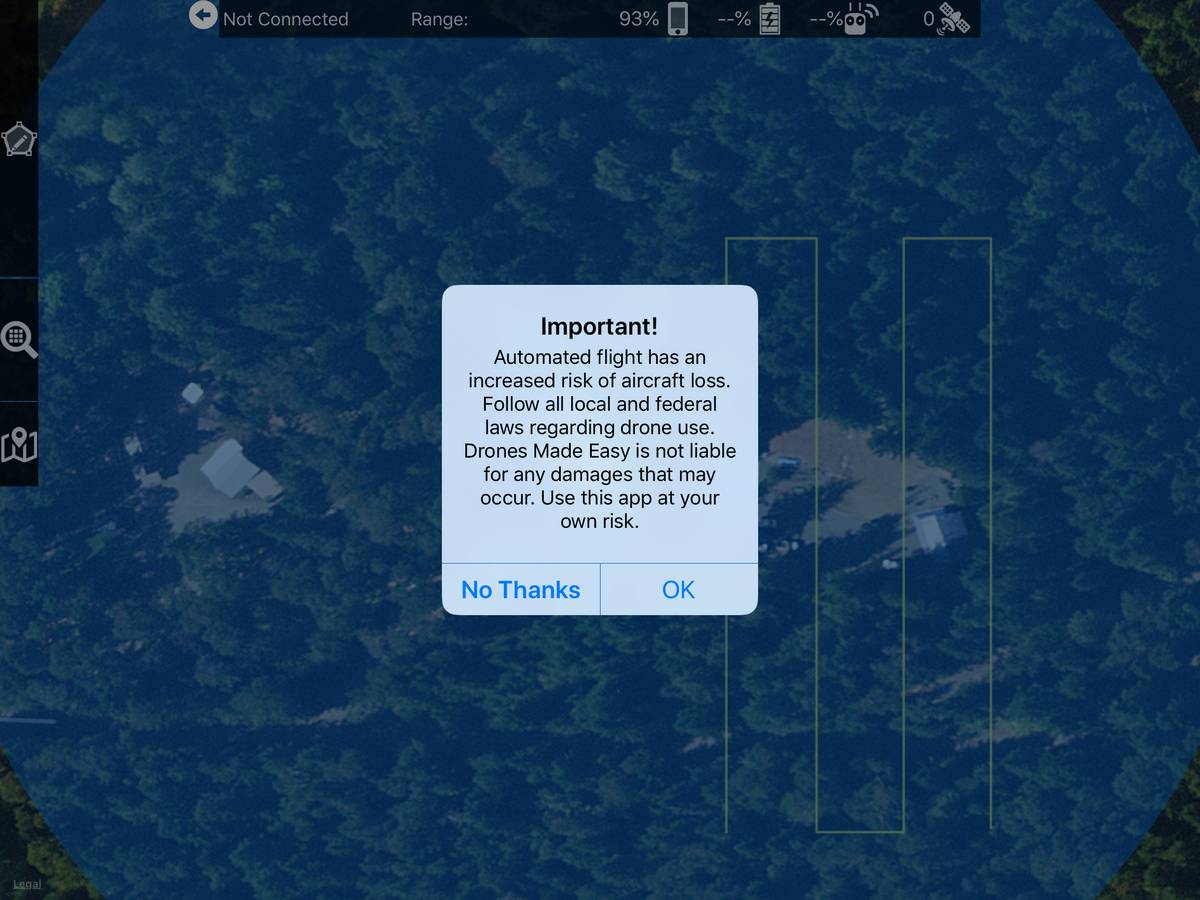
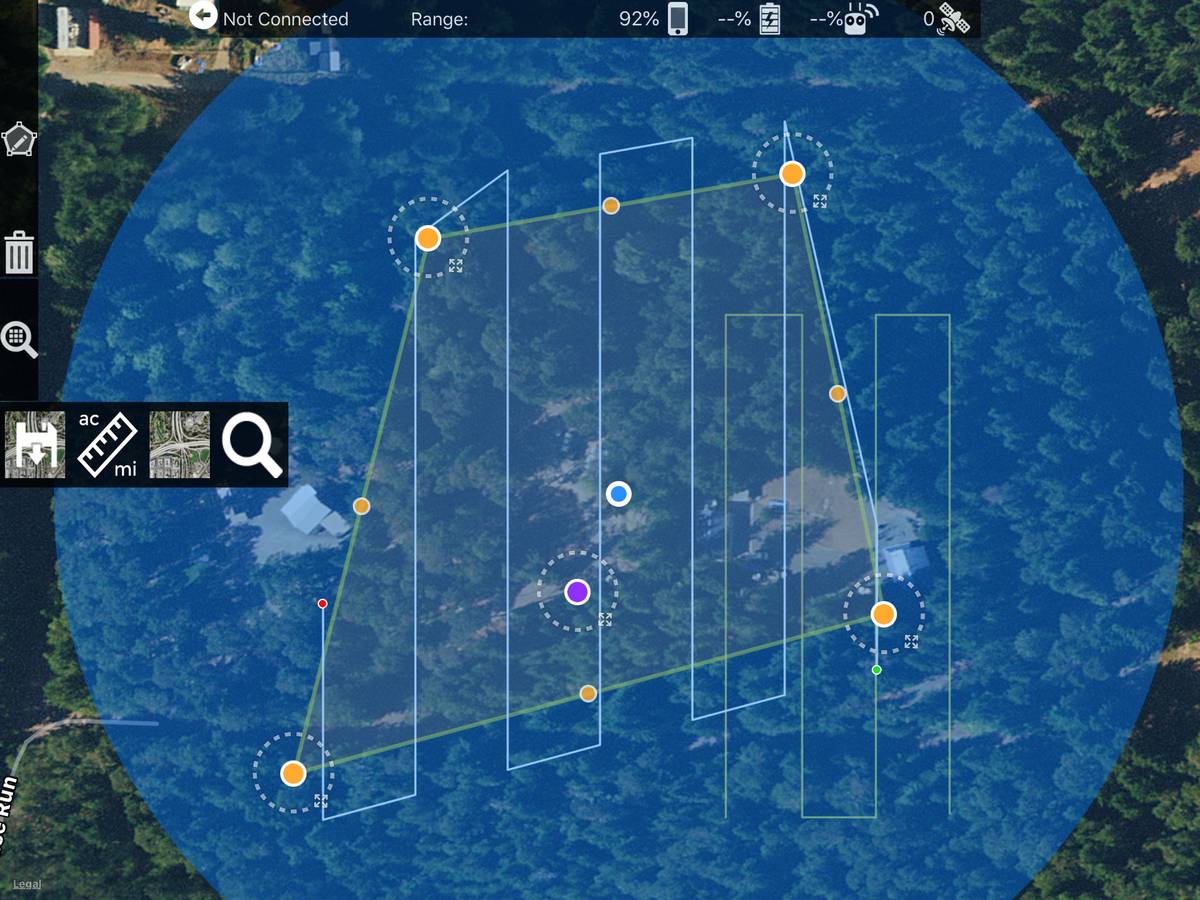
I see 5 synced plans in your account. Please send us the .mme files for any missions that will not sync so we can try to see what is going on. The changes we made in 4.1.4 seem to have helped other people get their old missions syncing.
The yellow traces are saved missions. You can turn of their display in the Settings under "Show Nearby Cached Missions". This has been there forever though...
I've emailed some files. Reminder that new missions do not sync for me either.
Forgot about the "see nearby missions". I always have that off, but perhaps the update reset it to default. That explains that, thanks.
4.1.5 has resolved the sync issues for me. Yay!


