
Bình luận chính thức

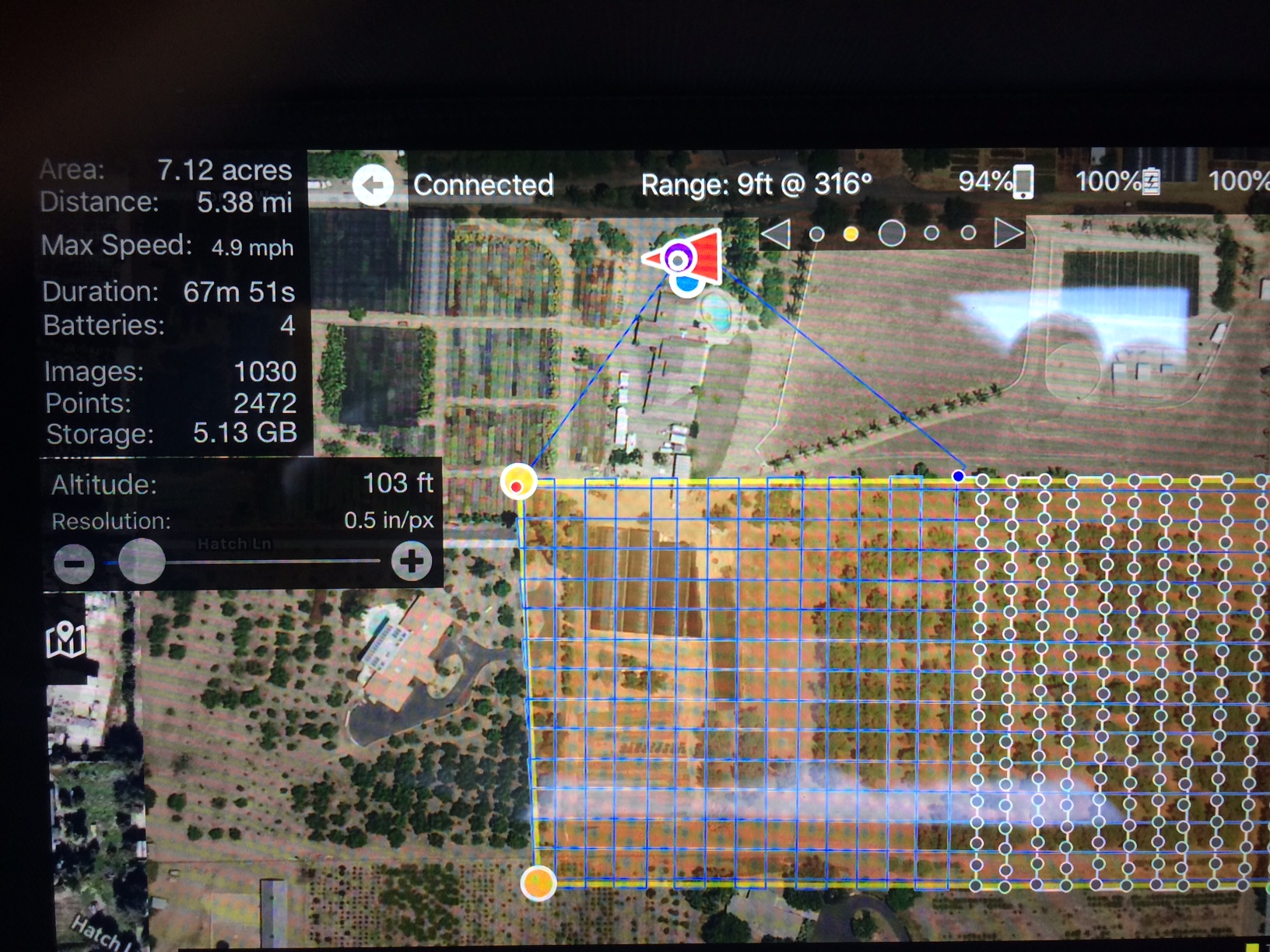
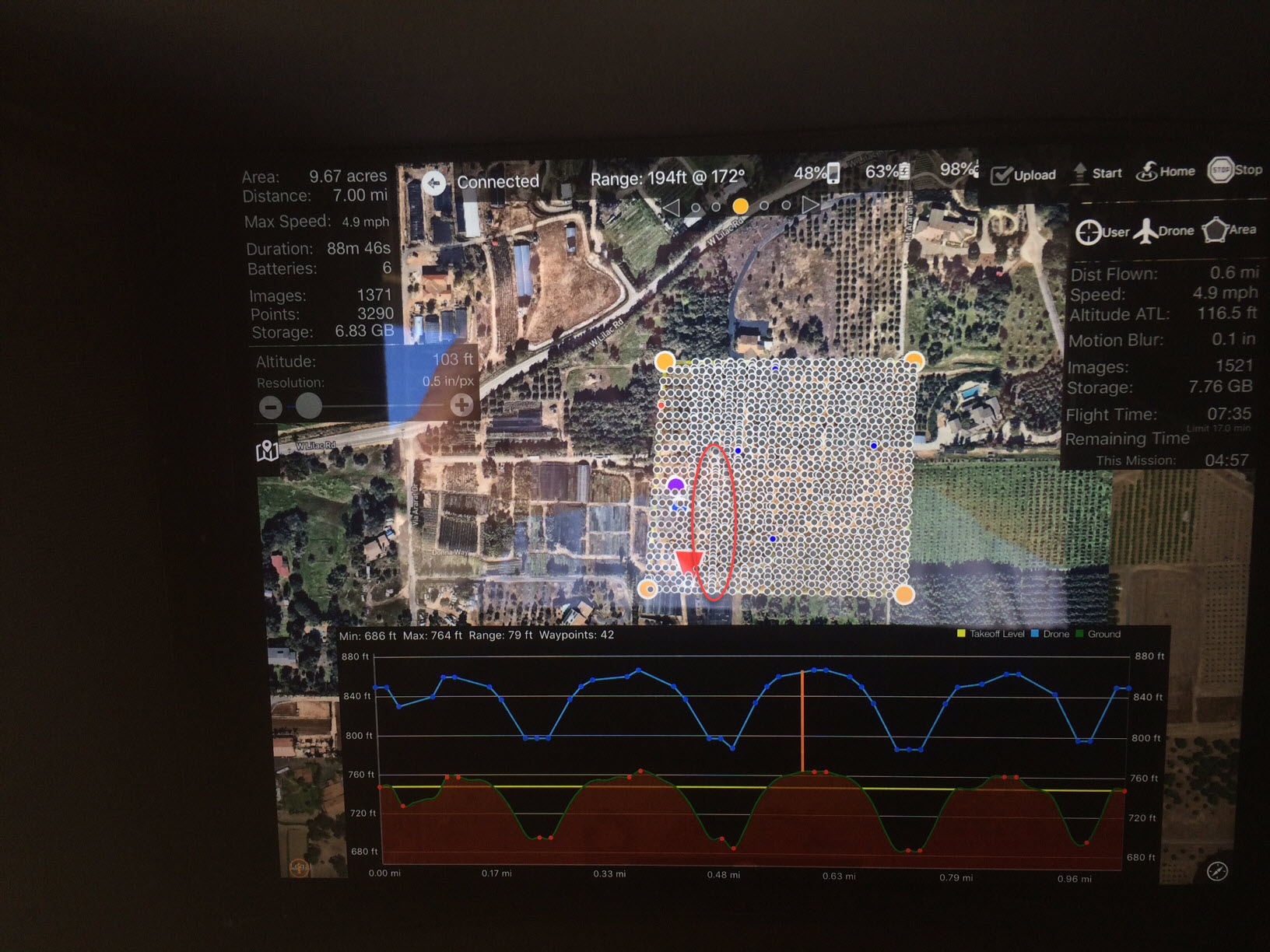
1. The aircraft will (should) only fly where the blue verification line shows it will fly before take off. It is super important to make sure that line shows what you think is going to happen before taking off. The 'rough' flight has been known to happen on some of the older aircraft like the I1 and P3 series. It is certainly scary but we haven't actually seen it cause any problems. We never really got any word on why it happens.
2. Again, check the blue line and use the Manual Restart Point feature as needed. If you are regularly having issues, take a screenshot of it in this state and send it to us for review so hopefully we can fix the issue.
You can certainly land manually but be sure to just quickly switch the aircraft out of the programmed flight mode and then back into it so the app is getting updates. You should still see the warning that says the mode changed happens. It too tells you to be sure to switch back into F mode before landing so the app knows what is happening. Otherwise it can't keep track of what is happening and loses sync.
You can always adjust the landing using the sticks. The crosshairs is in the camera preview for that reason.
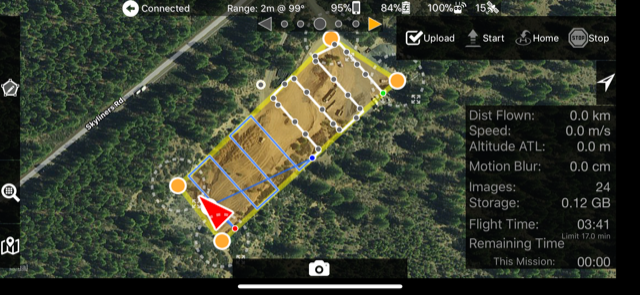 Your saying this should be on my screen before every Upload or take-off after battery change? What can I do to get the