Comentário oficial

Is the aircraft outside and does it have a clear view of the sky? The red triangle only shows up when you have a solid GPS satellite count and location fix.
Ações de comentário

My inspire1 has not successfully connected with MP v3.0.
It was displayed "Connected" messages on the top of the screen,but I do not getting the red triangle that shows the aircraft's current location.
what I have done:
the PAF switch being in the F.
fully close the DJI Go app.
unplugging the cable and plugging again.
Restarting the iOS device.
Do you have any ideas?
Thank you,
Naoki
Is the aircraft outside and does it have a clear view of the sky? The red triangle only shows up when you have a solid GPS satellite count and location fix.
iniciar sessão para comentar.
Yes, I tried it outdoors.
Did it have a solid GPS lock while outside? Is the aircraft's currently location being shown in DJI Go?
Yes, I checked with DJI Go.
Strangely, the GPS works well with DJI Go, but in MP v3.0 the GPS number got "0".
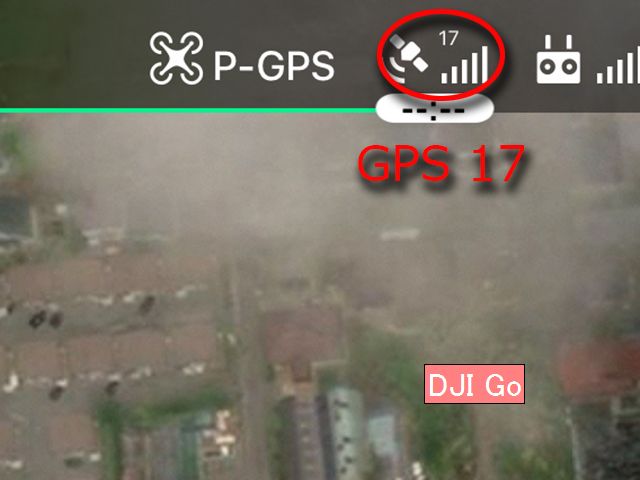
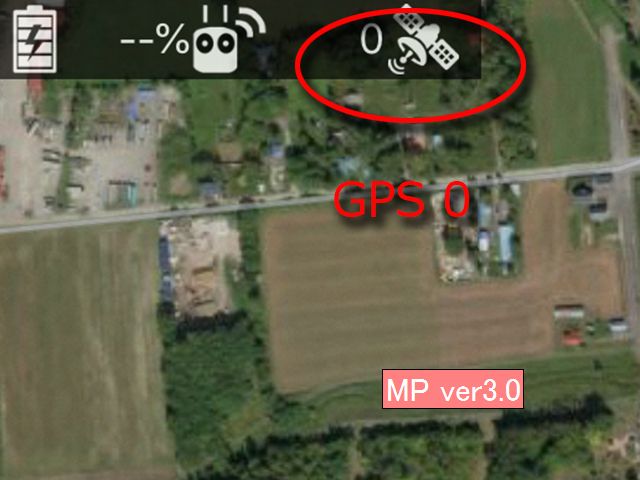
When was the last time you took the "knowledge test" when starting DJI Go? That seems to keep the satellites from showing up sometimes when this is the case. Take the knowledge quiz (and pass it) before trying again.
My aircraft was connected, when I switched from "Inspire1pro" camera to "X3".
MP showed"Aircraft Detected:Inspire 1."
Then it was unable to connect again after switching to X5.
So I tried to connect X5 with other applications.
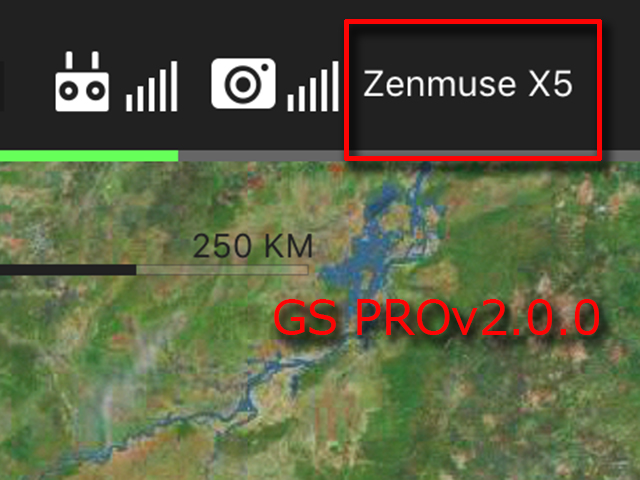
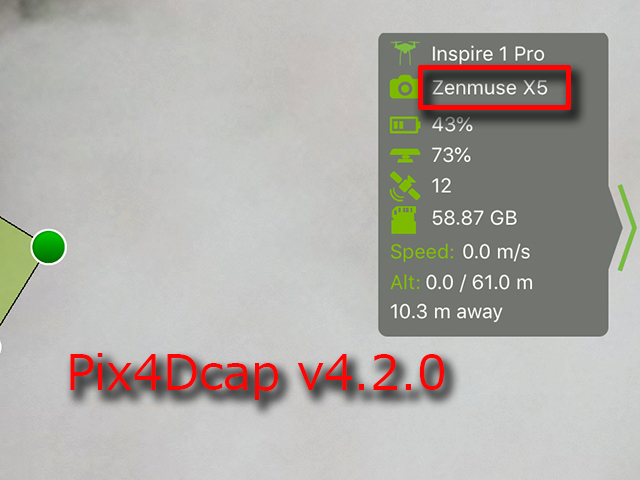
Applications other than MP seem to be detecting the aircraft with X5.
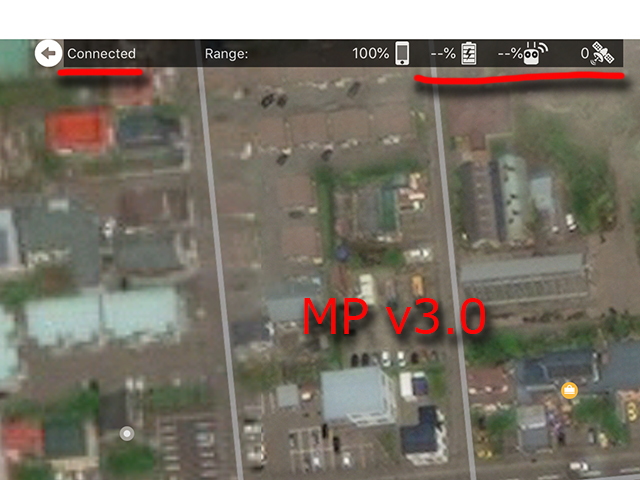
And it displayed "not connected",when I tried tapping and holding the "Connected" indicator on the left side of the top status bar,so my Inspire 1 with X5 does not seem to be connected to MP.
Only my X5?
I hope my aircraft with X5 is connected to MP because I think MP operates best on the timing based triggering aircraft such as Inspire 1.So I do not want to use other similar applications as much as possible.
Thank you for your support.
So you are saying it worked with the X3 but not the X5? We test a lot with the X3 but not with the X5 since those cameras were always so problematic with focus and slow to trigger.
Also, when was the last time the 'knowledge quiz' was passed? We may be using a different version of the SDK that depends on its passage. I personally experienced this when testing our app. It wouldn't connect. Then I took the quiz and then it worked.
Yes, it worked with X3.Unfortunately I could not do it with X5.
What is 'knowledge quiz' here?
In the US we have to pass a test in DJI Go every so many times starting the app. You have to pass it to be able to fly. It sounds like this may not be the issue for you though since the X3 works. We will look into the X5 operation and try to see what is going on.
Oh really. I did not know that.
In my country,perhaps we will be able to fly without doing such a test.
I'll be waiting for some good news.
Thank you for your quick response.
Please email mapping@dronesmadeeasy.com so we can get your email address and get you a beta version to test something with.

Zane,
Earlier this week you helped me with understanding the Map Pilot beta on-screen display indicating the UA (Mavic 2E, in my case) is connected (the red triangle). My display device is an older iPad (running iOS 11.4.1), and all was working properly on Thursday.
Since Friday, however, I cannot get the UA connected. I am getting GPS lock (slow green light flash on the UA, and "GPS mode" on the RC screen and 4 bars at the satellite icon, and I moved the UA outdoors to see the sky and still no connection). When I connect an Android device to the RC and use the DJI Pilot app I am able to connect to the UA with all of the equipment in the exact location where the Map Pilot app will not connect on the iPad.
The only difference, in my mind, is the cable between the RC and smart device. Any chance I could get a new cable with the Lighting connector, if that seems worth trying? Thanks.
Curt: Use the latest beta. The previous version might have had an issue. The most recent was released late Friday evening.
Zane,
All devices should be updated to at least iOS 12.1 at this point. The random crashing is usually caused by the CPU crashing the app due to lack of battery power, not because of an actual software issue. Updating to iOS 12 has eliminated this for everyone we have heard from.
updating to iOS 12.1.1 fixed the problem with the app crashing.
But I get false messages about S-P-T switch (app tells me it is in "S- " or "T-mode" and the switch is on "P"); mission uploads successfully, but "Start" results in a message on the RC -- "warning, check app" ...and I'm stuck, not sure what the necessary fix is.


