Publicação

3 seguidores Seguir
0
Avatar

How to use custom terrain model

Hi: I cant get any info about how one can use a custom DTM instead of srtm model. It is crucial for mining mission planning after earth works that have altered substantially the ground topography.
Can you post simple instructions. Thanks

José Martínez Rubio

Comentário oficial

Avatar

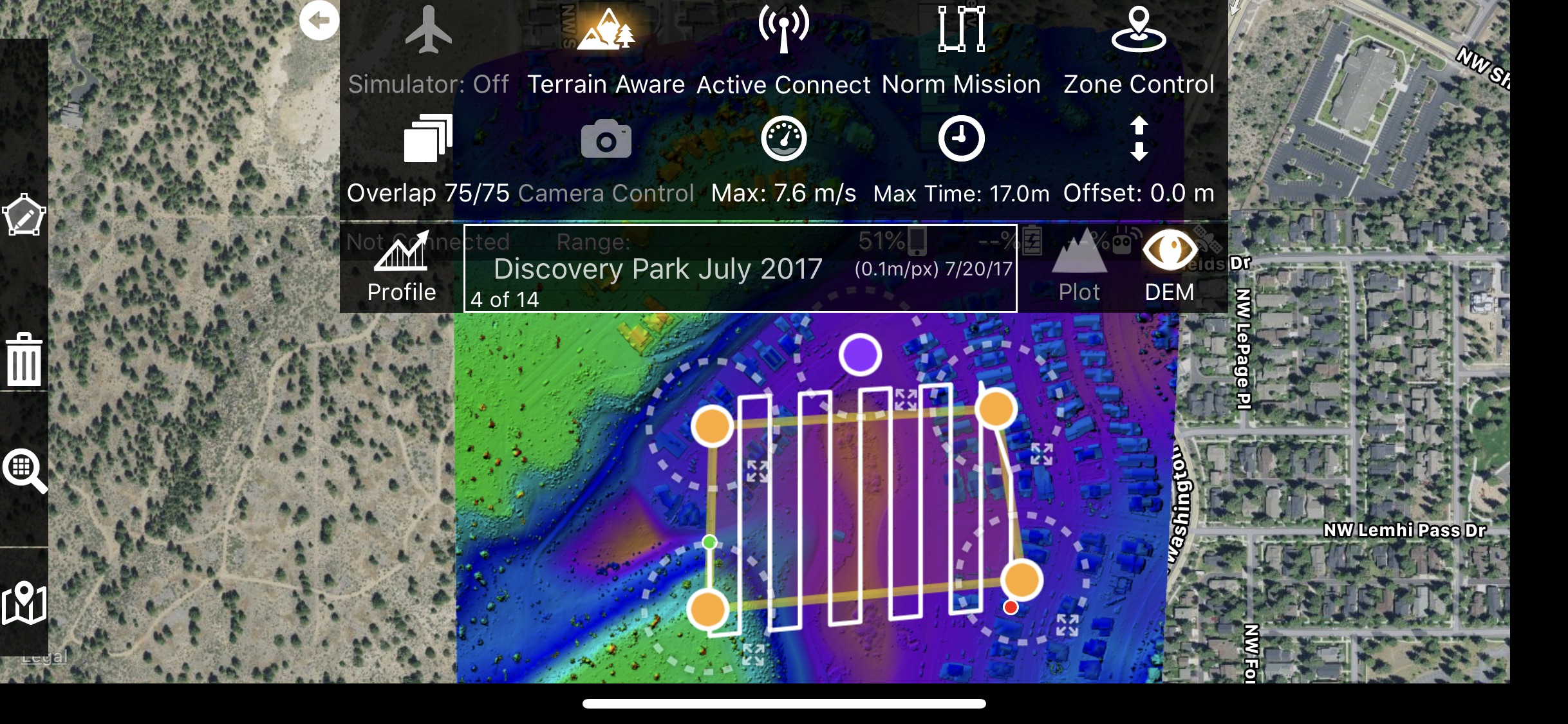
Currently, the only source for the custom DEM is Maps Made Easy data. So fly high over the area you want to fly, process it in Maps Made Easy and then you will have a detailed version of your modified earth DEM that can then be used as the Terrain Awareness data source for lower flight.

Zane
Ações de comentário Permalink

Por favor, entrar para comentar.

3 comentários

0
Avatar

"Currently, the only source for the custom DEM is Maps Made Easy data. So fly high over the area you want to fly, process it in Maps Made Easy and then you will have a detailed version of your modified earth DEM that can then be used as the Terrain Awareness data source for lower flight."


After obtaining the DEM, how do you specify it to be used in Map Pilot? I couldn't find this in the documentation if it is there.


Thank you!

Dave Pitman 0 votos
Ações de comentário Permalink
0
Avatar

1. Lay out your flight.

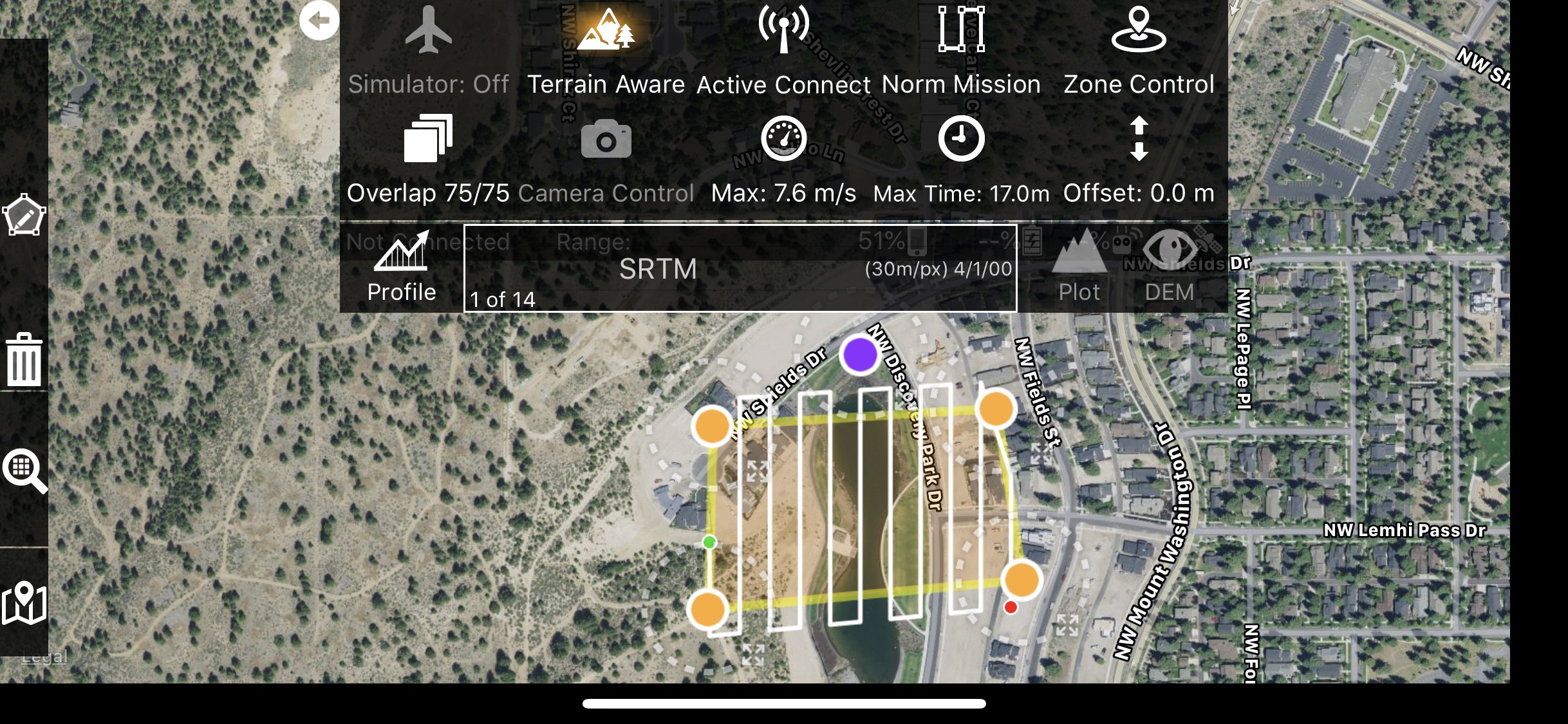
2. Open the Terrain Awareness panel in the Options Menu. The purple dot that denotes the takeoff location or the aircraft location's red triangle is required to pull the list of surrounding maps. All maps within 1 km will be shown.

3. Select the elevation data source. SRTM is selected by default, is global, and has a GSD of .1m/pixel.


Zane 0 votos
Ações de comentário Permalink