게시물

팔로워 3명 팔로우
0
Avatar

Matching dots in overlap report to photos uploaded

Is there way to identify which uploaded photos are related to dots on the flight path (eg on overlap report). I did do it after creating a map a few days ago but cannot recall how I did it. Thanks Patrick

Patrick McKune

공식 댓글

Avatar

Not really in the overlap report. You can click on the image location dots at the time of upload so you can see the file name there. 
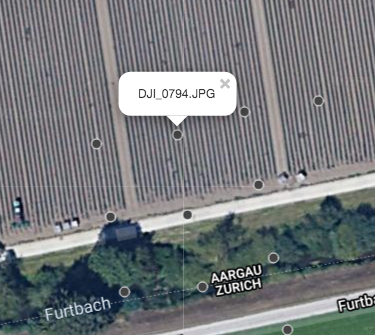
 

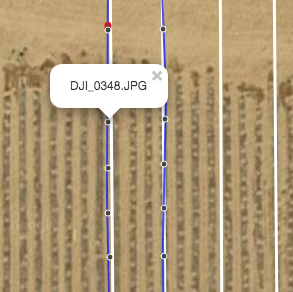
You can also see what file might have contributed to an area in the Flight detail view. 
Zane
댓글 작업 고유 링크

댓글을 남기려면 로그인하세요.

댓글 4개

0
Avatar

Thanks - I used Litchi to take the waypoint pics so don't think I have access to Flight details.

Patrick McKune 0 표
댓글 작업 고유 링크
0
Avatar

A couple of free desktop solutions.  Download Pix4d's free version.  You can locate your images in the grid after importing.

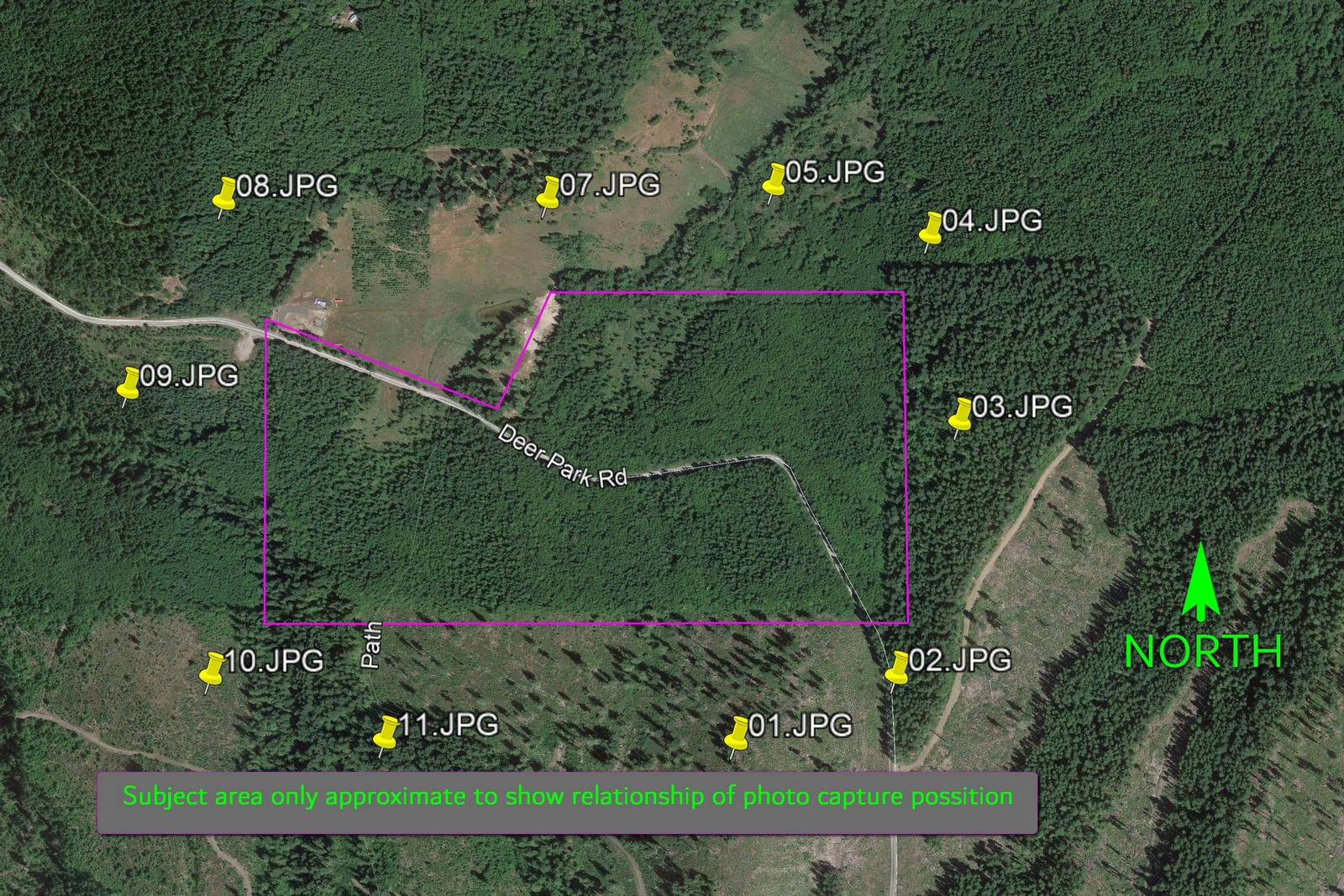
You can also plot images to their origin in Google earth.  I do it all the time.

Dave Pitman 0 표
댓글 작업 고유 링크
0
Avatar

The top screenshot is what happens when you select the images for upload in our DJI Specific workflow. It shows you where all of the images were taken. It doesn't matter what app you used to collect the data. 


Zane 0 표
댓글 작업 고유 링크