게시물

팔로워 2명 팔로우
0
Avatar

mission planning with terrain awareness

Terrain histogram no longer displayed when NOT connected to the P4P. 

Thanks.....

Marty

mrlbristol

공식 댓글

Avatar

Can you send a screenshot of what you are seeing? Make sure you are hitting the 'Profile' button in Terrain Awareness and then the 'Plot' button is highlighted. That button can be used to hide or display the terrain plot. 


I am unable to reproduce what you are seeing on any of our devices. Make sure you are logged into the same iTunes account that you used to make the Terrain Awareness purchase. 

Zane
댓글 작업 고유 링크

댓글을 남기려면 로그인하세요.

댓글 5개

0
Avatar

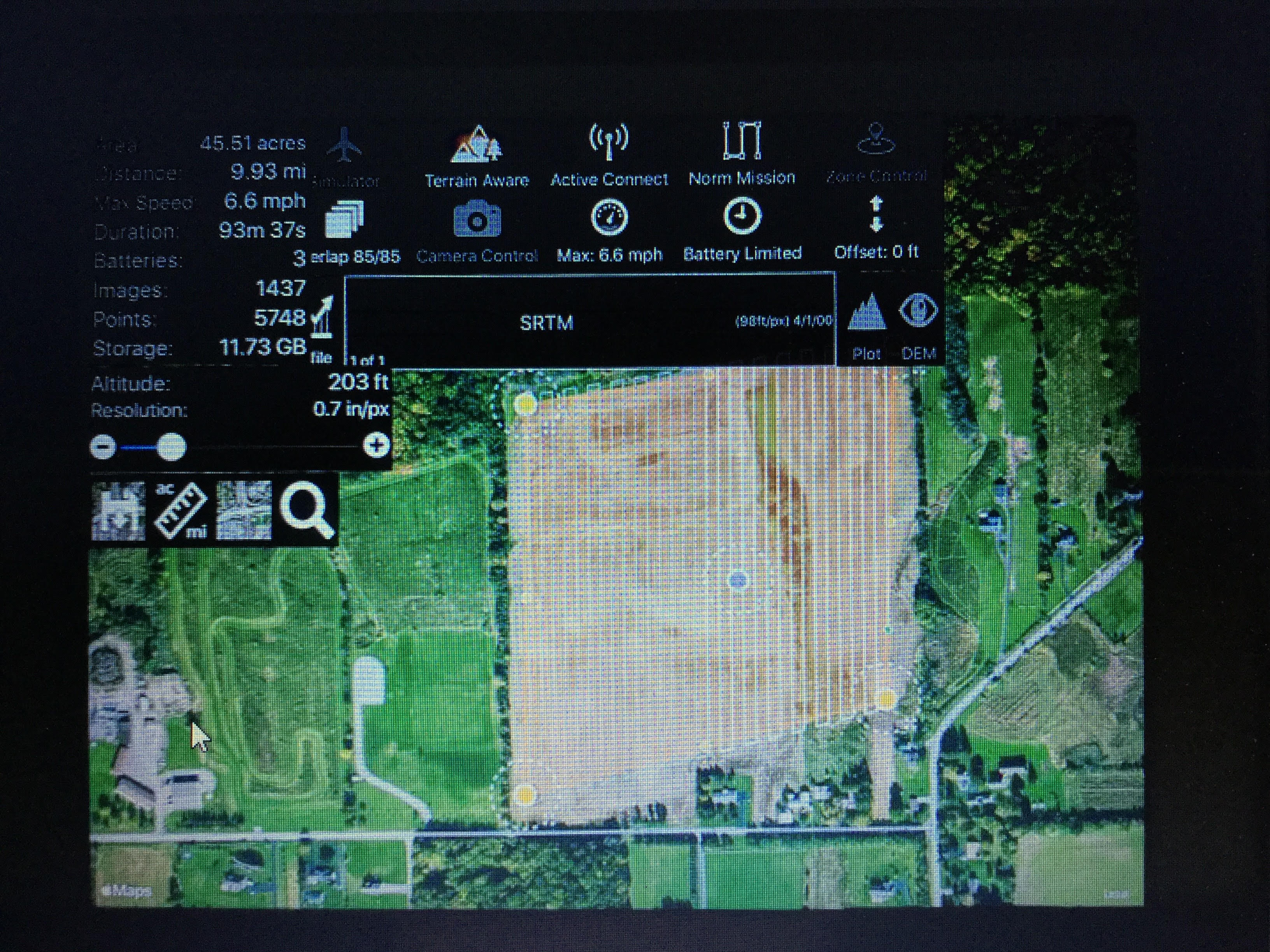
"Profile" key not appearing when I select Terrain Aware.  Sorry for the image resolution.  Original imamage is 4.9 MB...I see 2 MB is max alowed

.ss

mrlbristol 0 표
댓글 작업 고유 링크
0
Avatar

The Profile button is hiding in there. If you slide the top left panel away you will be able to see it and press it.

Zane 0 표
댓글 작업 고유 링크
0
Avatar

And there it is.  Why is it hidden....not so intuitive?....(on tne down side), but very impressed with incredibly quick response.....and that's why I'm a loyal fan (-;

Marty

mrlbristol 0 표
댓글 작업 고유 링크
0
Avatar

Those two left panels are not out by default. Opening and closing the side panels is just part of the basic operation. 

Zane 0 표
댓글 작업 고유 링크