공식 댓글

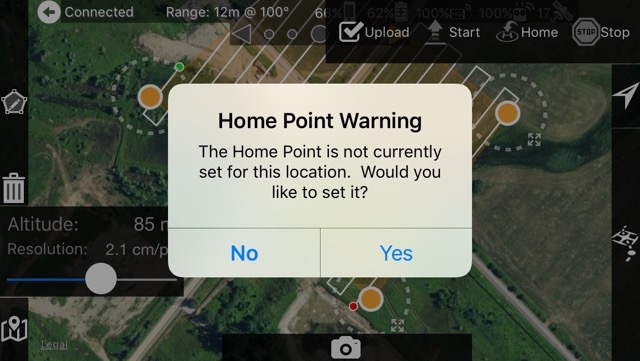
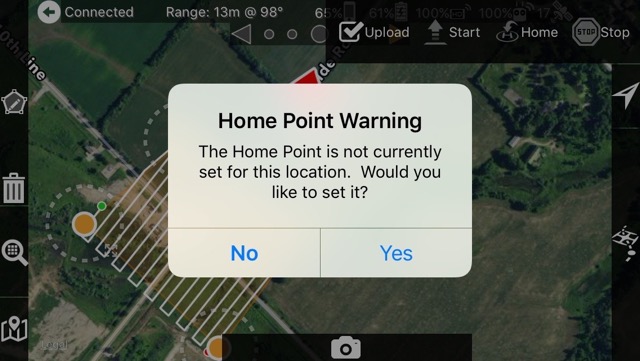
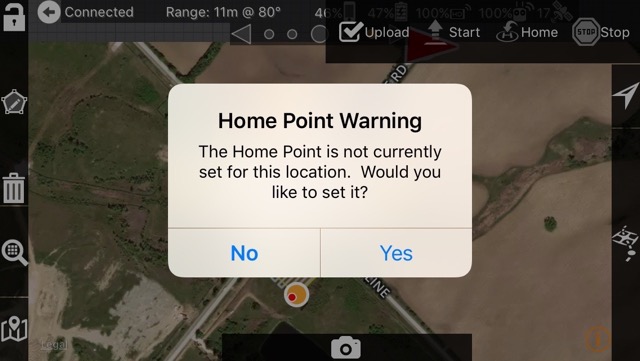
This Home Point and connection issues are apparently a problem with the Inspire Pro as we have only had reports of it happening with that. We don't have one to test with right now. The "Adjacent Point further than 2000 m" error happens when there is no valid Home Point.
Can you describe the issue with the mission data being lost a little better? When the app is closed it will load the last known mission data from a saved file. The aircraft will backtrack along flight path for one waypoint depending on conditions when the app closed.
If you manually land the aircraft instead of letting land on its own it will get out of sync with the completed waypoints.
If you must manually fly it home and land it make sure you switch back into F mode before you hit the ground so things will get set up properly. If it isn't in F mode the app does not get updates.
We cannot affect the loiter time. The "dance" is it going to a waypoint that is a few meters away from the takeoff point. It might account for 10 seconds.
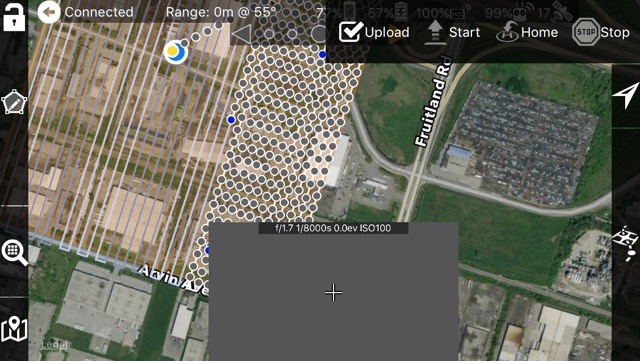
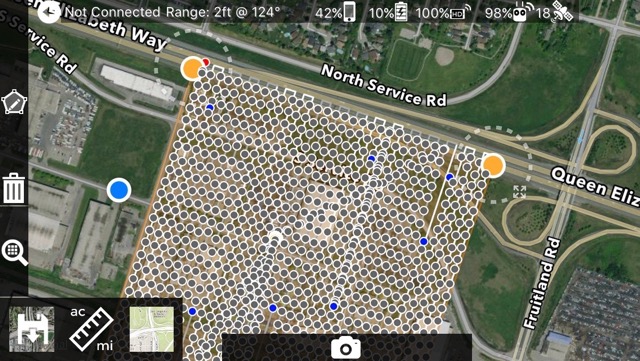
If you ever have questions on where the programmed flight plan is heading make sure you have the "Display Adjacent Missions" checked in the settings so it will display the blue flight preview line. That line is the exact path that will be flown as it is programmed into the aircraft.
The mission is locked between battery changes. If you are experiencing otherwise please carefully document the steps to reproduce it so we can address the issue. We have tested this in new and cached missions and are not seeing it be unlocked until the mission is completed.
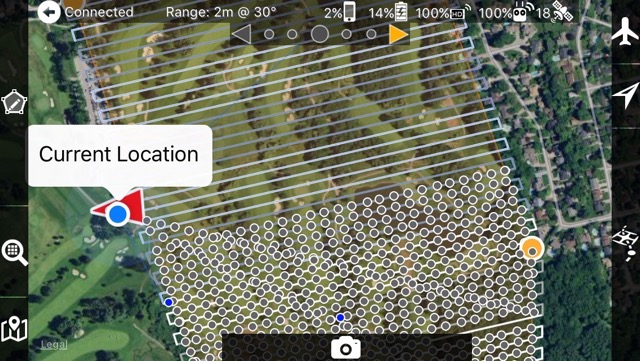


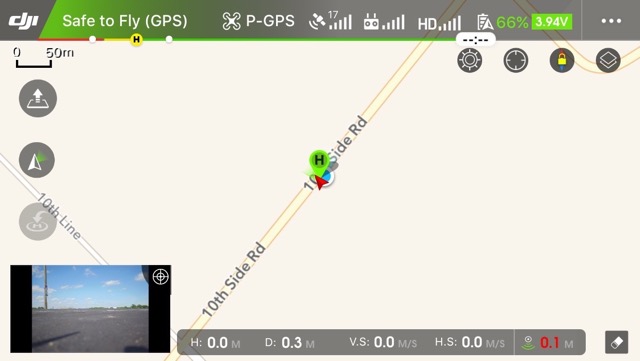
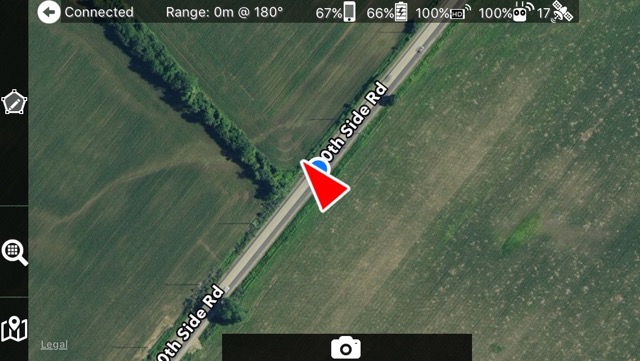
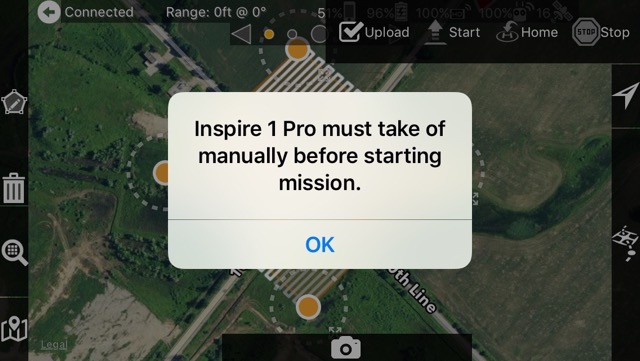
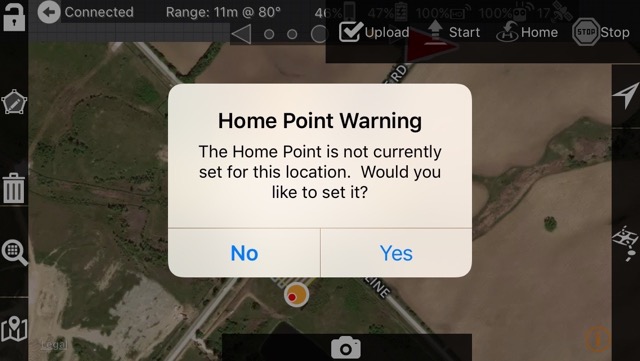
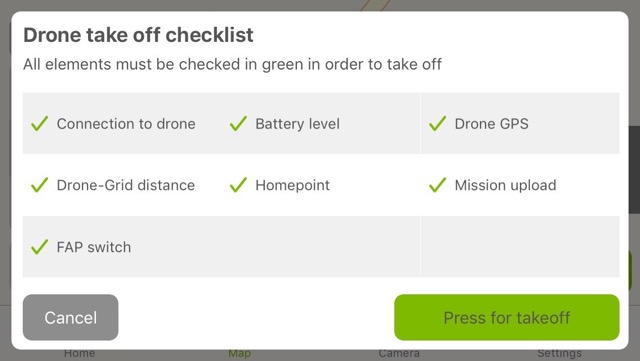 Look at the Homepoint checkmark. This is ready to go.....