게시물

팔로워 2명 팔로우
0
Avatar

Unable to upload photos for stitching

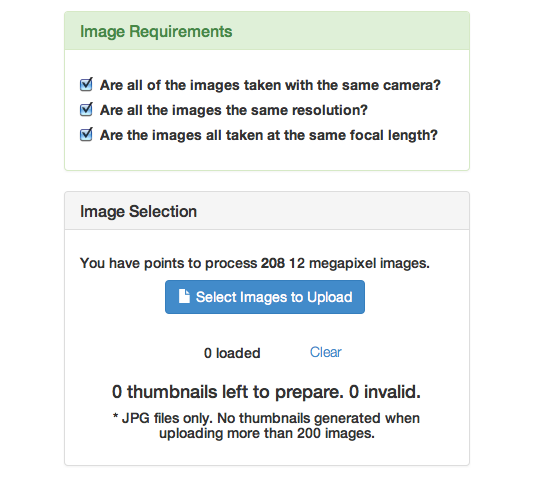
Hello, I have successfully completed two flight missions with Inspire 1 and your app (Its really fantastic app) and have over 100 jpg photos ready for stitching. But MME will not allow me to upload jpgs. After selecting the individual jpgs I am advised in a dialogue box that something is invalid. I'm using Safari and selecting individual jpgs directly from micro sd taken from the Inspire 1. Also tried on Windows 7 and Windows XP. But no joy...so disappointed. Hopefully I can find a solution


Akgale

공식 댓글

Avatar

Maps Made Easy is a JPG eating machine! It loves them.

But... If your JPGs have had the tags modified by some other software the EXIF information my have been changed to the point of being usable.

We would be able to help a bit better if we could get a screenshot or get the exact text and context of the error.

Images should be uploaded directly from the SD card without using any image management software from Adobe, iPhoto or whatever the Windows photo manager is.

That is likely your issue. We want you to have joy.

If you want you can send us one of your images to inspect the tags for what might be going on.

Jay
댓글 작업 고유 링크

댓글을 남기려면 로그인하세요.

댓글 6개

0
Avatar

Ryan, Thank you for your advice. I attach a screenshot of the error text. All of the Photos are >2mb and kicked out of this system but I will try and reduce a photo and send, or do you have an e-mail? Many thanks for your help. One other interesting thing is is allows me to select if I choose the basic stitch workstream but not on the w/GPS workstream.

Akgale 0 표
댓글 작업 고유 링크
0
Avatar

Also I notice I have used all of the 10 Mapbox missions but I understand this is optional, is this correct? Thank you

Akgale 0 표
댓글 작업 고유 링크
0
Avatar

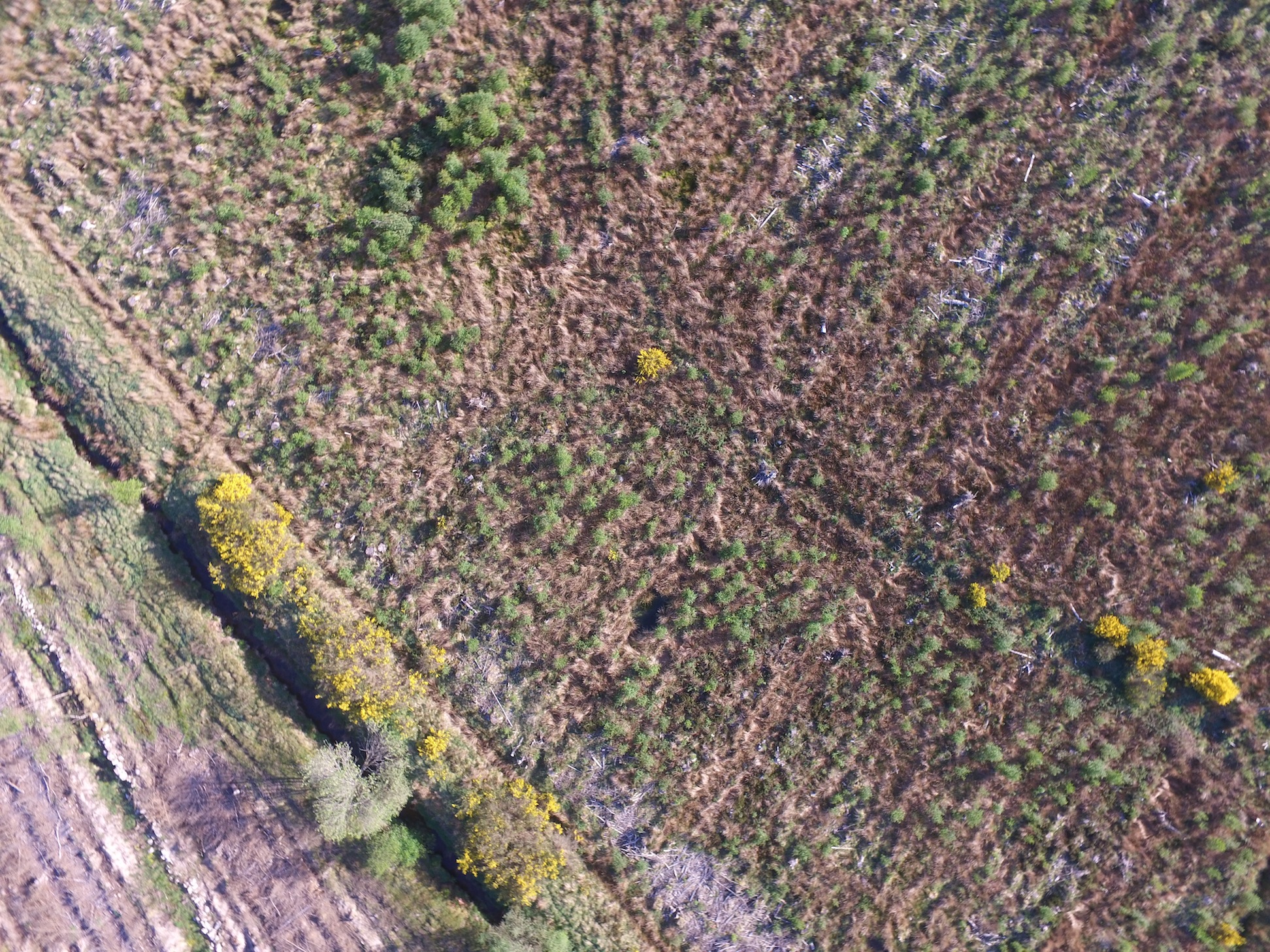
Ryan, I have uploaded here a photo taken by the Drones Made Easy App on my Inspire 1. It is directly taken off my micro sd card and resized using Mac Preview and resize option.


Akgale 0 표
댓글 작업 고유 링크
0
Avatar

There is not a 2 MB limit to the images. The limit is 20 MB per image.

Please make sure you are using Chrome or Firefox since Internet Explorer does not support a lot of the libraries we use.

The number of times you have used the basemap caching in the app has nothing to do with the uploading of the images to Maps Made Easy.

If you still need us to check the tags you can email an unmodified image to mapping@dronesmadeeasy.com

Jay 0 표
댓글 작업 고유 링크
0
Avatar

Many thanks to Ryan at Maps Made Easy...Installed Google Chrome on Imac and solved the problem of uploading. And yes, it is a jpg eating machine!!!!!

Akgale 0 표
댓글 작업 고유 링크