
공식 댓글

Please use the most recent version of the app which is 1.6.2. You need to be using the 'e' variant on the RC Pro if you are using the Mini 3 Pro. There is no way for you to use the Galaxy Note 9 unless you have the N1 remote. Make sure all of your firmware versions are correct as shown on the APK Installations page.
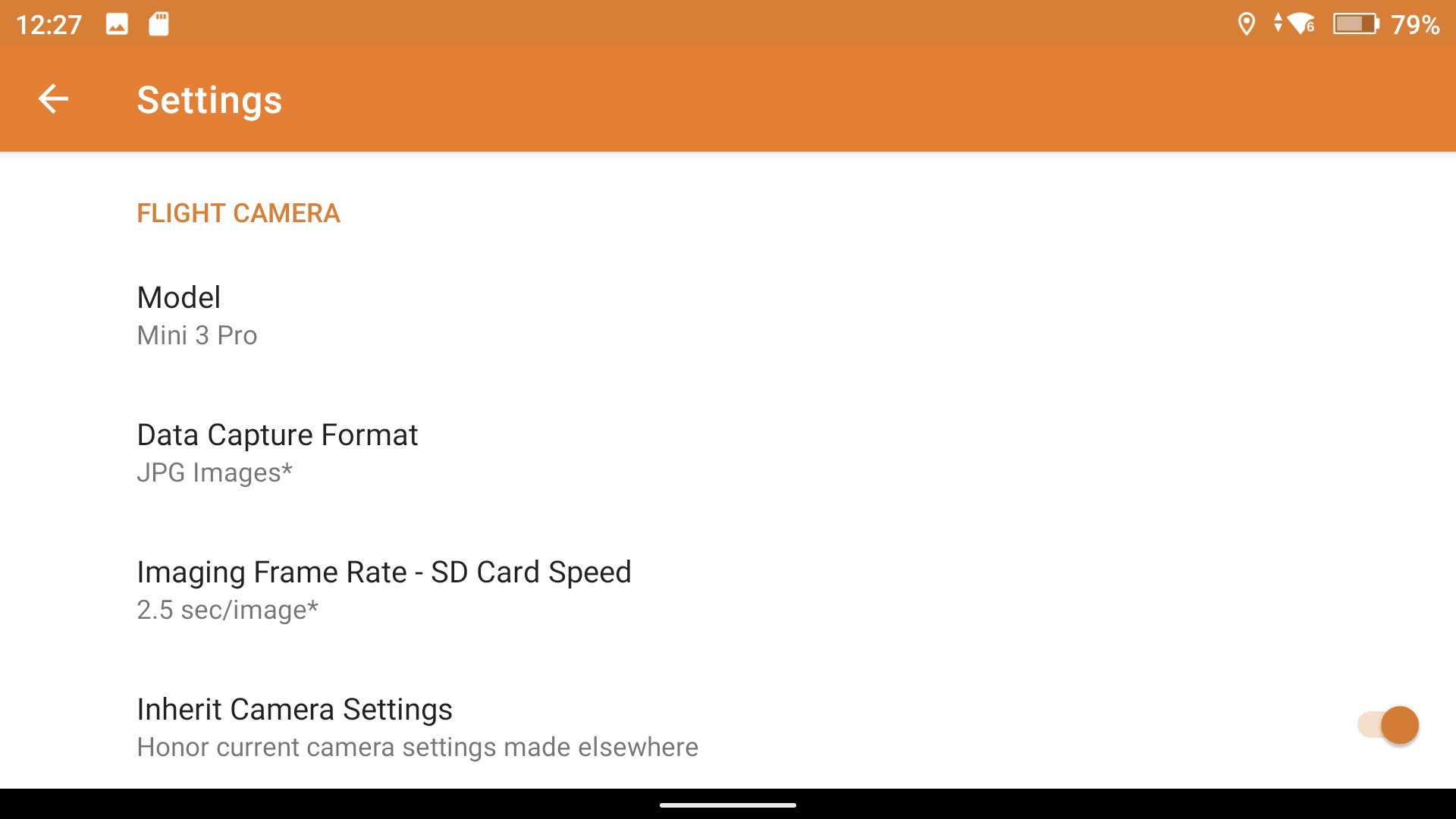
Turn off Inherit Camera Settings. Who knows what else you have set in other apps. This should only be used if you REALLY know what you are doing with the camera settings.
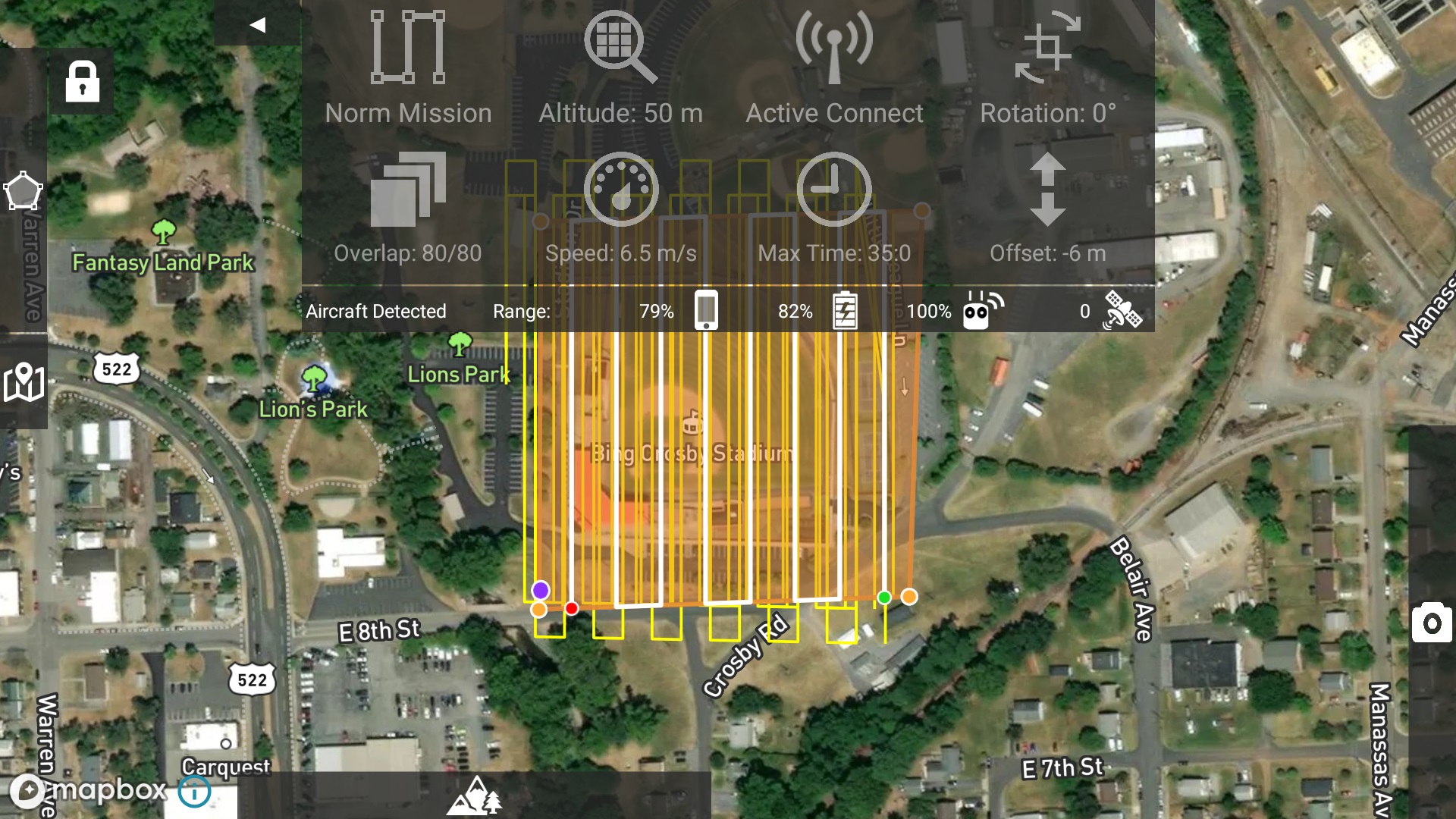
You can only upload a flight to the aircraft once the aircraft knows where it is. There is no red triangle on the screen denoting the aircraft location because there are no satellites available.
댓글 작업
