게시물

팔로워 3명 팔로우
0
Avatar

"Upload" Button dorsn't appear

Hi;

Why I am loosing the "Upload" button after Recalling a Planned and Saved Linear Mission for the P3Pro ? ("Upload" doesn't appear at all)

Thanx;

Zahi Khawand

공식 댓글

Avatar

Thank you for bringing this to our attention.

The workaround until the next release is to hit the Unlock button, pull down the Options Menu, press Grid Mission, and then press Line Mission again. This will not affect the path and will just enable the Save and Upload buttons.

Zane
댓글 작업 고유 링크

댓글을 남기려면 로그인하세요.

댓글 7개

0
Avatar

I did it and it is Ok as you mentioned, however; the ConnectionLess mode in such case cannot be altered to Connection Full. (**As we know, ConnectionLess doesn t work on P3P at all due to SDK issue)

Any recommendation to solve it ?

Thanx;

Zahi Khawand 0 표
댓글 작업 고유 링크
0
Avatar

Both of these issues have been fixed and submitted for approval. 

P3, P4 and Inspire 1 aircraft will all rely on the timed image triggering instead of the distance triggered version for aircraft that don't support it.

Zane 0 표
댓글 작업 고유 링크
0
Avatar

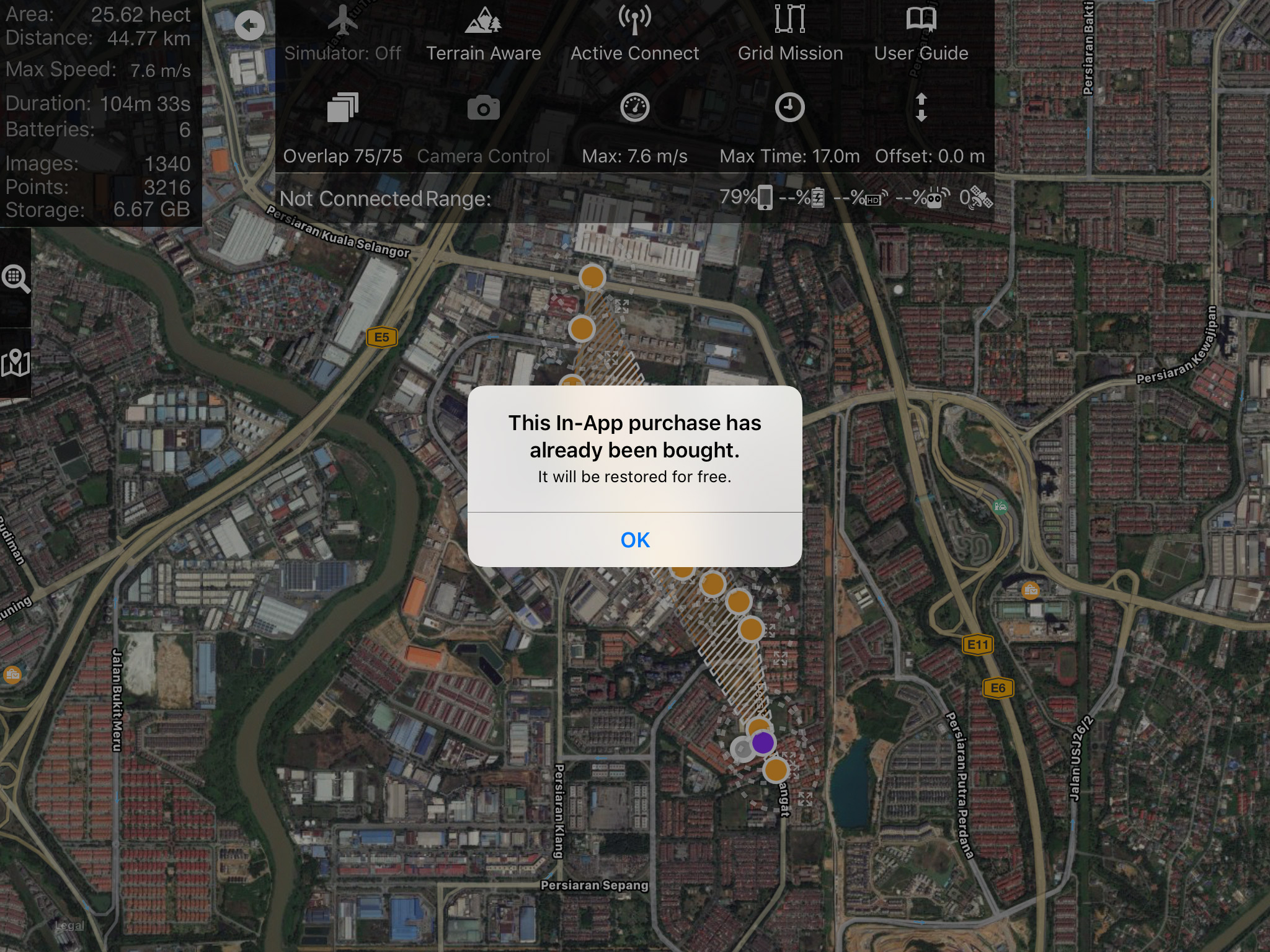
Just bought your in app purchase for Linear mission ... The upload button still disable ... pls advice. I'm using Phantom 3 Advance

Hishamuddin Mohamed Amin 0 표
댓글 작업 고유 링크
0
Avatar

Hishamuddin: You need to purchase the Linear Planning feature to be able to fly a Linear mission. Try to make the purchase again if it isn't working. You will not be charged more than once for the feature per iTunes account.

Zane 0 표
댓글 작업 고유 링크
0
Avatar

The aircraft has to be connected with the red triangle denoting the position showing in order to get the upload button... 

It shouldn't be asking to purchase it over and over if it has already been purchased though. Please forward your purchase receipt email to mapping@dronesmadeeasy.com so we can verify that it is the right product.

Zane 0 표
댓글 작업 고유 링크