Posting

2 pengikut Ikuti
0
Avatar

Flight fully within boundary

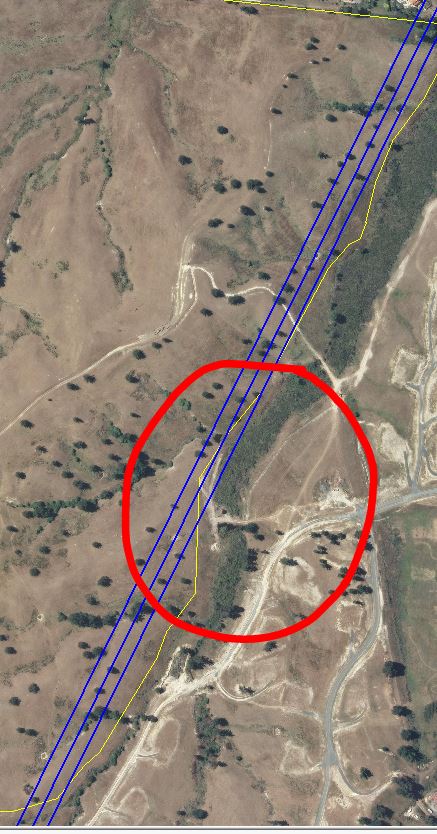
Hi there, is there a way to ensure the drone stays completely within the area specified for flying?  I recently did a flight with very irregular boundaries over a property and noticed the drone going outside this boundary on its flight path as shown below (for context). Although it did not take photo's while outside the specified area to map this is still an issue as sometimes neighbours will be upset by this.

Mark

Komentar resmi

Avatar

The white/grey line is where the aircraft will fly. You can bring your boundary in some at that point.

Or... 

You can use Connectionless mode which does not have the speed ramp up and ramp down overflight that occurs in Active Connect mode. Connectionless mode does not leave the designated boundary. 

Zane
Tindakan komentar Permalink

Harap masuk untuk memberikan komentar.

3 komentar

0
Avatar

Thanks Zane, I'm assuming to turn connectionless mode on / off is a tick box function in the settings??

Mark 0 suara
Tindakan komentar Permalink
0
Avatar

It is in the Options Menu. You can toggle between Active Connect and Connectionless. 

Zane 0 suara
Tindakan komentar Permalink