**UPDATE - removed questions submitted as new posts
Hi Guys,
Apologies for the long post, just had a heap of queries after todays mission.
Relatively new user to MPP, I seem to either have a really good day with it or a really bad day. Today was one of those bad days I got a bunch of errors, some of which I think I have answered myself some of which I still need advice on.
I love the app when it works, I just need some clarification on some things if possible. I'll list everything I encountered just for others to see possible solutions also.
Device: iPad Mini 5th Gen on iOS 16
Subscription: Pro
Drone: P4P Advanced
Terrain Awareness: On
Firstly. Settings > Flight Camera > Model
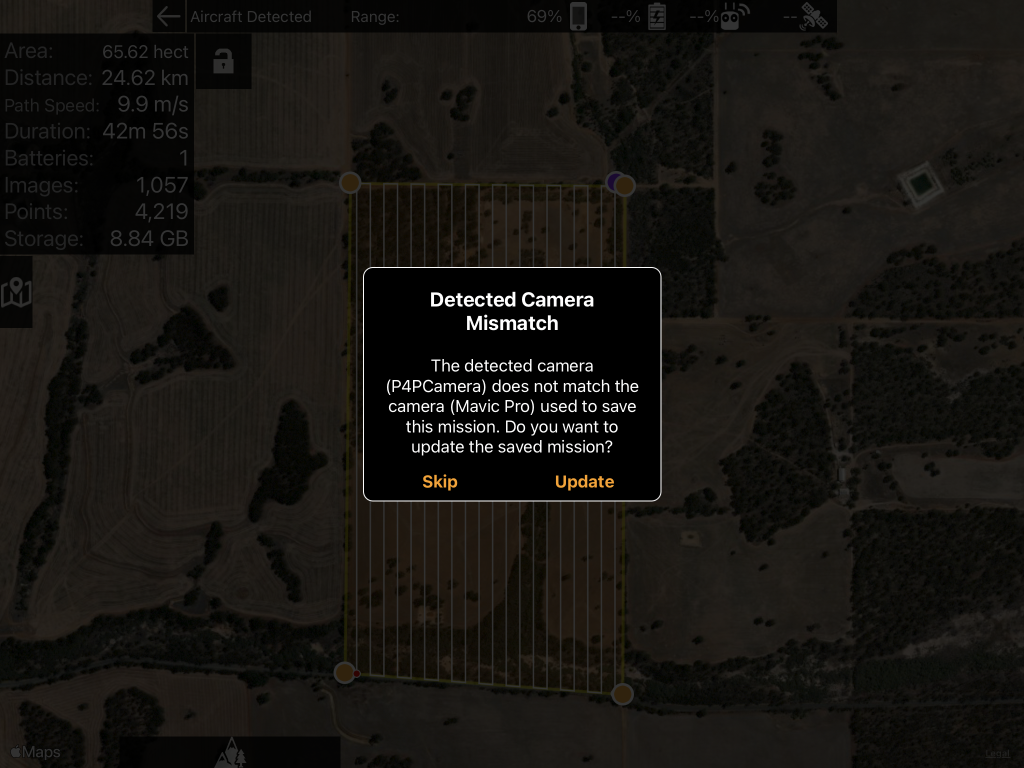
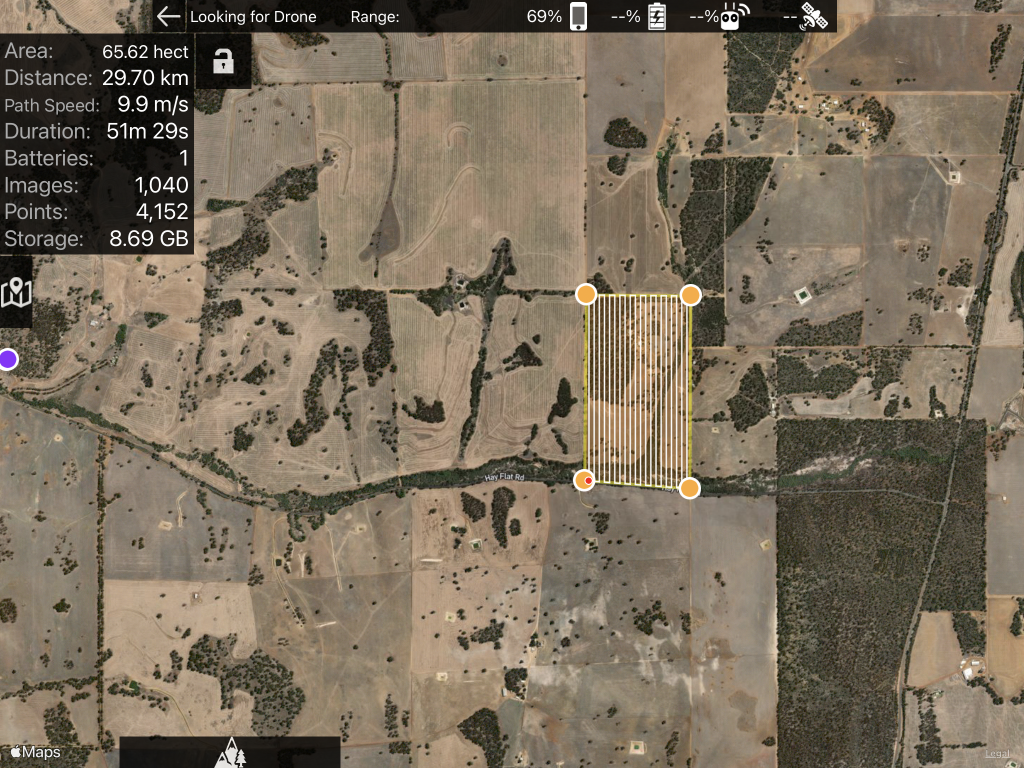
I have set to my drone model. P4P Advanced. However, when I plan a new mission it uses the mavic pro, I can tell by the Estimate panel showing a flight taking 80 mins with 2 batteries. Would never happen with a phantom should be at least 5 batteries estimate. Also when I plug my controller in and it states "Detected Camera Mismatch" The detected camera (P4PCamera) does not match the camera (Mavic Pro) used to save the mission. Do you want to update the saved mission? I click update and nothing in the estimate panel changes, it stays as 2 batteries etc like the Mavic Pro estimates.
Even a new missions plan would not honour the Phantom 4A that I have set in the settings.
After an uninstall and re-installation of the application The New missions are now planning as the Phantom 4 based on the flight time and batteries required estimate. However, the existing saved mission plans if I go into one get the detected camera mismatch setting then click on update still nothing changes in the estimate panel.
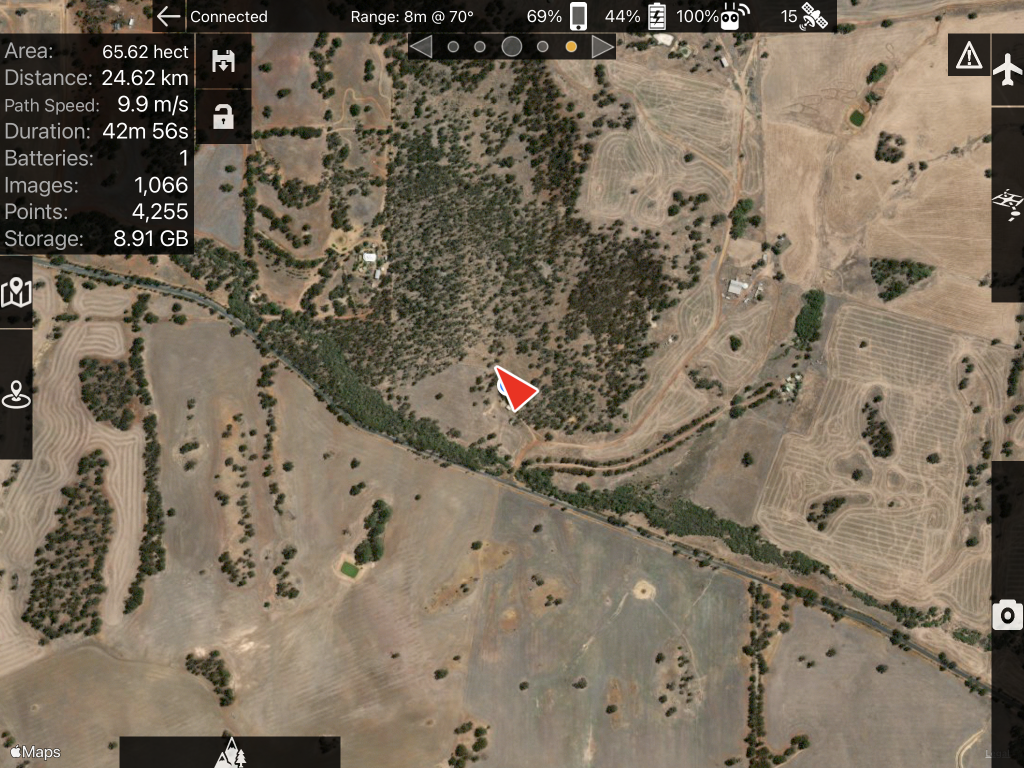
Maximum Waypoints In Use
The flight path was shortened due to limited waypoints.
I have flown 3 battery missions with over 4,000 points without this error. Do you think it may be caused by the fact the Drone that the mission plan see's is the Mavic Pro and not The P4PA and when it uploads it sends more waypoints due to the battery estimate?
Flight Start Error Phantom 4 Advanced
Over maximum flight radius. What does this mean?
Wasn't sure what to try, I close MPP and opened DJI Go checked a couple of settings closed DJI Go, went back into MPP and uploaded again, this time it worked ?
Aircraft Errors
Always get these 2 errors when starting a mission.
- dji_check_fc_takeoff_failed_unkown_error
- dji_check_fc_gps_reason
Does not seem to affect the mission, but they come up every flight.
Cheers!
Glenn