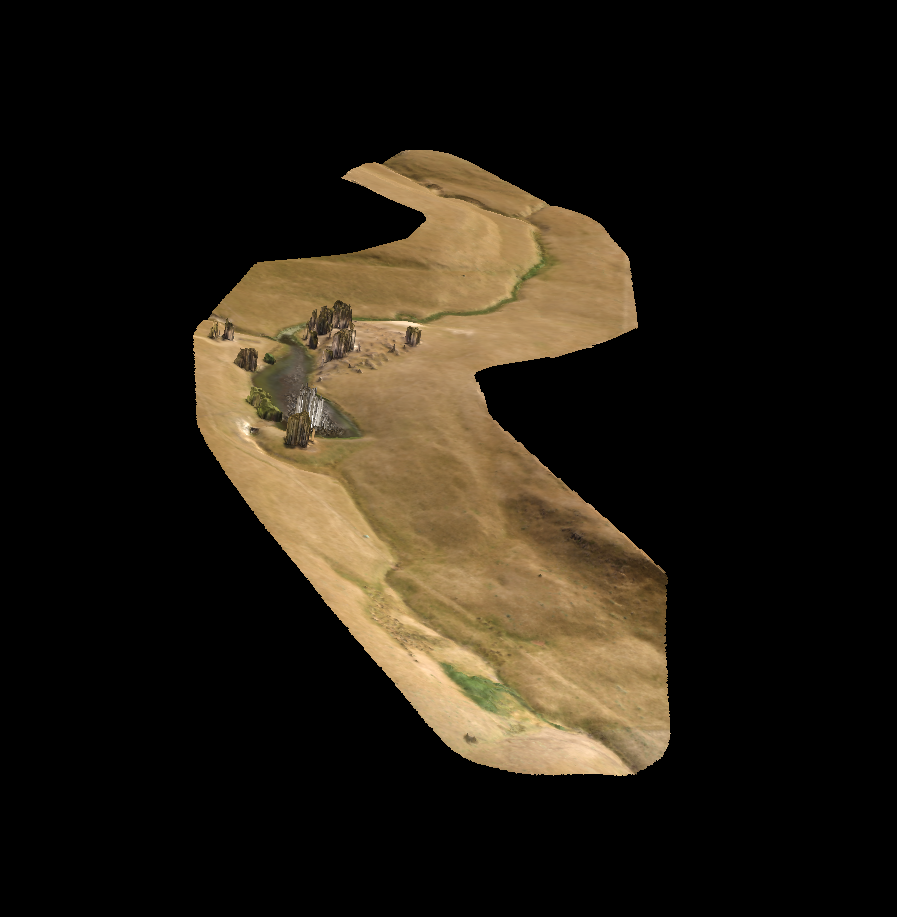
Yes. We updated the 3D model viewer for the web previews about 8 months ago to show progress of the model and texture loading so people didn't just think it wasn't working while it loaded. Also, the viewer settings have a bit of a sheen now. All models are displayed the same so older models will look the same as newer ones in our online previewer.
Posting
Ikuti3D Viewer
Has something changed with the 3D viewer? My latest models look strange, don't have colour or just not quite right. Have checked a few older ones and they don't appear the same either?
Harap masuk untuk memberikan komentar.
4 komentar
Tindakan komentar
Maybe it is a problem with my models. Does this look right?
https://www.mapsmadeeasy.com/maps/public_3D/a58fa5c1af5948ac9b8963978aac4fcc/
Tindakan komentar
That one looks find to me. What are you expecting to be different? Keep in mind that this is just a low bandwidth preview with 10k faces. The full resolution version is available for download in your Map Detail page and can be viewed in MeshLab.

Tindakan komentar
OK, I must need to update something on my laptop. Have just checked on the work computer and it appears fine.
Thanks.
Tindakan komentar