आधिकारिक टिप्पणी

You need to hit that "Add New GCP" button and manually type in (or copy and paste) the coordinates you have recorded into the boxes.
Please see the following guide:
टिप्पणी क्रियाएं

I am attempting to insert GCP data obtained with a Trimble GPS. Not sure how to do that. The only path I find is using the this menu step......
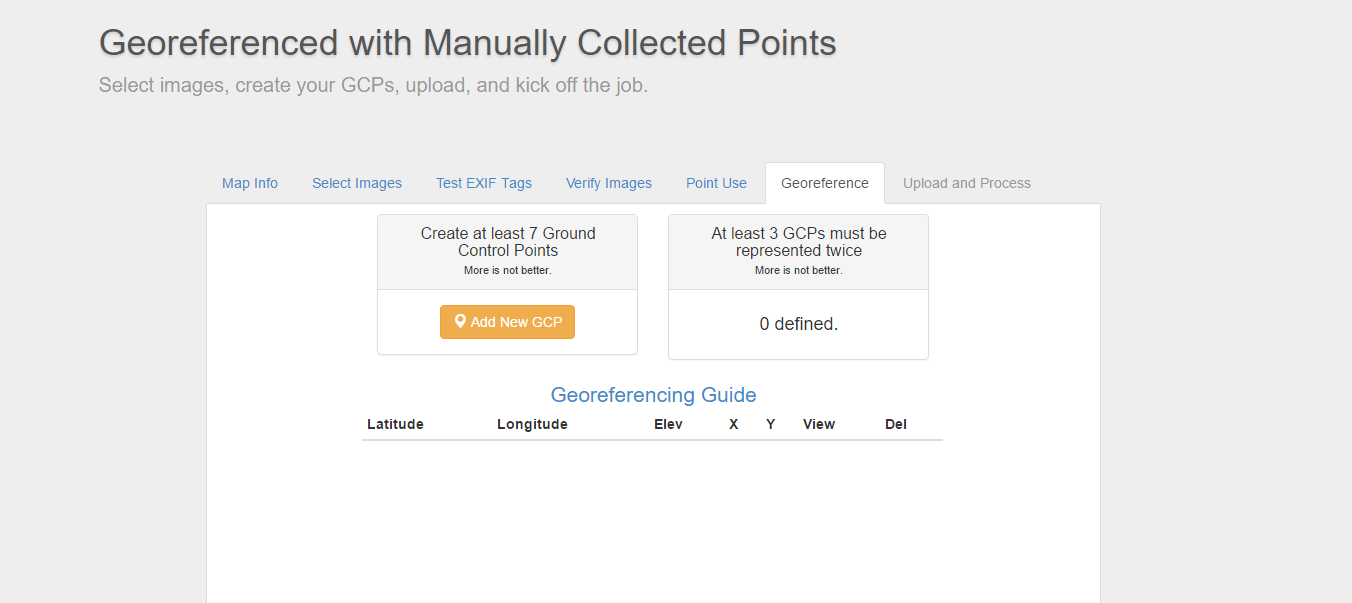
You need to hit that "Add New GCP" button and manually type in (or copy and paste) the coordinates you have recorded into the boxes.
Please see the following guide:
कृपया टिप्पणी करने के लिए साइन इन करें करें.
Tried. After entering lat. got this"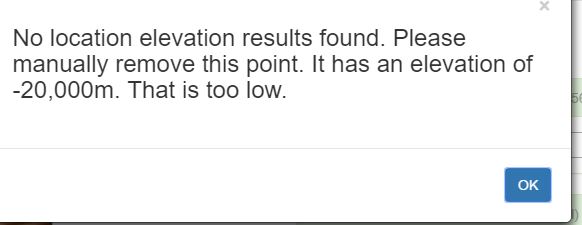
Depending on what kind of images you are using it might auto populate some of the values. Did you try putting in an elevation first? Also, make sure your Lat and Long numbers are not backwards.
OK, works better with elevation first. I only have 5 GCPs, do i absolutely need 7?
At the very least you need to do three of the twice so 5 measured points should fine.
Figured it out, Tudor. Thank you.


