Commentaire officiel

You need to have either the aircraft location or the purple anticipated takeoff location dot drawn within a kilometer of the location to have that show.
Actions pour les commentaires

Hey,
Since the Android update issues I've been having with the DEM file that I loaded into our user doesn't show up on the app anymore.
When I log into our profile on the website the file is still there and says its available to be used.
You need to have either the aircraft location or the purple anticipated takeoff location dot drawn within a kilometer of the location to have that show.
Vous devez vous connecter pour laisser un commentaire.
Hey Zane,
We drew up a shape in the area it should have been in and it still wasn't an option.
Thanks
If the area is really big it needs to be within 1 km of the center of the DEM covered area. Is this DEM larger than 2km x 2km? Your most recent DEM isn't that big...
Please post a screenshot of what you are seeing if you continue to have problems with it.
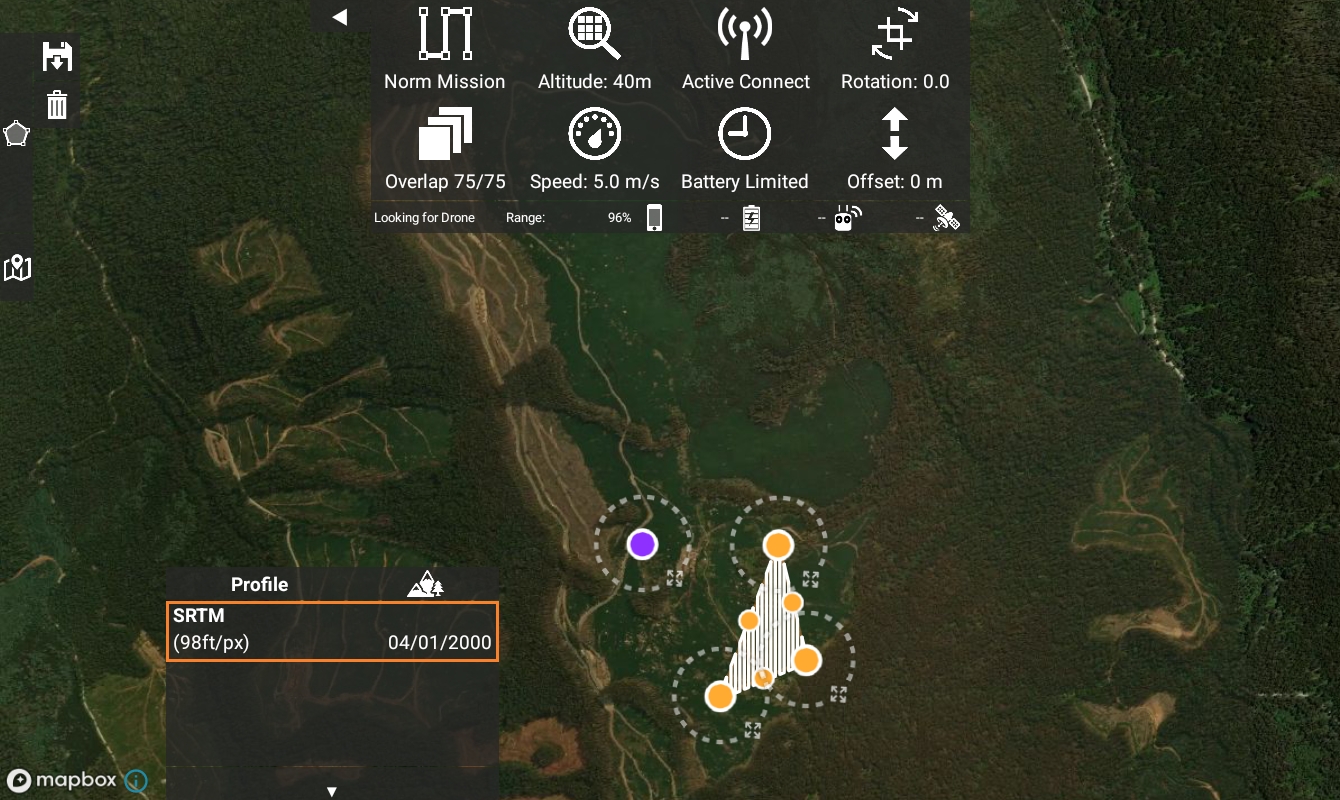
Please see above screenshot which is within the DEM you reference. The DEM we loaded into the system is not available

It looks like you are missing by quite a bit. Your layout appears to be just north of the covered area and the purple dot is not in the boundary at all. This is based on the two squiggly shapes right to the northeast of the colorized boundary. They show to the southeast/east of your layout.
I tried again, sorry it's hard to work out where the DEM should be since I still can't load KML files in.
Here are 2 other attempts to be within the footprint and it is still not available.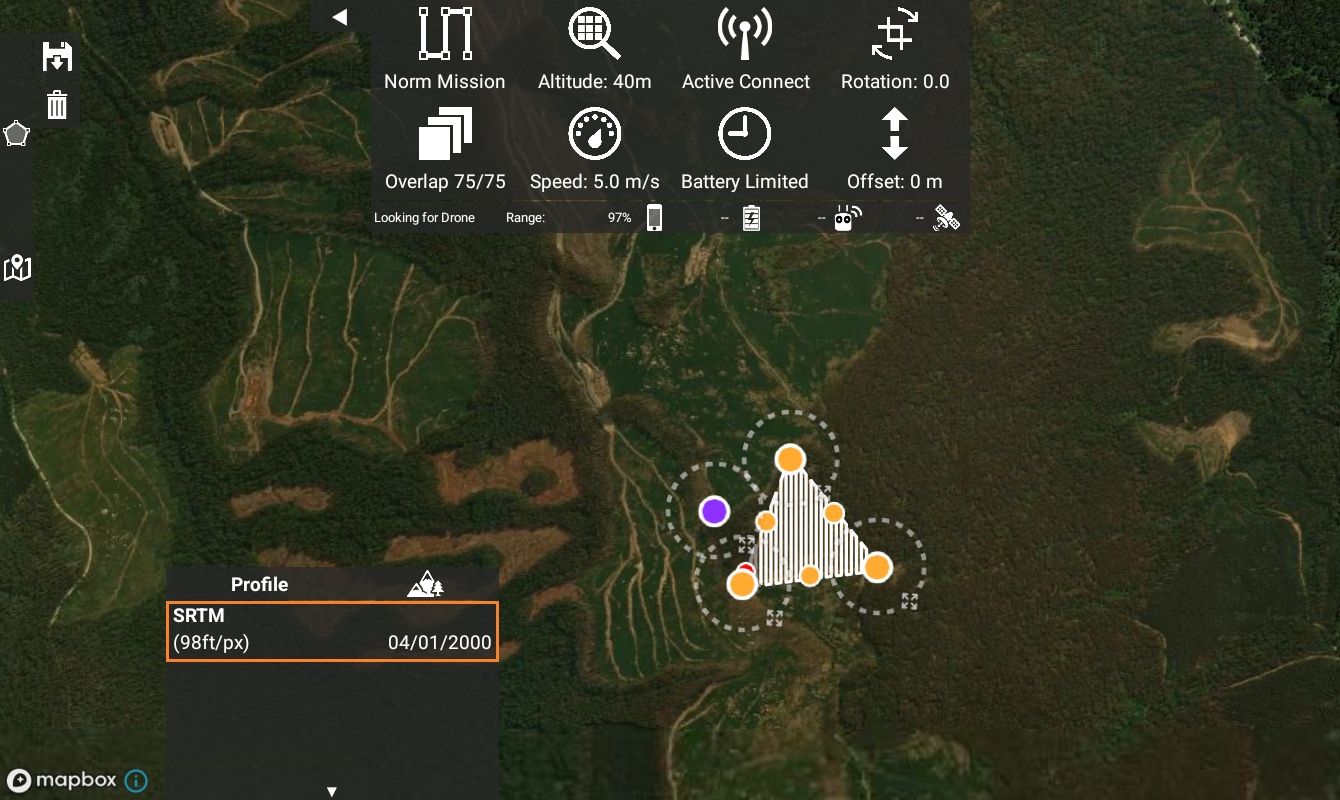
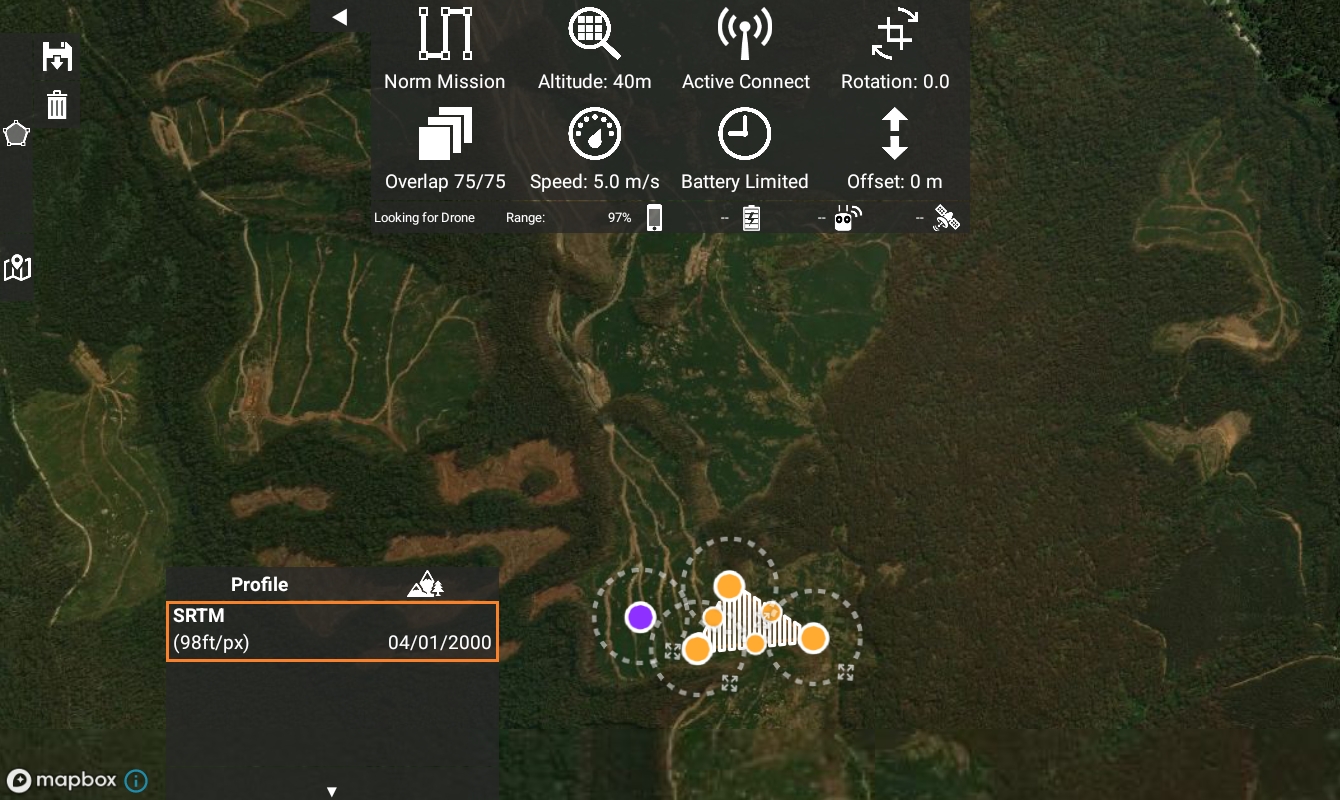
Yeah. Those look like they should be in. Please email mapping@dronesmadeeasy.com so we can take the next steps offline. We will need to takeover your account to see what is going on here.


