Official comment
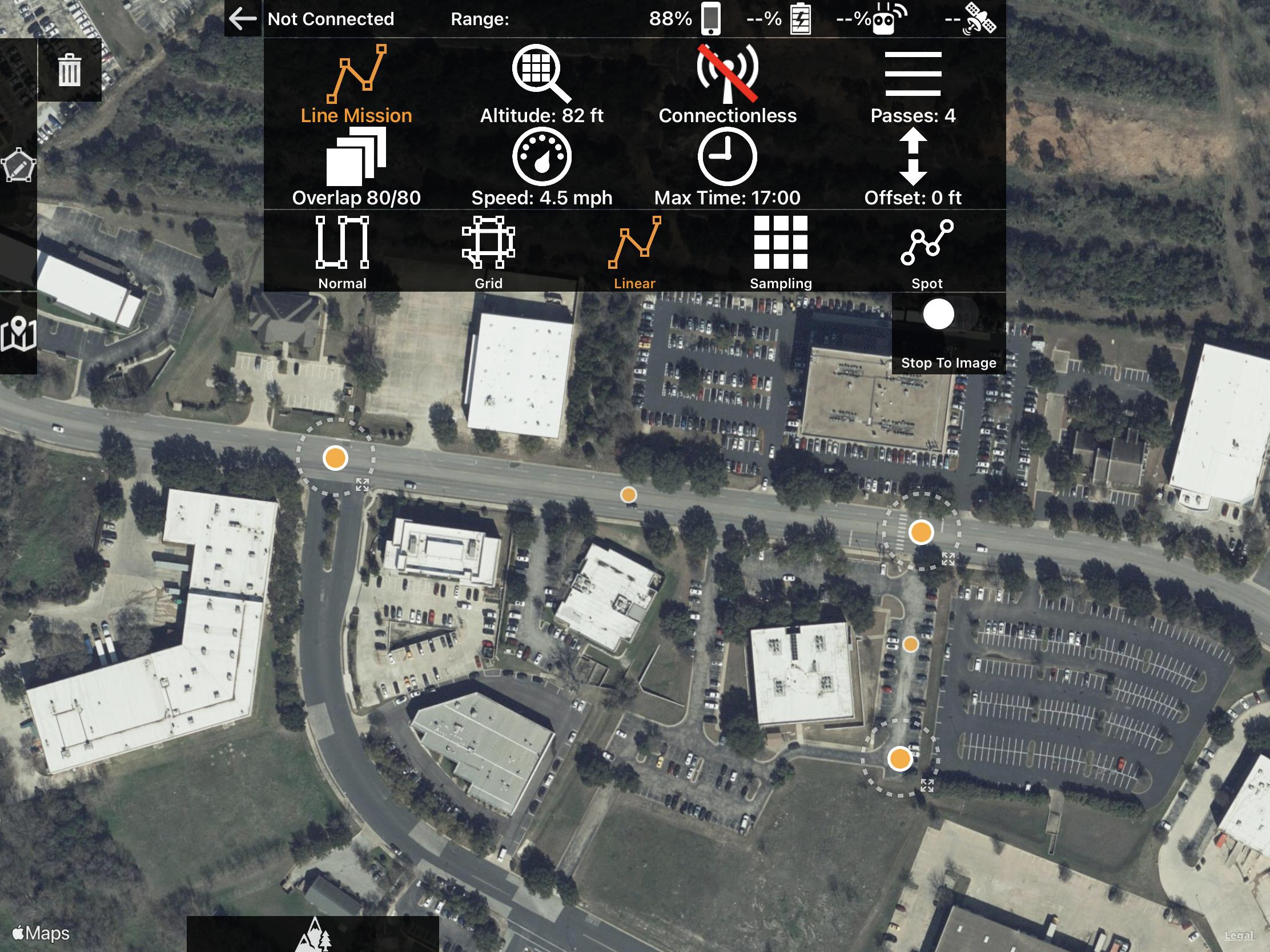
Either double tap to drop the anticipated home location (purple dot) or connect your aircraft so the app knows where you are. This is how we determine distances and estimate the number of batteries that will be required.
I'm trying to layout a mission with the linear mapping feature, and it doesn't seem to work, or provide any feedback on predicted image count, or even flight path. If I select two points, I get a red line. If I select a third, the line goes away. After that, I cannot add any more points. Am I doing something wrong with the workflow, or is this a bug?
Either double tap to drop the anticipated home location (purple dot) or connect your aircraft so the app knows where you are. This is how we determine distances and estimate the number of batteries that will be required.
Please sign in to leave a comment.
Thank you Zane! That got me where I need to be.
Two more questions if I can
1. From https://support.dronesmadeeasy.com/hc/en-us/articles/211429163-Opening-a-KML-from-Email:
"As of version 4.1.10, you could also define a polygon, line string, or set of pushpins in Google Earth and import it into Map Pilot as you normally would (via Email or AirDrop) but rename the file from sample.kml to sample_boundary.kml to import as boundaries and linear flight plans. Adding the _boundary to the filename tells the system to import is as boundary definitions instead of just guidelines. The imported data will show up in the File Manager screen. All features that are being imported need to have a name associated with them. "
2. No, but you can manually adjust the yaw and gimbal as needed.