Post

2 followers Follow
0
Avatar

App crashes for multiple recent versions of MPP on DJI M3M

In a separate post I described how the MPP app (3.1.16e) was repeatedly crashing on my RC Pro controller and a Mavic 3 multispectral drone, all with the latest firmware available from DJI.

One of the recommendations was to try a newer version of MPP 3.1.18e beta, or 3.1.12e as a fallback. I can report that none of these versions seem to work correctly: Here's what I get:

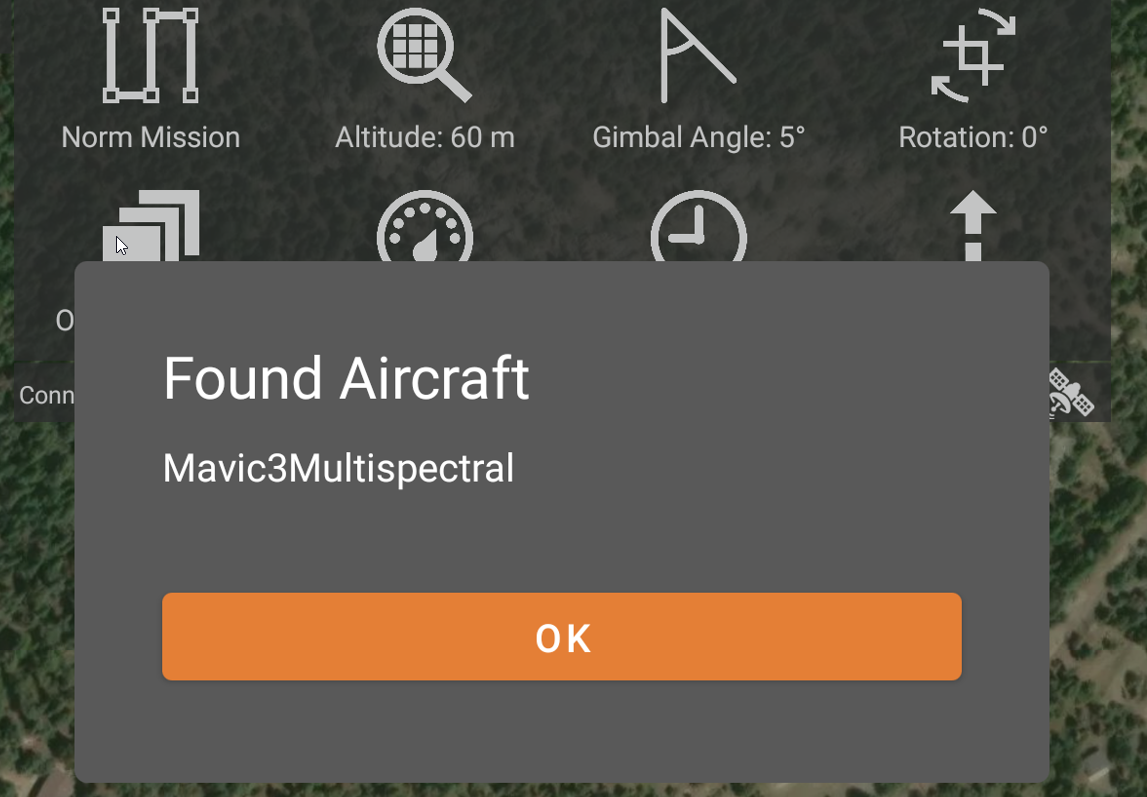
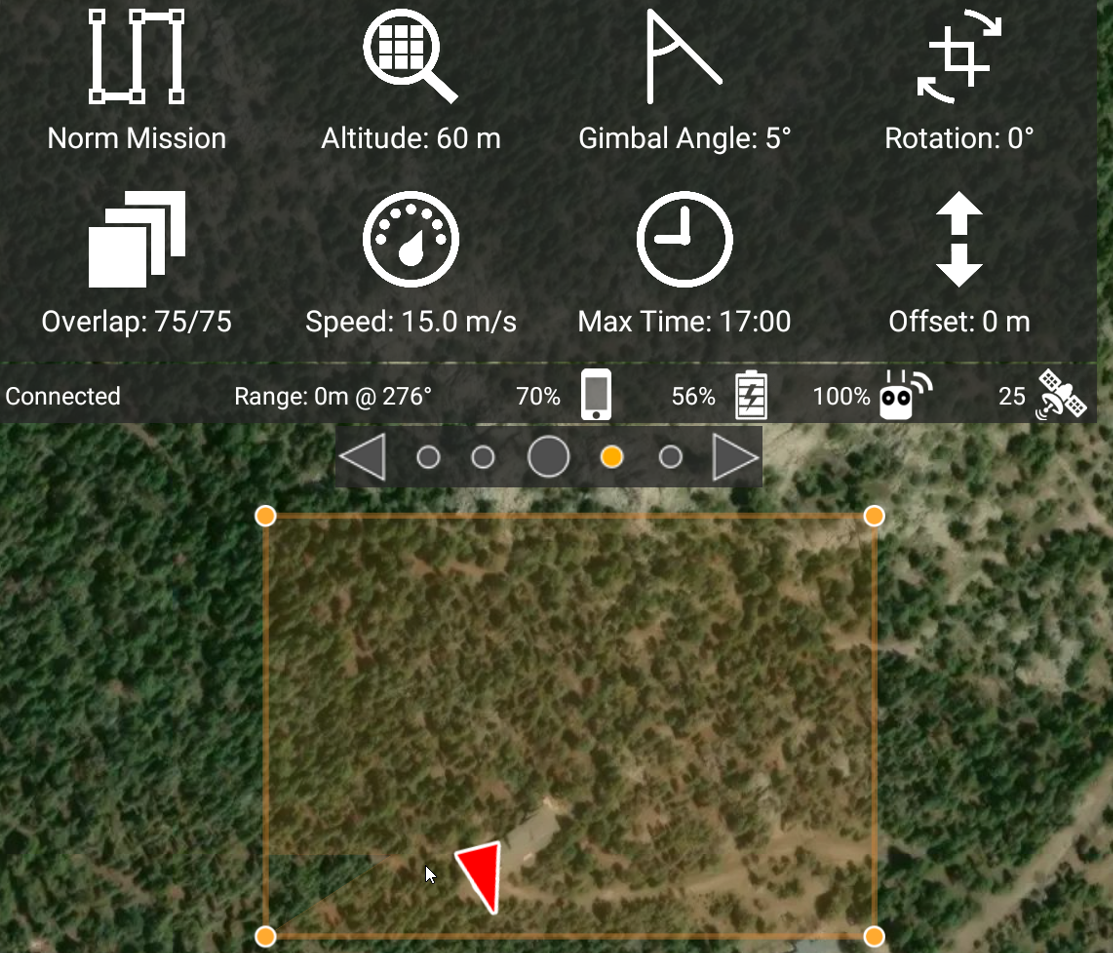
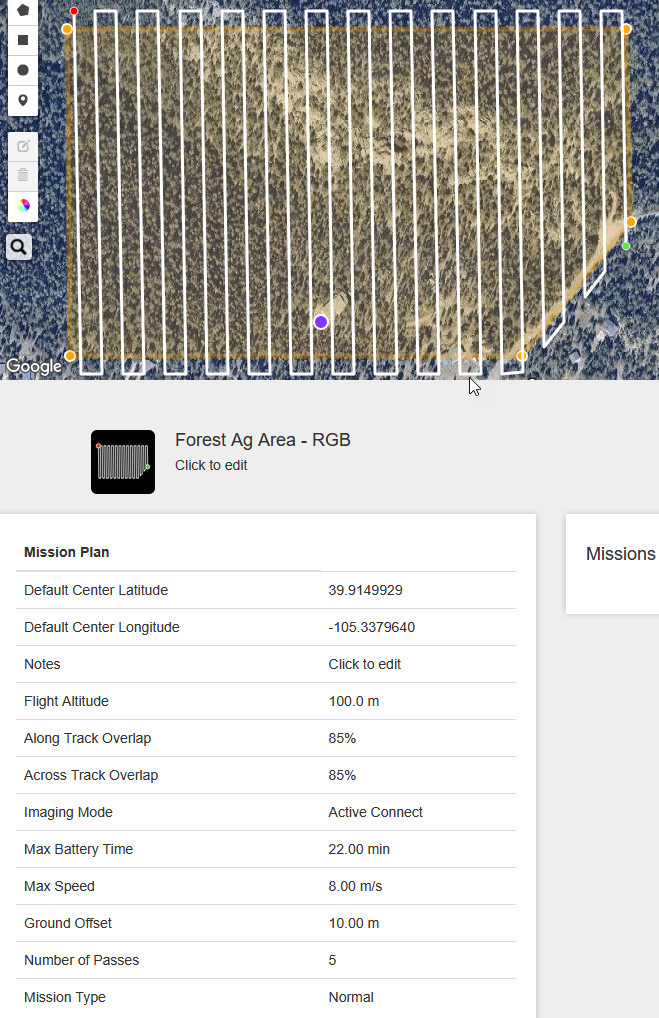
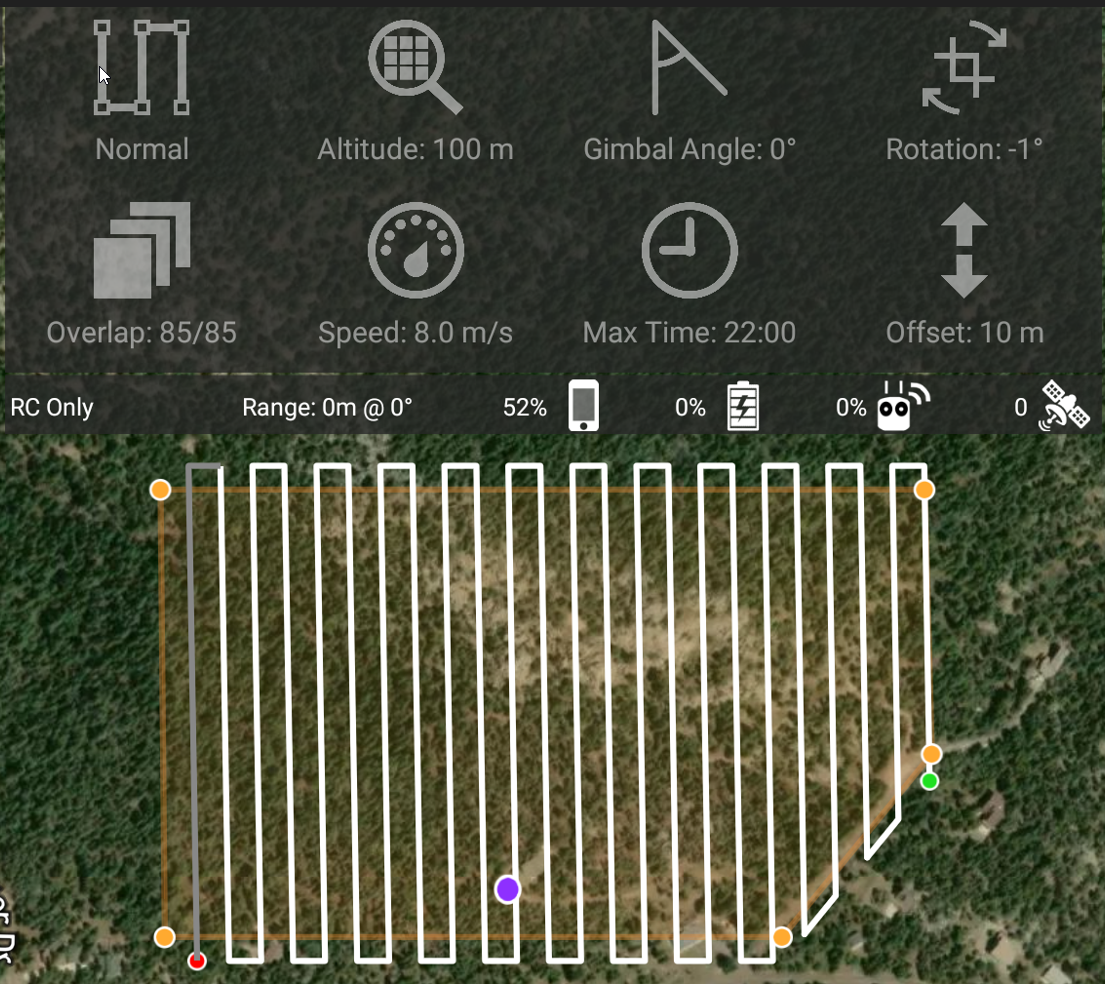
  1. 3.1.12e won't layout a mission after an area is selected from an imported kml file. MPP reports detecting the drone and shows the perimeter of the area, but nothing more. Complete bust. On the upside, it nicely displays the custom topography as the map background.
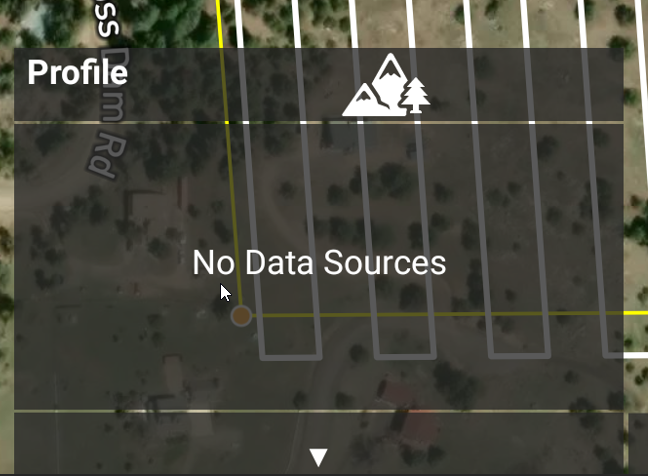
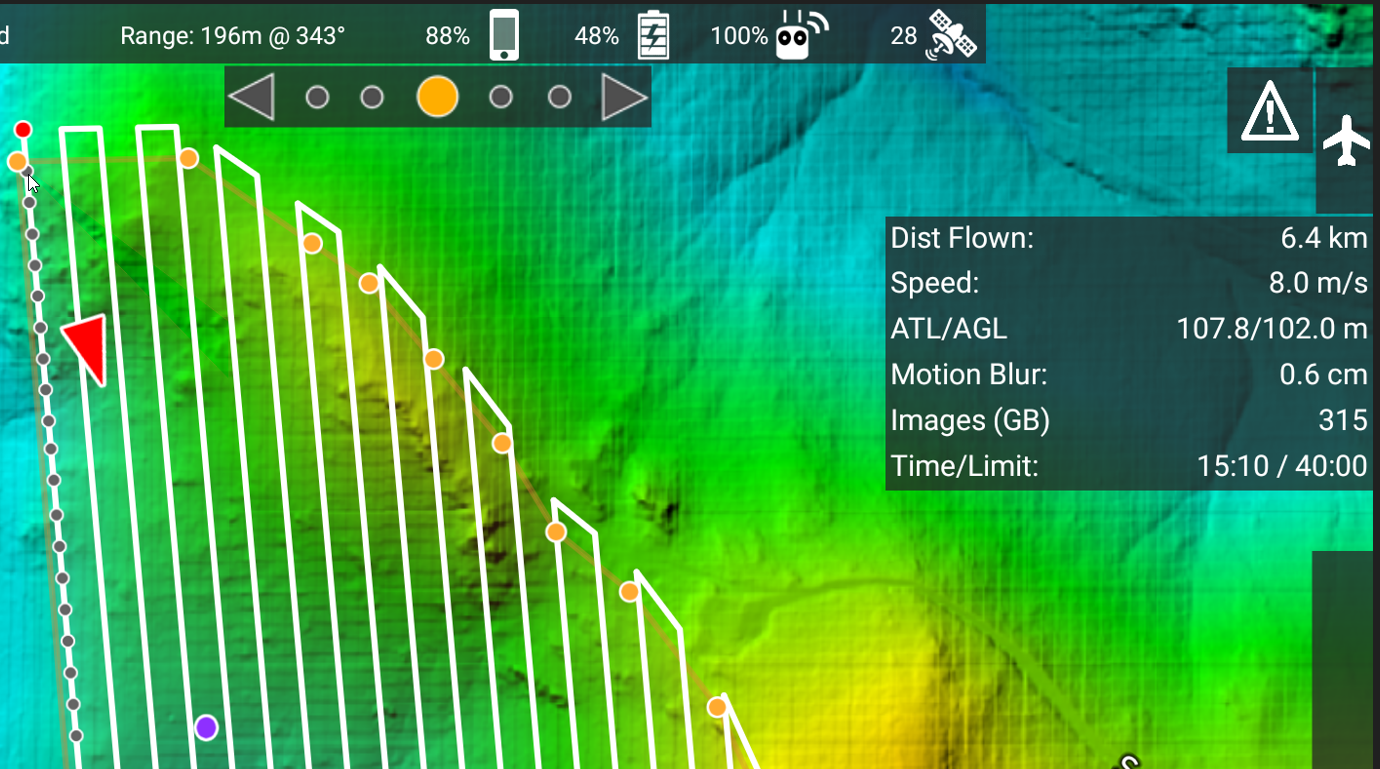
  2. 3.1.16e has intermittent app crashes that seem to be related to a memory allocation error in the MapBox SDK, but it's not clear what triggers it. It's possible to work around these crashes by hitting the controller RTH button, restarting MPP, and setting a manual restart point at the last good corner of the flight path. Inconvenient but workable. Custom topography not displayed.
  3. 3.1.18e beta looks good - right up to the point of takeoff. But the aircraft does not takeoff. Complete bust. Custom topography not displayed.
Chris Wood

Please sign in to leave a comment.

4 comments

0
Avatar

There are a lot of issues going on here. 

1. The app won't show the position unless you have at least 10 satellites. A layout cannot be done until the GPS fix is shown as the red triangle. OR... you can do a layout when no drone is even attempting to connect. But you can't do a layout in the period between the connection to the aircraft and the GPS fix being attained. 

2. We recommended update. 

3. Please provide a screenshot of what you are seeing before the aircraft takes off so we can tell you if everything was in the proper state. 

Zane 0 votes
Comment actions Permalink
0
Avatar

There indeed seem to be many issues going on with these recent releases. Is there a stable release you can me point to?

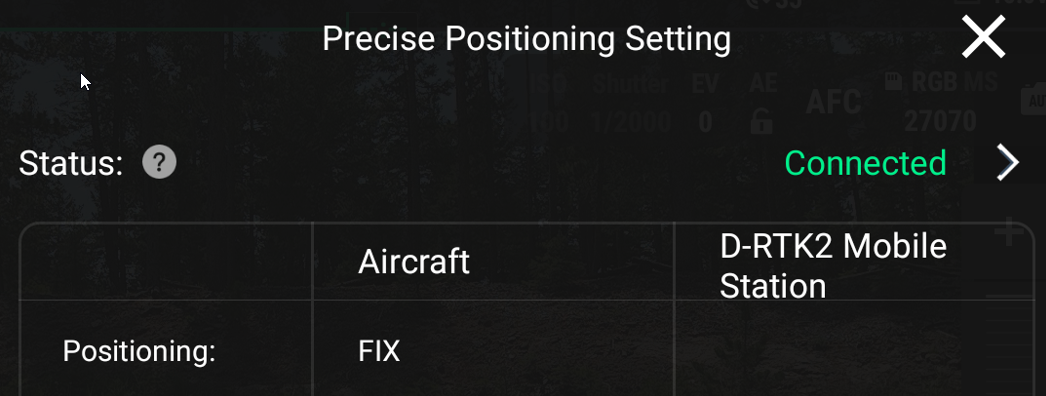
I re-installed each of the 3 versions to test your suggestions. In each case the drone is getting RTK 3D-Fixed positioning with 25+ satellites.

Here's what I get for each of the 3 tested versions:

  1. 3.1.12e. Even with a good RTK fix, no layout is generated.

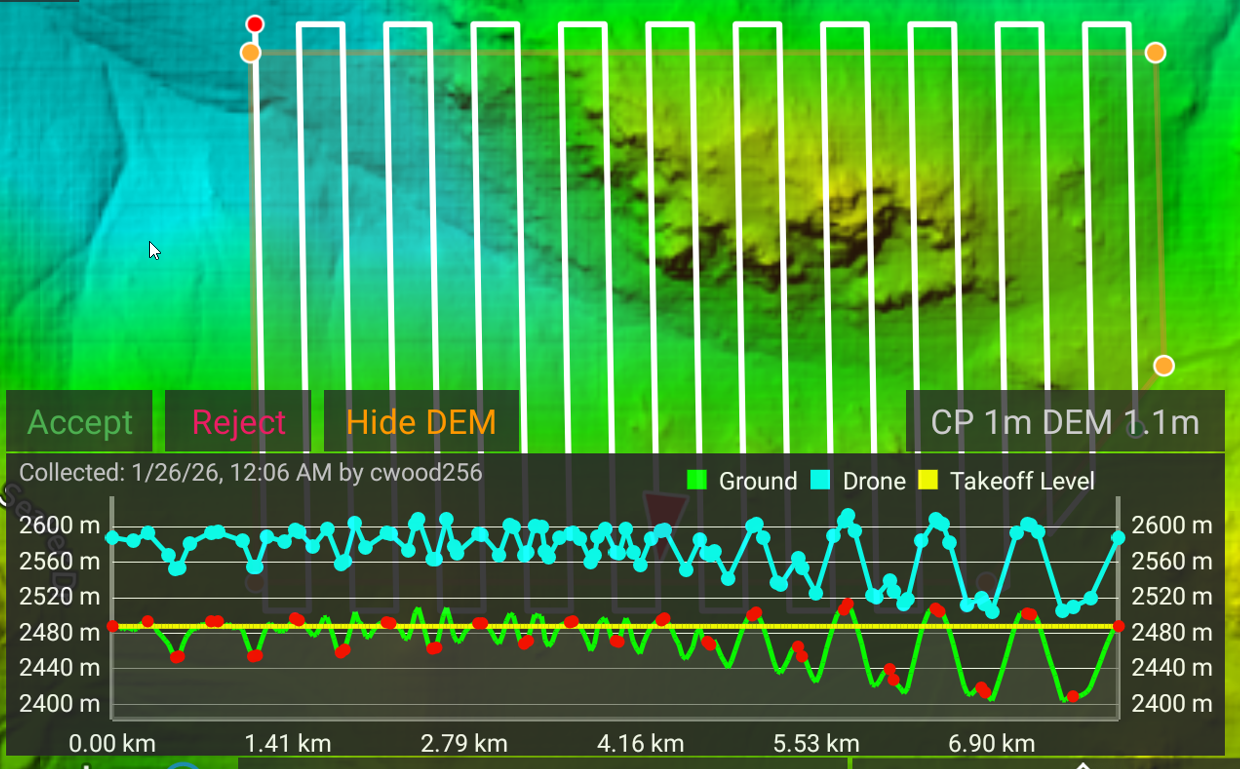
  2. 3.1.16e. I was able to collect data in spite of the intermittent app crashes, but now MPP fails to consistently load my custom terrain model. Moving this version to the bust category.
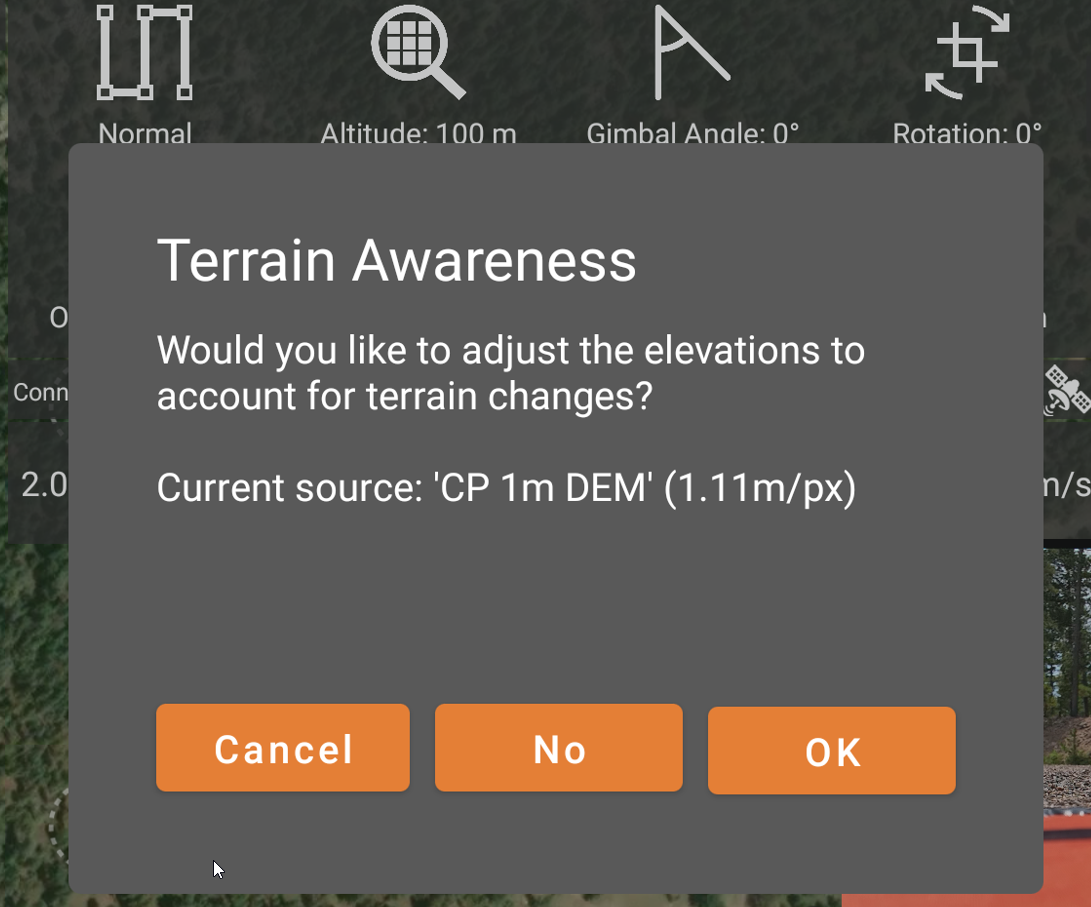
  3. 3.1.18 (beta). Terrain awareness seems to be more reliable in this version. Points appear to uploaded to the aircraft just fine. However, on touching the takeoff icon the aircraft just sits there
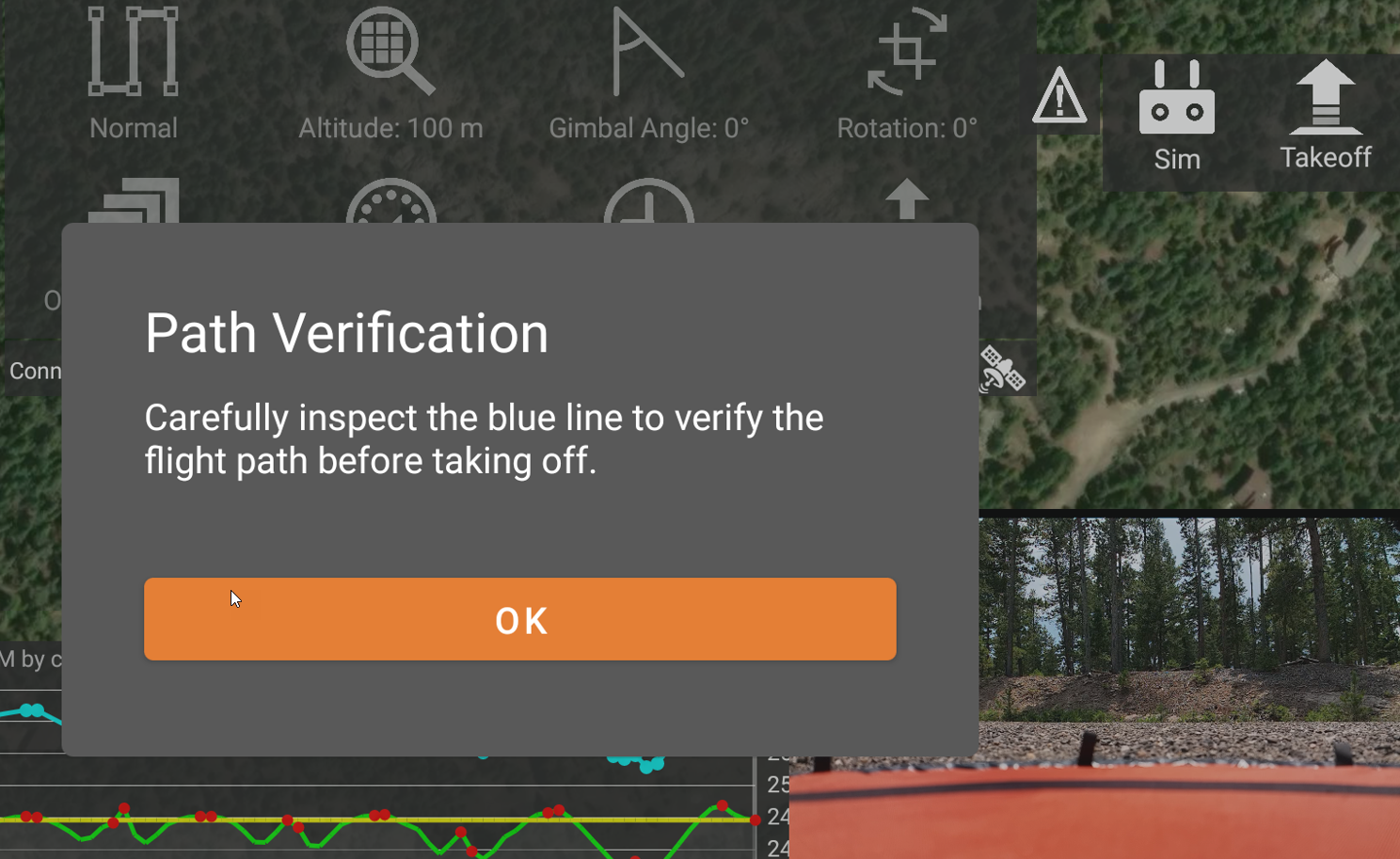
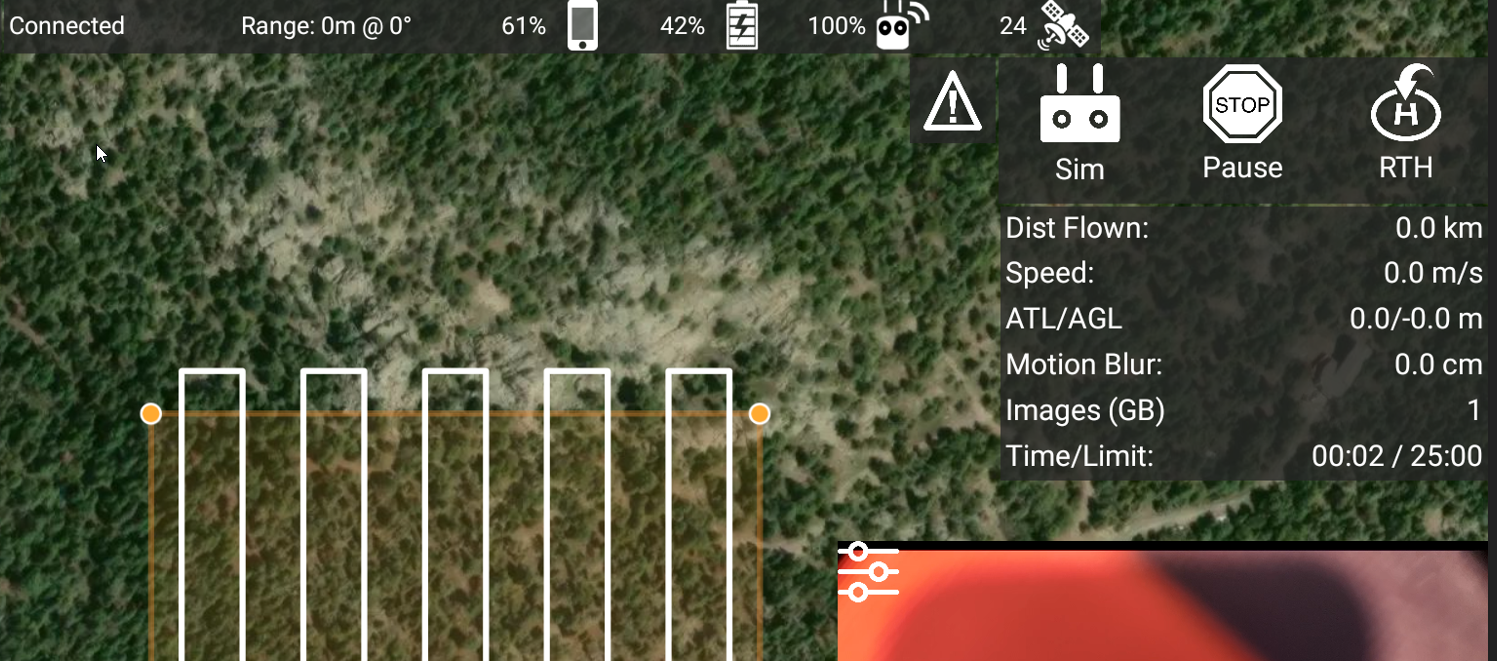
I think I'm going to have to revise my earlier assessment and say that none of these versions seem to be working adequately with my M3M.


Chris Wood 0 votes
Comment actions Permalink
0
Avatar

We will look into it not taking off. That certainly shouldn't be happening. You need to have internet access on the remote in order to load the terrain if it hasn't already been loaded. 

It is possible that the area you selected was too small to do a flight layout. You can check this by either setting a larger area or by setting a lower flight altitude. 

Please post your aircraft and remote firmware versions so we can try to test against it with the new DJI SDK. 

Zane 0 votes
Comment actions Permalink
0
Avatar

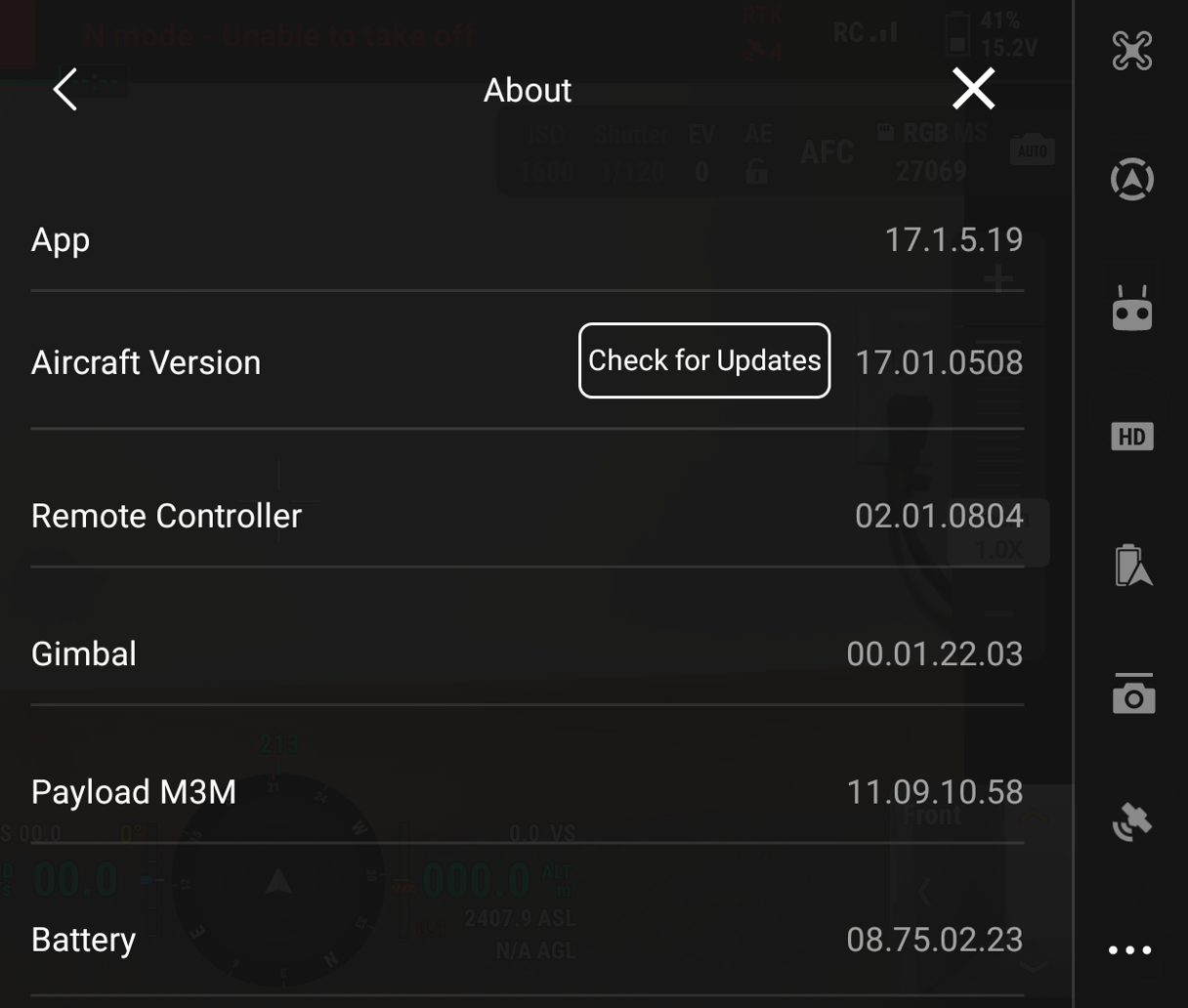
Here's a screenshot of the firmware versions for the aircraft, controller, etc. As of today, they are the most recent available from DJI.

The non-takeoff problem for 3.1.18e (beta) is a show-stopper, so I hope you can get it fixed soon.

Version 3.1.16e had the problem with inconsistently using the terrain, even after downloading. It was working fine before today, and I've been using that terrain model for a couple of weeks, so I'm not sure why it quit working today.

It seems like versions 3.1.12e and 3.1.18e (beta) are downloading the terrain OK. 

The area used for testing the mission layouts works fine for all other versions except 3.1.12e, and I have used it extensively, so I don't think that mission area is the problem. Maybe 3.1.12e has a problem with RTK fixes or some other issue?

Chris Wood 0 votes
Comment actions Permalink