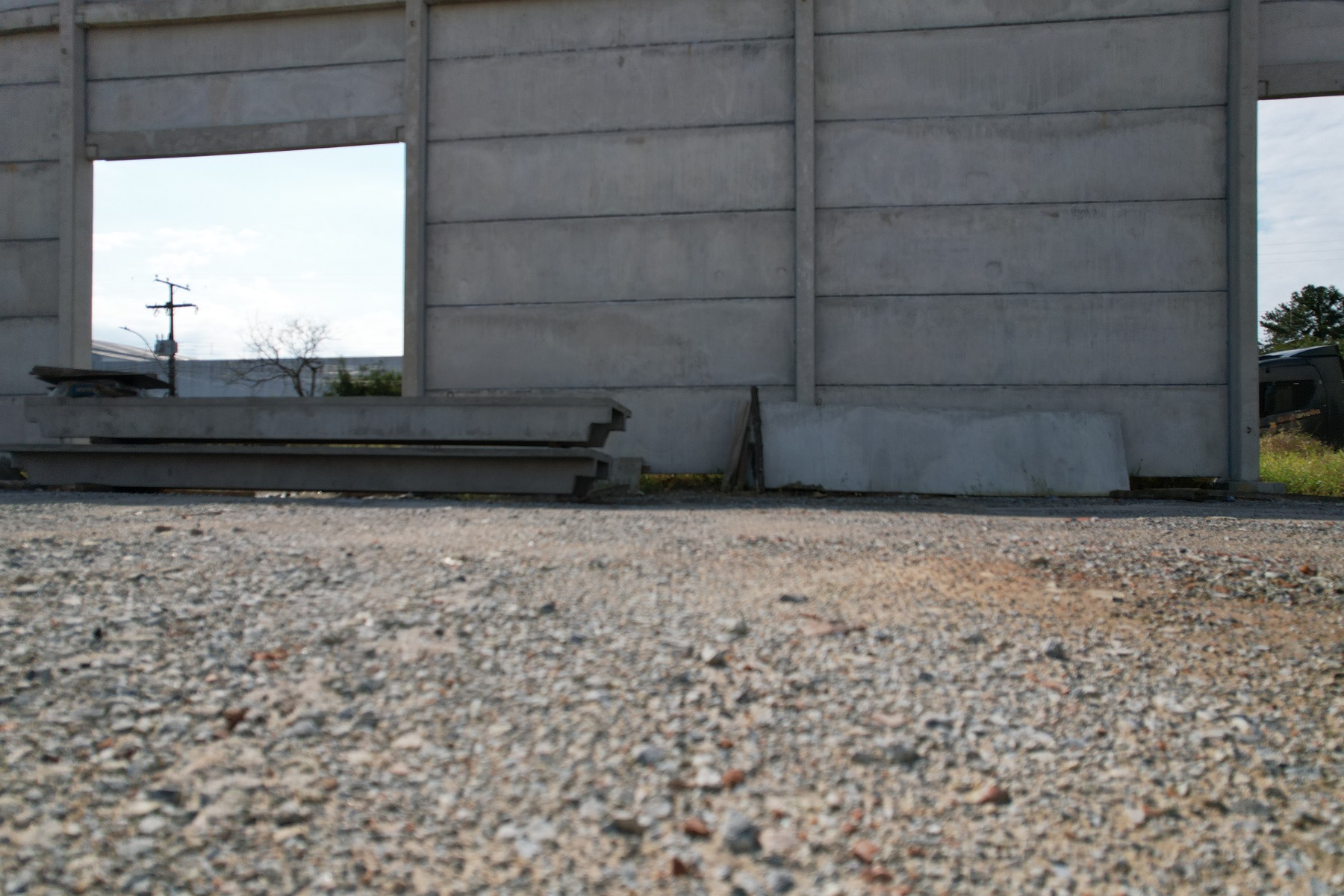
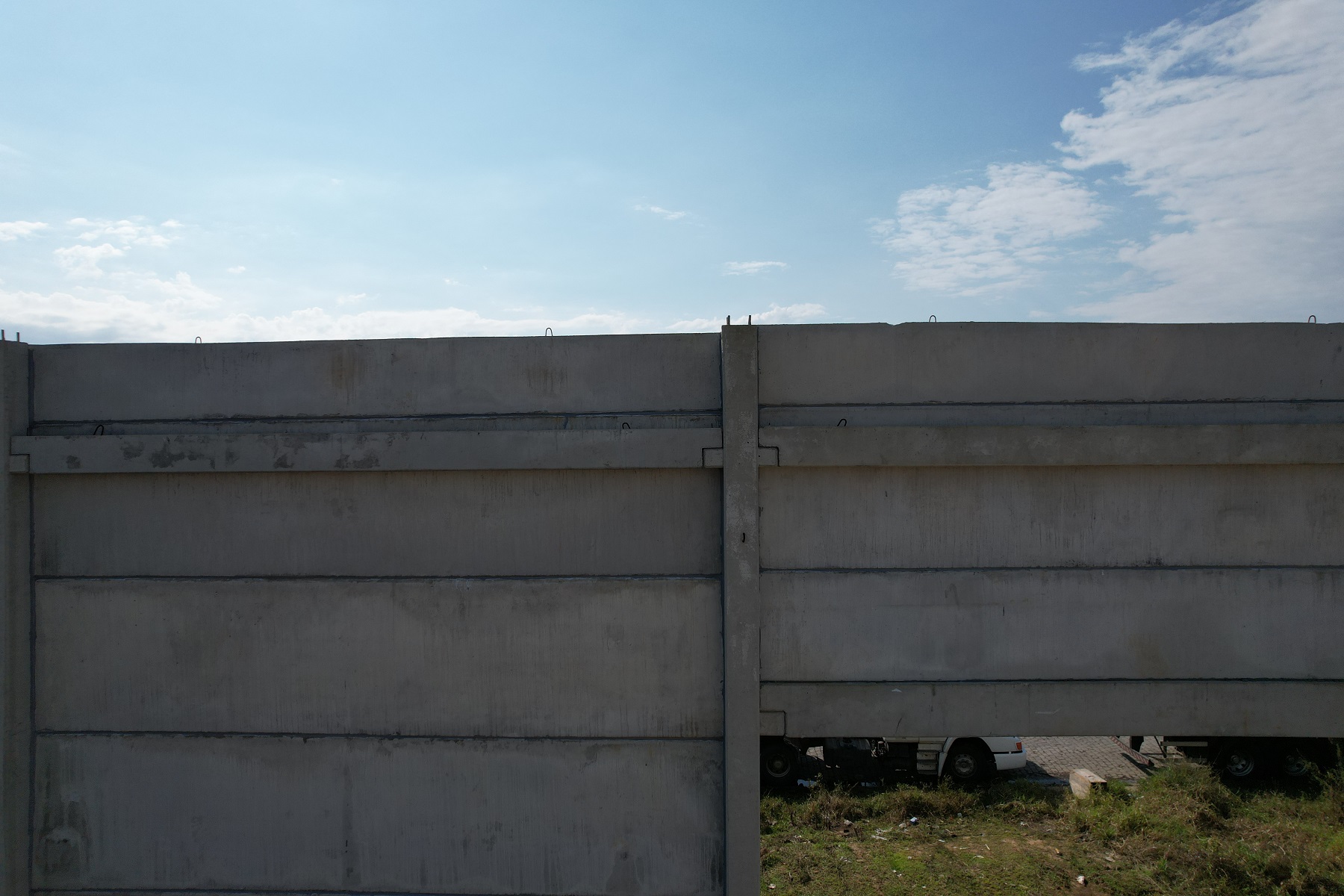
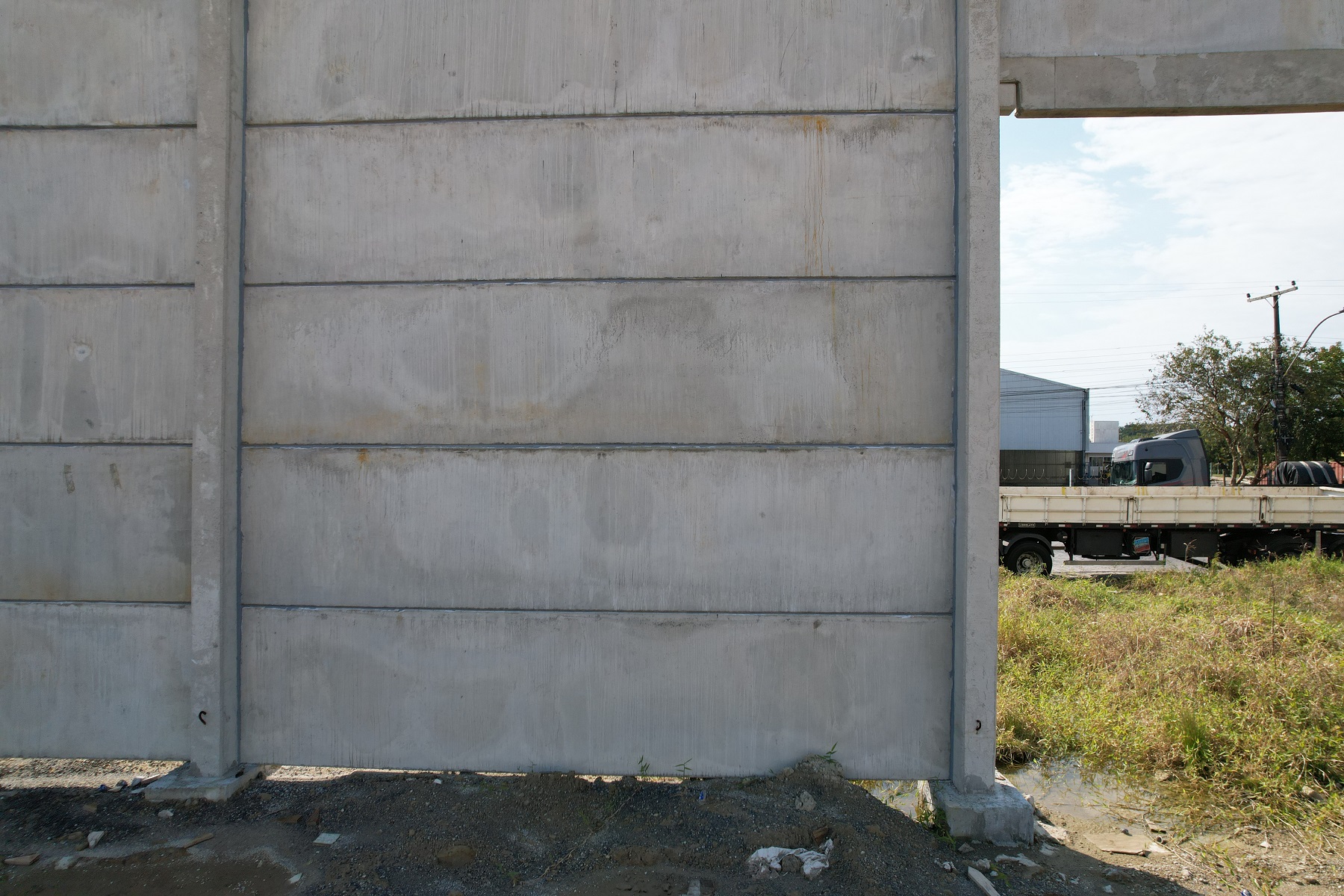
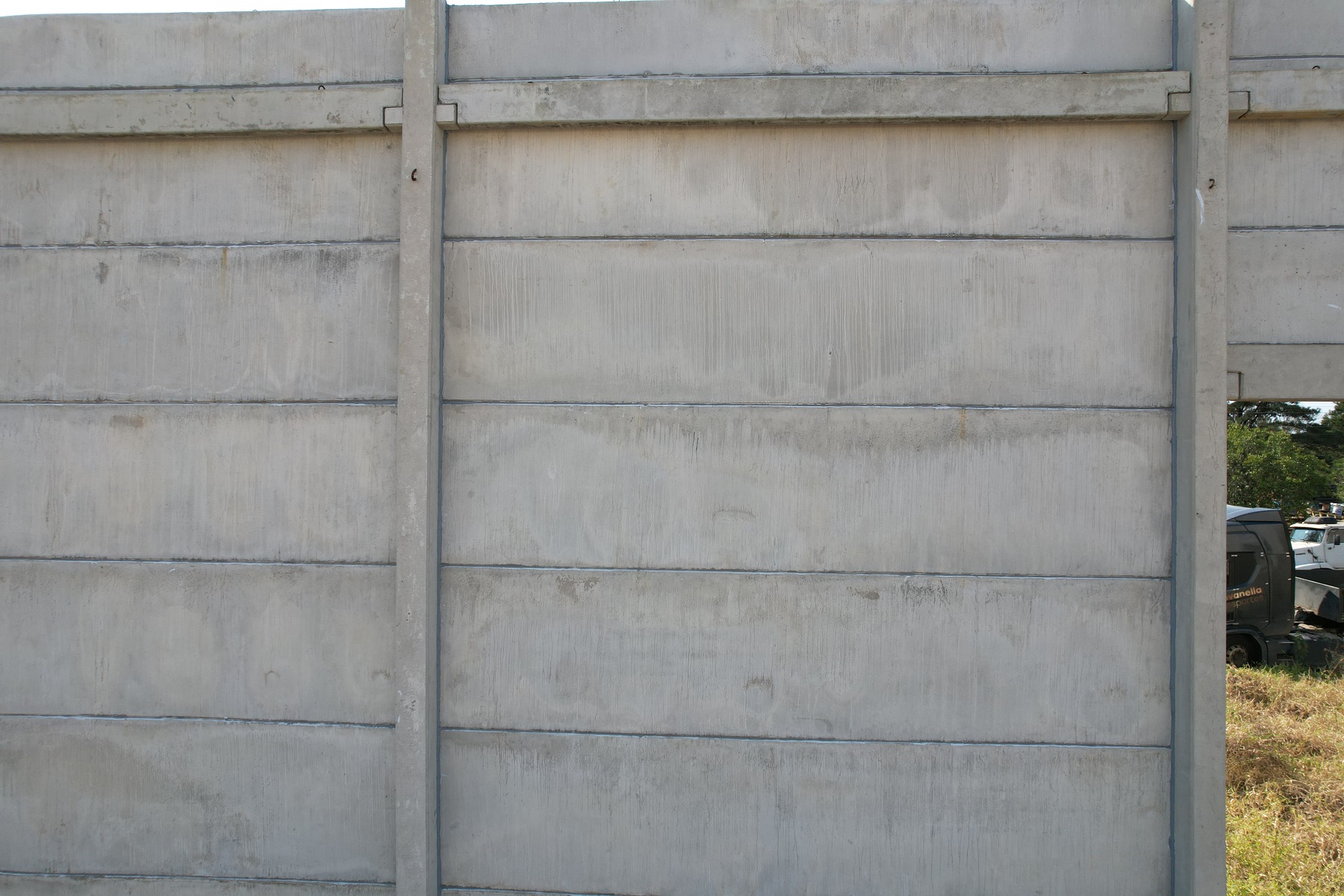
Try to think about what a real mission would be. The sides of a building, along a wall, along a fence, stuff like that. Then figure out how far away from the object you want to be and what overlap is required for your needs. There are limits on now close you can be to it and how far you can be away that are based in what we think makes sense for the application. If you have other needs let us know and we can try to adjust things so they make sense.
Post
FollowMapeamento Vertical
Good morning.
In Map Pilot Pro, it is possible to perform mapping on the facade of a building, for example. In this case, vertically.
Please sign in to leave a comment.
104 comments
Na verdade, não preciso fazer nenhum teste. Não entendo completamente a ferramenta e, mesmo correndo o risco de danificar o equipamento, preciso testá-la em espaços abertos. Ainda estou tentando descobrir como fazer isso com sobreposição. Isso é diferente do mapeamento horizontal, que cobre mais de 60 metros. Estamos falando de uma possível fachada com distância de 5 a 10 metros. Mas faremos os ajustes necessários.
Perfeito então. Amanhã vou tentar de novo e mudar a sobreposição. Vou tentar encontrar um lugar com uma parede, pelo menos, para tentar algo mais realista.
I have another question. Is it possible to create a flight plan on the website and then migrate it to mobile?
Bom dia, Zane. No sábado, fiz outro teste em frente a um pavilhão. Se quiser ver qual era a missão, use o gggg BBB do sistema. Ele tirou apenas quatro fotos, que posso te enviar se quiser. Acho que há algo errado, talvez com alguma configuração. Você pode ver que o drone não para para tirar a foto como em uma operação de mapeamento horizontal, e não tira o número de fotos indicado na missão. Por exemplo, quando você programa a missão para 14 fotos, ele tira cerca de três a quatro. Tentarei enviar as imagens aqui ou, se preferir, me envie o endereço de e-mail.
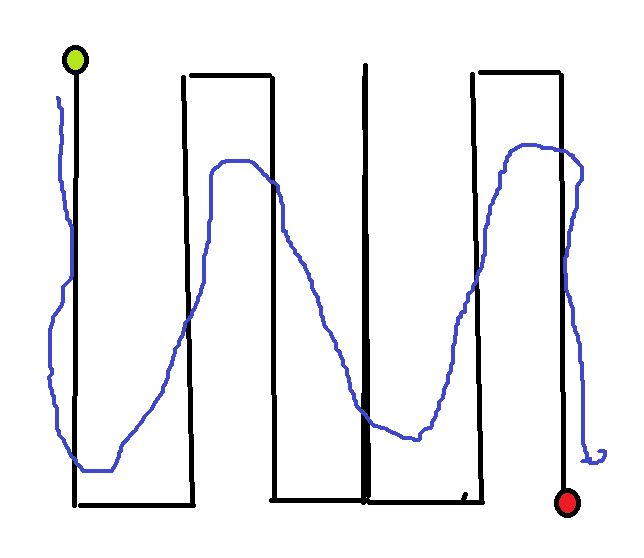
O drone não voa em linha reta, ele voa como se estivesse fazendo ondas, como na imagem que anexei.
I made a video of this mission, I just don't know how to send it to you.
Please make sure your log files are all synced so we can see what is going on. I don't see anything in your account that matches the vertical passes you posted.
You are working pretty close with a Virtual Stick aircraft so it will get a little rounded off.
To get more images you need to use more overlap. You are currently using 75% overlap. It does look like more images should be being taken though so we will look into that.
Hi Zane. I replied to your email, and I don't know if you can see it there, but I sent a video of how the drone performed the mission. What I see is that I don't know if it's in some configuration where the drone doesn't stop to take photos; it flies continuously. I saw a video of a DroneLink presentation, and there the drone follows the route normally according to the plan and stops to take photos, in addition to changing the gimbal angle if necessary.
If you want it to stop when it is taking pictures you can use the STI (Stop to Image) option. If you don't use that it will take images while moving. Your choice.
I wasn't able to see any videos. You could try to send a link or whatever to mapping@dronesmadeeasy.com if you don't want to post it here.
I'll do some more tests tomorrow then. Then I need to know again how I process the images if you can send me the link. It's a lot of information hahaha. And where do I configure this STI?
Verifiquei aqui e o Moto STI não tem isso no plano básico, infelizmente apenas no Pro e superior.
Zane, eu estava pensando que, como o voo está a uma distância de, digamos, 8 metros da fachada, a velocidade do voo não deveria ser a mais baixa possível. Se for muito rápida, não haverá tempo suficiente para tirar várias imagens. Não tenho certeza se estou certo. Talvez você pudesse me orientar, considerando que a fachada esteja a 8 metros de distância, qual sobreposição e velocidade eu deveria usar.
We do not currently offer processing for the vertical images.
Thanks for the feedback, Zane. I'll do some more testing today if I can to see if the drone can take vertical bursts, and I'll download the images.
I'll ask again if I have any questions.
Good morning.
Boa tarde, Zane. Ontem e hoje, aqui na minha cidade, ventava muito e estava difícil de voar, mas, como você perguntou, se tiver alguma dúvida, posso fazer alguns ajustes. O que me chama a atenção é que, quando programo uma missão e um exemplo no aplicativo me diz que serão tiradas 30 imagens, o drone voa a rota e captura 23, não 30. Outra dúvida é qual o ângulo ideal da câmera que devo usar, pois notei que ele pode ser ajustado.
3.0.4 is now available and has some improvements for the estimated image count. In general if you are mapping a vertical surface having the camera set to 0 degrees (horizontal) is ideal.
Bom dia Zane, muito obrigado pela sua resposta. O que eu fiz hoje? O local, que deveria ser um pavilhão em construção, onde eu estava capturando imagens, eu não pude mais fazer porque eles estavam trabalhando nisso. Então, o que eu fiz foi em um campo aberto, supondo que houvesse um prédio lá. Quando criei o plano de voo, ele disse que para essa configuração, eu teria 164 imagens. No entanto, quando o drone voou, ele capturou pouco mais de 20 imagens. Mas olhando novamente no computador depois, a sequência parecia estar correta, em ordem. O que estou perguntando é se você tirou tão poucas fotos, é porque não havia obstáculos na sua frente? Mas a ferramenta está ficando muito boa. É uma pena que você só possa parar o drone para capturar a foto com a versão mais cara.
That is a really big difference in the planned images against what is actually happening. Can you please post a screenshot that shows the settings and the estimate?
Perfect, Zane. Thanks for the feedback. Here's what I'll do: Let me find a building so I can take pictures, as if I were actually doing a job. I'll do the mission there with the overlay, distance, how many levels the drone will fly, and I'll check the number of images generated in the app and those collected with the drone. I'll send you the information. But I can already tell you that it's improved a lot since its launch. I'll check the website for new settings.
Boa tarde, Zane. Então, fiz alguns voos de teste. O drone cuida de todo o processo. No entanto, o único problema é que, quando ativado antes da decolagem, ele tira uma foto do próprio solo, e algumas depois, que não têm nada a ver com a fachada a ser mapeada. Outro problema é que as imagens a serem tiradas aparecem no canto esquerdo do painel, mas não chegam nem perto das que o drone tirou. As imagens tiradas inicialmente estão corretas, incluindo a sobreposição, mas ainda não as processei porque estou procurando um sistema que processe verticalmente.
3.0.5 is out now and has some more estimate fixes. We will continue to work on that because we know it isn't perfect yet.
When you say that the images were not taken of the face you were hoping to take pictures of do you mean all of the images were wrong or just some of them? We have seen cases where the images are taken on a corner before the heading has settled. We will continue to look into that too.
Estou feliz que eles estejam se adaptando; tenho certeza de que tudo dará certo. É mais ou menos assim: antes do drone chegar ao local para começar a missão, ele tira algumas fotos que não são relevantes para a missão. Em relação ao número de imagens, é assim: quando estou executando o rastreamento no aplicativo, inserindo informações de sobreposição, distância do objeto e assim por diante, ele me diz quantas imagens a missão tirará. No entanto, quando a missão começa, não mostra o mesmo número. Mas pelo que estou vendo, as que o drone tirou estão quase corretas; o número de imagens que ele menciona que tirará deve estar errado.
Zane, isn't there a possibility that the STOP TO TAKE A PHOTOGRAPH field could be included in the base plan?
Sorry, but that is going to stay Pro and up at least for a while.
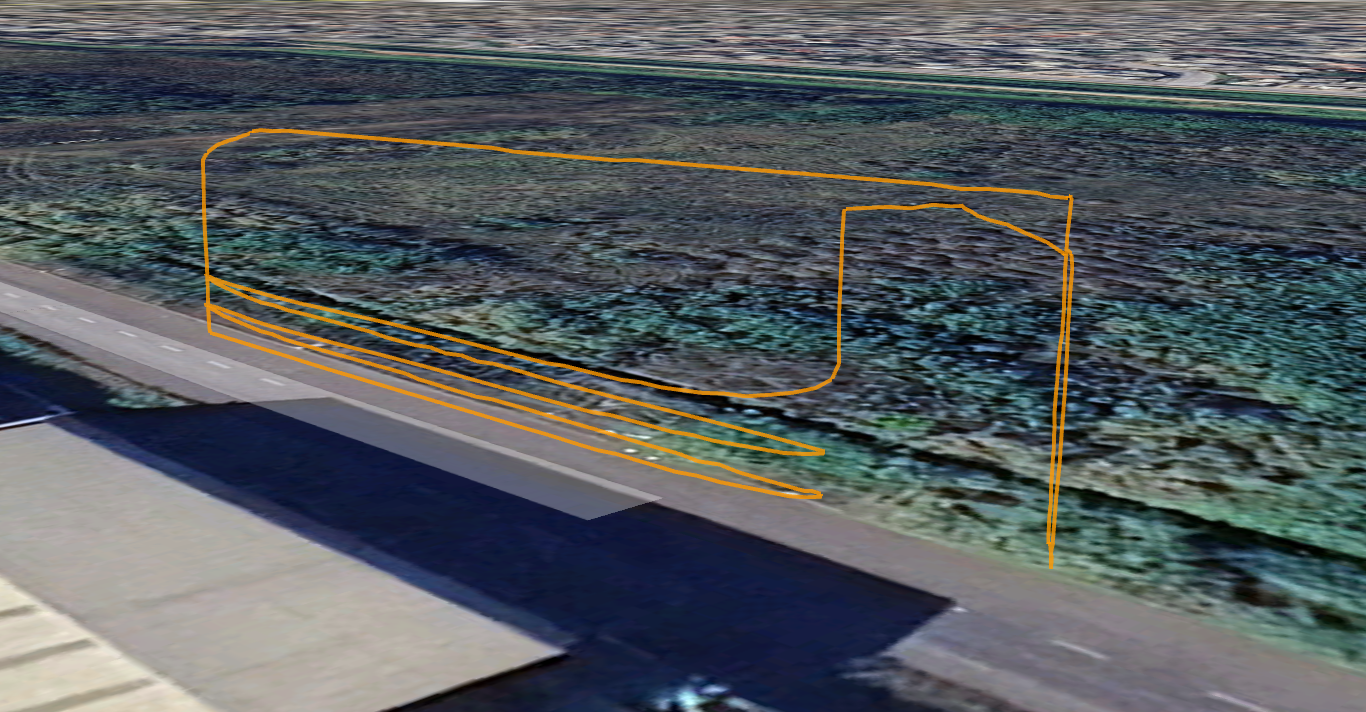
Bom dia, Zane. Acabei de testar a versão 3.0.5, mas ainda não baixei as fotos para o meu computador. O que descobri é que não está funcionando corretamente. Durante as inspeções de fachadas, quando o drone tira fotos verticais (subindo e descendo), ele começa a tirar fotos, mas quando chega ao fim do seu caminho — por exemplo, quando está descendo — ele deveria parar, mover-se um pouco para o lado e depois voltar a subir, mas não para. Antes de chegar ao fim, parece cair para a próxima linha sem chegar ao fim. Então, ele começa a subir e novamente parece deslizar para a terceira linha, e permanece assim até pouco menos da metade do caminho. Então, ele começa a se mover horizontalmente, e então eu paro a missão. Quando está fazendo a missão horizontalmente, aparentemente funciona bem. Só verticalmente é bastante difícil. Vou ser sincero, estou montando uma empresa para começar a trabalhar com drones para mapeamento, inspeção e topografia, mas preciso ter certeza de que o aplicativo funcionará corretamente antes de começar.
There are settings that make it traverse the wall horizontally or vertically. That is something you can pick in the flight design. One of the flights looks like it did what it was supposed to do. The others were all interrupted.
It looks like it was going up roughly 1 meter per pass, which is probably pretty hard to see. The best way to review it is to get the KML file for the flight from either the File Manager screen or the flight detail on the Maps Made Easy site.

It looks like it goes up to the designated safe height, the goes down to the starting height, does the passes upward at the spacing that was designed, goes up to the safe height again and goes back to the home point and lands.
We will look at the vertical passes to see what the issue is. It would be helpful if you could save the mission you have designed and then email us the .MME mission file so we can see what you are trying to do and compare that with the log files.
Tive que pausar os dois voos porque o drone começou a voar verticalmente e, de repente, começou a deslizar horizontalmente. Foi por isso que pausei. Foi como mencionei na conversa anterior. Ele deveria descer verticalmente, por exemplo, até o limite configurado, passar pela transferência para a próxima "linha" e subir, e assim por diante durante todo o processo. Mas ele está "descendo" e, cerca de 0,50 metros antes de atingir o ponto, parece saltar para a próxima linha. O que eu poderia tentar fazer é filmar com meu celular e enviar o vídeo para seu e-mail. Basta confirmar novamente.
Since you are flying with an aircraft that has virtual control instead of waypoint controls it would be good to try doing some passes that are spaced out further just to see how it works. Try making it so your passes are separated by at least 2 to 3 m and go up a little higher just so you can see how it works. The virtual controls don't work well when the passes are super close. We will probably be putting limitations on it in the future.
Zane, let's do this.
I'm going to do one more test. I'll move 15 to 20 meters away from the obstacle and then climb about 10 meters to see how the drone performs. After that, I'll see what I'm going to do and see if it'll be possible to process the images.
I'll take photos vertically and horizontally.