Official comment

Make sure you are using the most recent version of Map Pilot which is currently 3.1.4 and that you have updated your iOS device to iOS 12.1.
Comment actions

hello I have problems with the application I make the flight plan and when I try to load the mission to the drone or simply generating terrain awere closes. what should I do since I could not use the application.
description of ipad model A1893
drone mavic pro latest firmware.
Make sure you are using the most recent version of Map Pilot which is currently 3.1.4 and that you have updated your iOS device to iOS 12.1.
Please sign in to leave a comment.
if I have the version of map pilot the 3.1.4 and the ipad version 12.1.4
also the same happens to me on the iphone 5s and the same
Try it with it in Airplane mode. Sometimes a bad internet connection is worse than no internet connection and can cause issues.
Can you take a couple of screenshots to show what you are actually trying to do before it crashes?
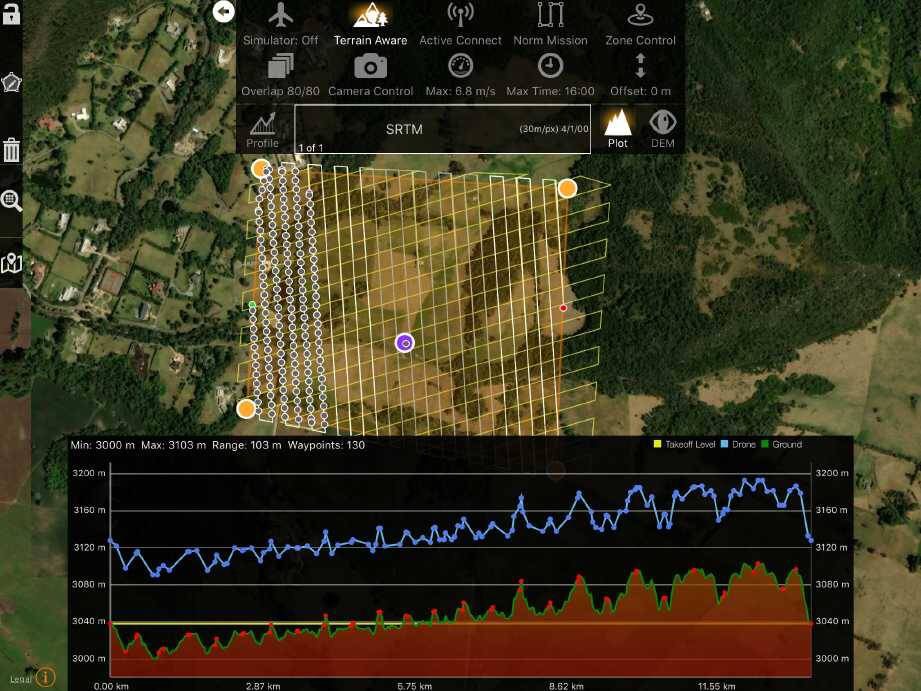
when I made that flight the application was closed in full flight after finishing do not save images and when I wanted to resume the next flight the application was closed and did not let load the elevation cut much less load the route to the drone
Please send us the log files from this flight.
Also, that is a lot of stuff on the screen. Try enabling 'Auto Clear Image Points' to keep the GPU requirements down. Displaying hundreds of the image location dots is pretty hard on the processor for non-iPadPro.
Also, turn off the display Nearby Cached Missions if you don't need it.
Did you attempt this while using Airplane Mode as noted previously?
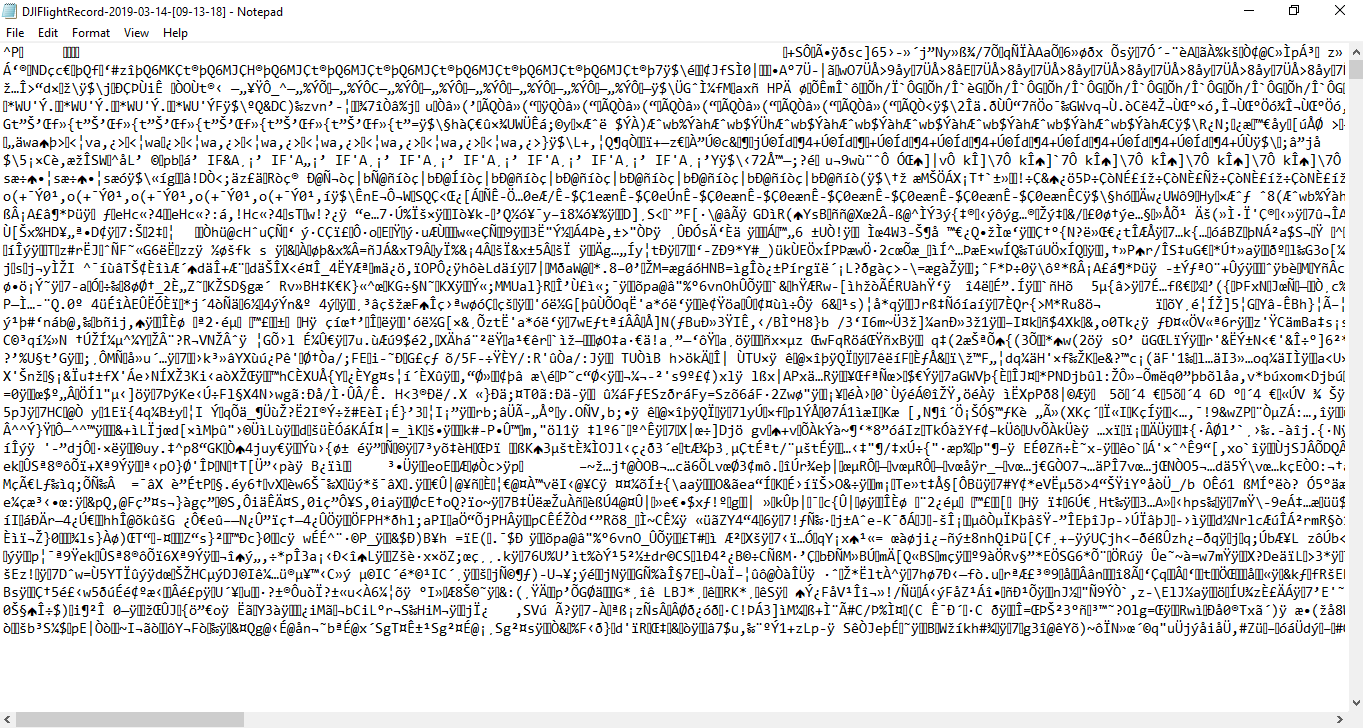
The image sent is after a successful first flight, however I could not make a second flight because the application closes. The points are eliminated as the flight progresses. How do I send you the logs? I open the file and only special characters are displayed.
Map Pilot did not make that log file and that is most likely your problem... Never EVER EVER EVER run more than one drone related app at a time unless you want it to fly very far away and land on someone's head.
Map Pilot has its own log files that can be emailed directly out of the File Manager screen in the app.
I appreciate your recommendation and I understand the responsibility involved in flying a drone so I would never open two applications at the same time, maybe what happened was that I had to pass the log to a Windows system to be able to open it. Can you give me the email address where I can send the log?
If a file name DJIFlightRecord was created then DJI Go was running.
You can email Map Pilot flight logs to mapping@dronesmadeeasy.com for inspection or look at them yourself at AirData.com


