Post

2 followers Follow
0
Avatar

line mission change number of passes

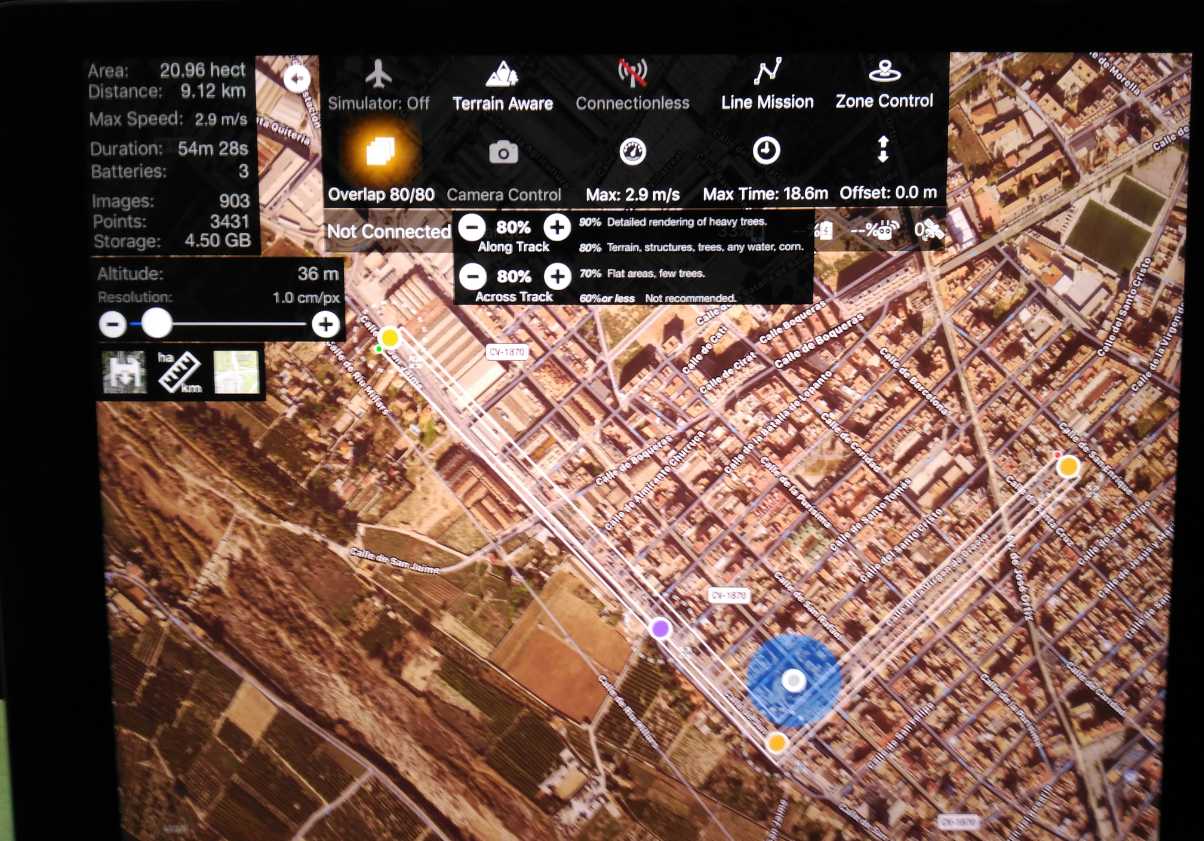
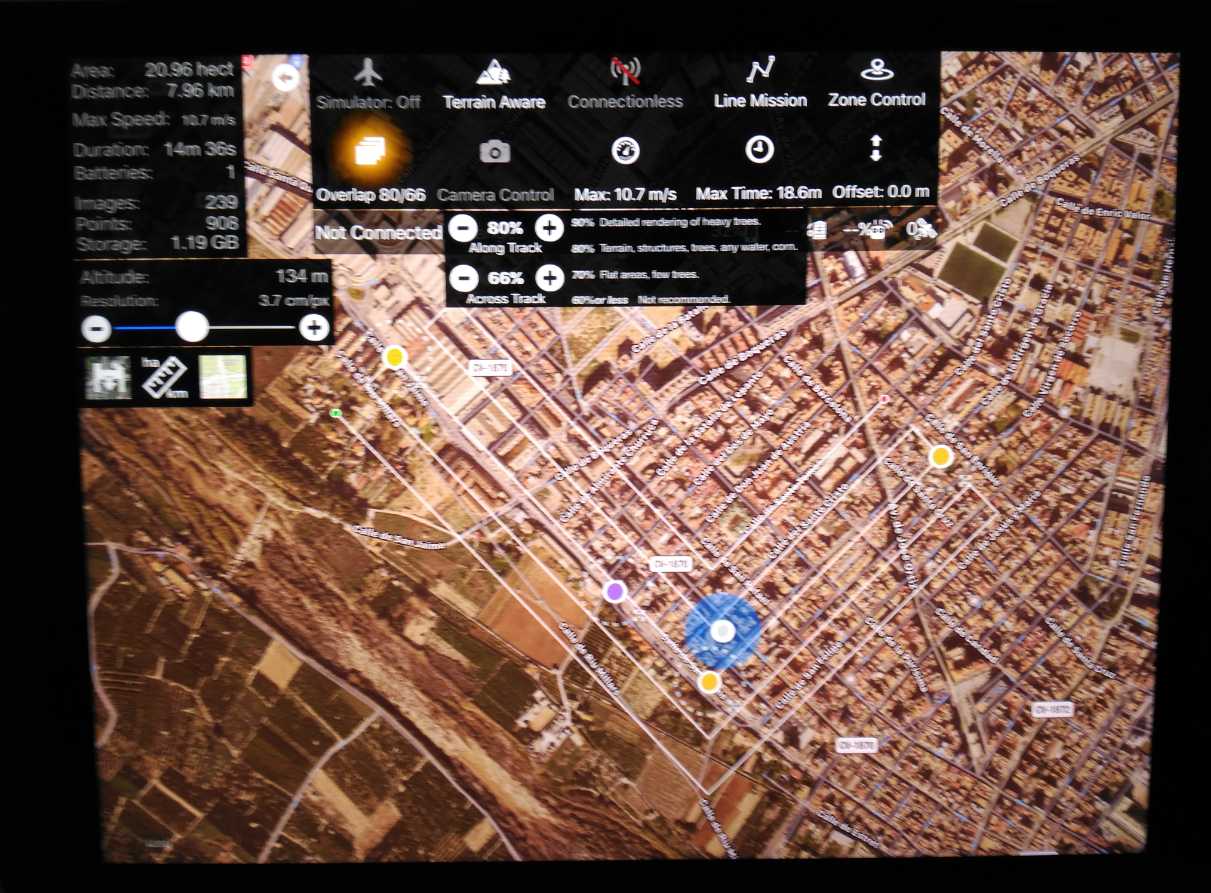
 Hi Tudor, I can' t ""Selectable Number of Passes" . Where is this command?.I have already changed the overlap (along and across) and altitude but I do not change the number of passes. (Always 5 passes).

I have ph4 pro.

Thanks,

César

Cesar

Official comment

Avatar

From the Linear Flight Planning article:

https://support.dronesmadeeasy.com/hc/en-us/articles/115000167986-Linear-Flight-Planning

"By swiping left or right on the top status bar, the number of passes in a linear mission can be reduced or increased. The minimum number of passes is 1 and the maximum number is 15. These passes are laid out according to the overlap settings just as any other mapping mission."

This feature only works with the Linear Flight planning tool. Normal grid flights will always fill up the appropriate number based on overlap settings. 

Zane
Comment actions Permalink

Please sign in to leave a comment.

3 comments

0
Avatar

I know that "This feature only works with the Linear Flight planning tool". I already buy that option. The question is that I can not change the number of passes because I can not find the control that modifies them. I can modifies  the overlap but I can’t modifies the nº of passes. I send you two images. (always 5 passes). Thanks, César


Cesar 0 votes
Comment actions Permalink
0
Avatar

Please read the previous answer:

"By swiping left or right on the top status bar, the number of passes in a linear mission can be reduced or increased. The minimum number of passes is 1 and the maximum number is 15. These passes are laid out according to the overlap settings just as any other mapping mission."

There is not a button for it. You swipe on the stop status bar. 

The message that pops up when you enable the linear flight planning tool says this as well.

Zane 0 votes
Comment actions Permalink