Post

2 followers Follow
0
Avatar

Stitching problems

Hello,

I've made a map you can see at https://www.mapsmadeeasy.com/maps/detail/b9e74b01437948ea81bbb766703c4a58/

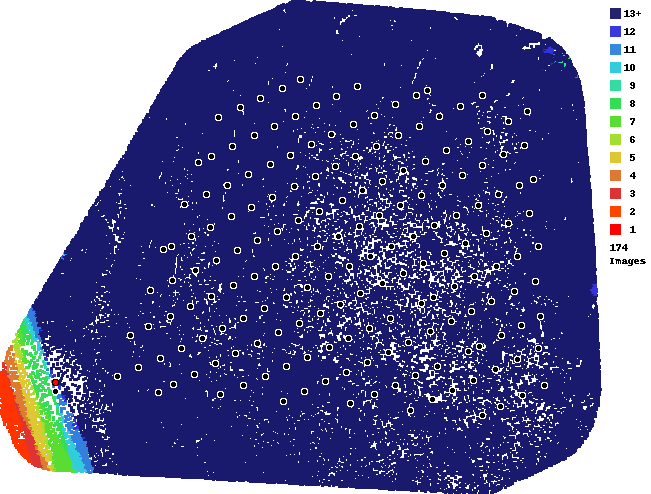
As you can se in the report, lot of pictures were not used during stitching and I don't know why. I used the Maps made easy app for flight and Mapsmadeeasy web site.

It was a mountain forrest area, so I had to use terrain awarenes.

This flight was taken at the speed of 9m/sec and 4.5 GSD, with some wind but good weather.

Can you please help and advise what to do?


Regatds,


Dario F.

Dario Finderle

Official comment

Avatar

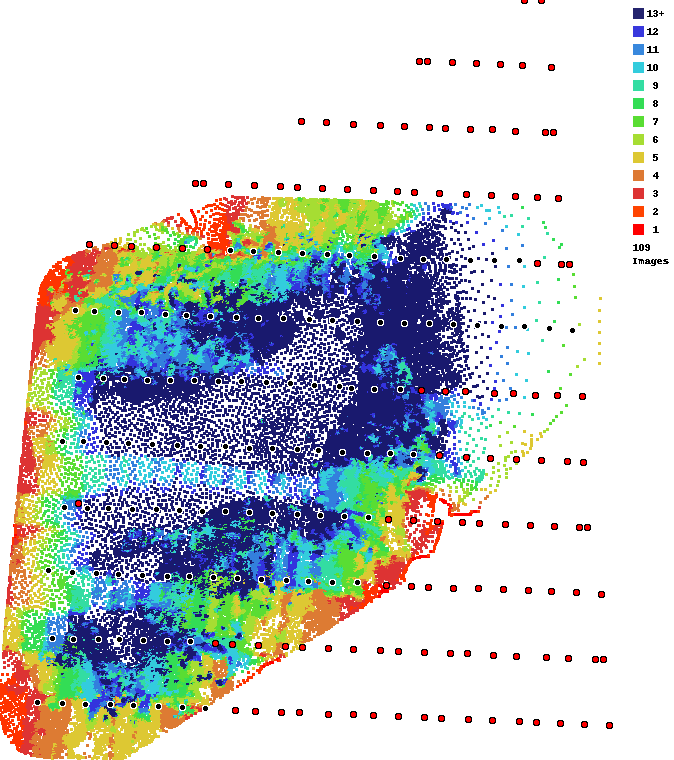
It looks like you have some odd overlap settings. Your along track overlap is very high and your across track looks really low. This will certainly cause issues when it comes to stitched treed areas together. We HIGHLY recommend using at least 80/80 overlap when your survey area involves large sections of trees. This is noted in Map Pilot's overlap panel and in the Maps Made Easy Data Collection guidelines: 

https://www.mapsmadeeasy.com/data_collection

Basically, if the overlap report is not all dark blue there is little chance trees will turn out well.
Zane
Comment actions Permalink

Please sign in to leave a comment.

5 comments

0
Avatar

Hi,

could you take a look at the map at this link:

https://www.mapsmadeeasy.com/maps/public/6dbc8e1e3c8d4a49a9fd6ae039f31d05

This was made with overlap 90/90 at 93m AGL with terrain awareness. The recording time about 12:45 CET.

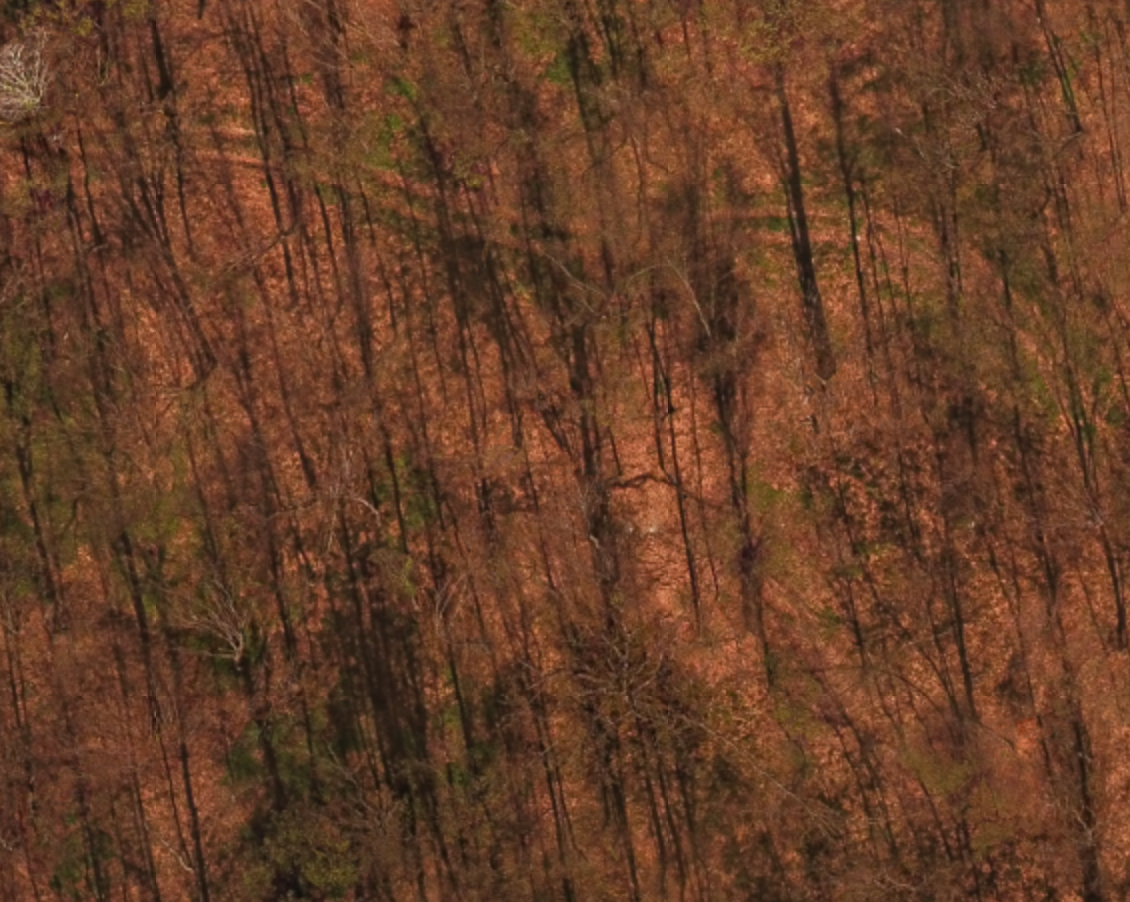
The overlap is now all blue. Why is it so? And all the trees seem as if recorded from sid and not Nadir.

I have a lot of jobs comming with forrests in mountain areas, so this is very important to me.

Perhaps the GSD or the height are the problem? Or is the Phantom 3 pro the problem?

Dario Finderle 0 votes
Comment actions Permalink
0
Avatar

Not sure I understand. If you used high overlap like 90/90 the overlap report will be blue. This is a good thing and means that each spot has lots of looks which will allow us to process it well. 

This is actually a really good example of how using high overlap can overcome the complexity of processing areas that have lots of bare trees in them. 

Zane 0 votes
Comment actions Permalink
0
Avatar

Above you stated: "Basically, if the overlap report is all dark blue there is little chance trees will turn out well."

Now you say it has to be all dark blue to be good. Which one is it?

And did you look at the actual final map? The trees look like viewed from an angle and not from Nadir. Shouldn't the trees look like recorded from top?

And thanks for the replyes :)

Dario Finderle 0 votes
Comment actions Permalink
0
Avatar

Sorry about that. The initial answer has been edited. If the overlap report is NOT all dark blue then there is little chance that trees will turn out well, if at all.

The trees are not really taken into account in your map since they are bare. The trees most likely appear to be sideways because of the shadows. You are at 45 N latitude and still have some pretty long shadows at this time of year.


Zane 0 votes
Comment actions Permalink