Post

2 Follower Folgen
0
Avatar

Why are my 3D models turning out so bad?

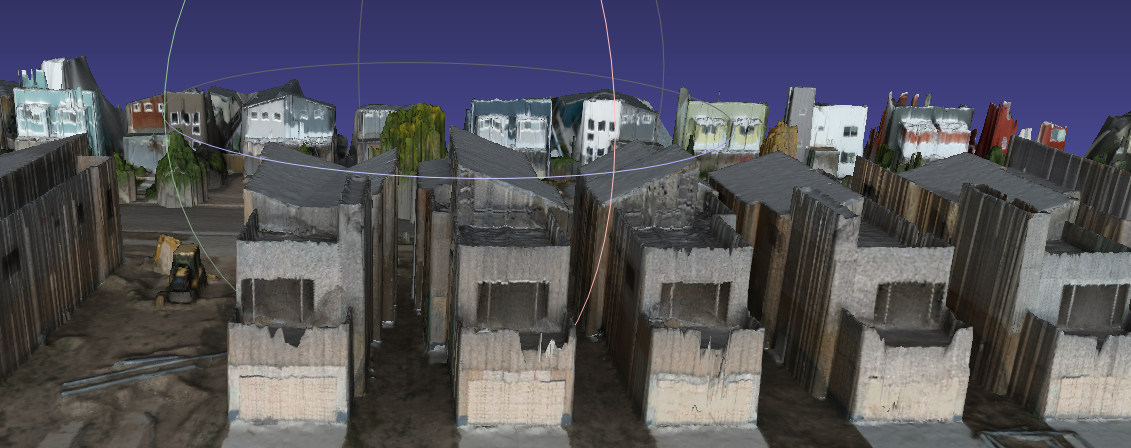
Hey all, I'm getting some practice missions in with a Mini 3 Pro, flew this mission in a grid format at 125 feet. 

The 2D map looks really good no problems there but once again the 3D model looks horrible. Here is a sample of the fronts of some homes that are under construction. 

I'm using OpenMesh to open the .obj file.

Can anyone tell me where I'm going wrong here and how can I improve this?


steve

Bitte melden Sie sich an, um einen Kommentar zu hinterlassen.

1 Kommentar

0
Avatar

To fully render the sides and overhung areas you need to be using the "Full 3D" setting. You can read more about it here:

https://support.dronesmadeeasy.com/hc/en-us/articles/207855366-Full-3D-vs-2-5D-Processing

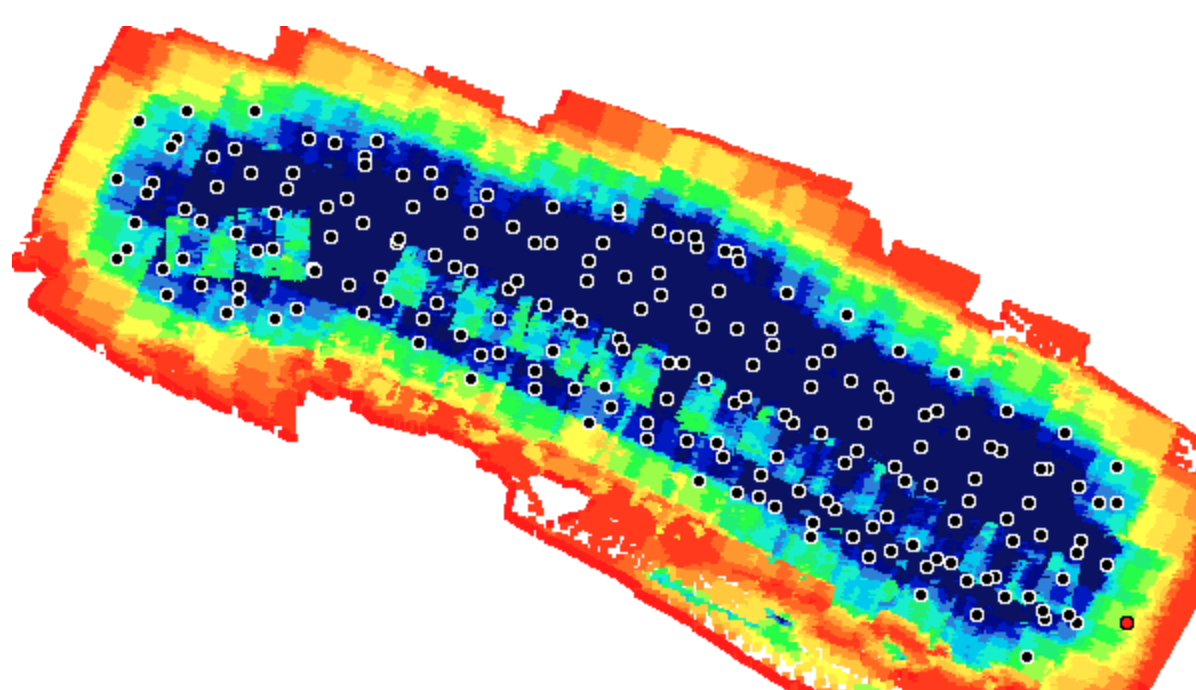
Also, your overlap is looking a little thin if you are caring about the roof tops. You may need to use the Ground Offset feature to raise the plane for which the overlap is calculated up to the tops of what you are covering.


Zane 0 Stimmen
Aktionen für Kommentare Permalink