Post

2 Follower Folgen
0
Avatar

iFrame option not working

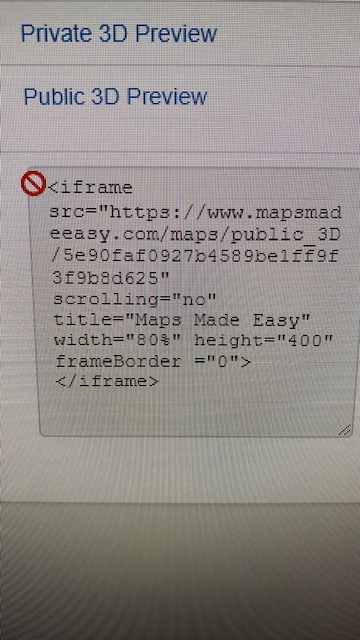
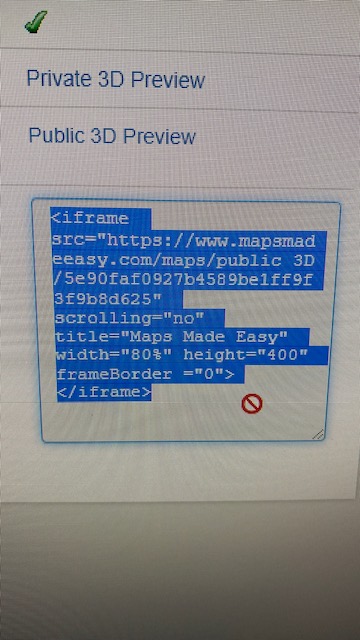
WHen I hover my mouse over the iFrame code, it shows a red circle with a slash. Right clicking and selecting the code IS possible but the embed fails. Did I miss something? I am working with a "Demo" subscription. Will this option become available once I have my account set up and attached to a credit card?


David Rigg

Offizieller Kommentar

Avatar

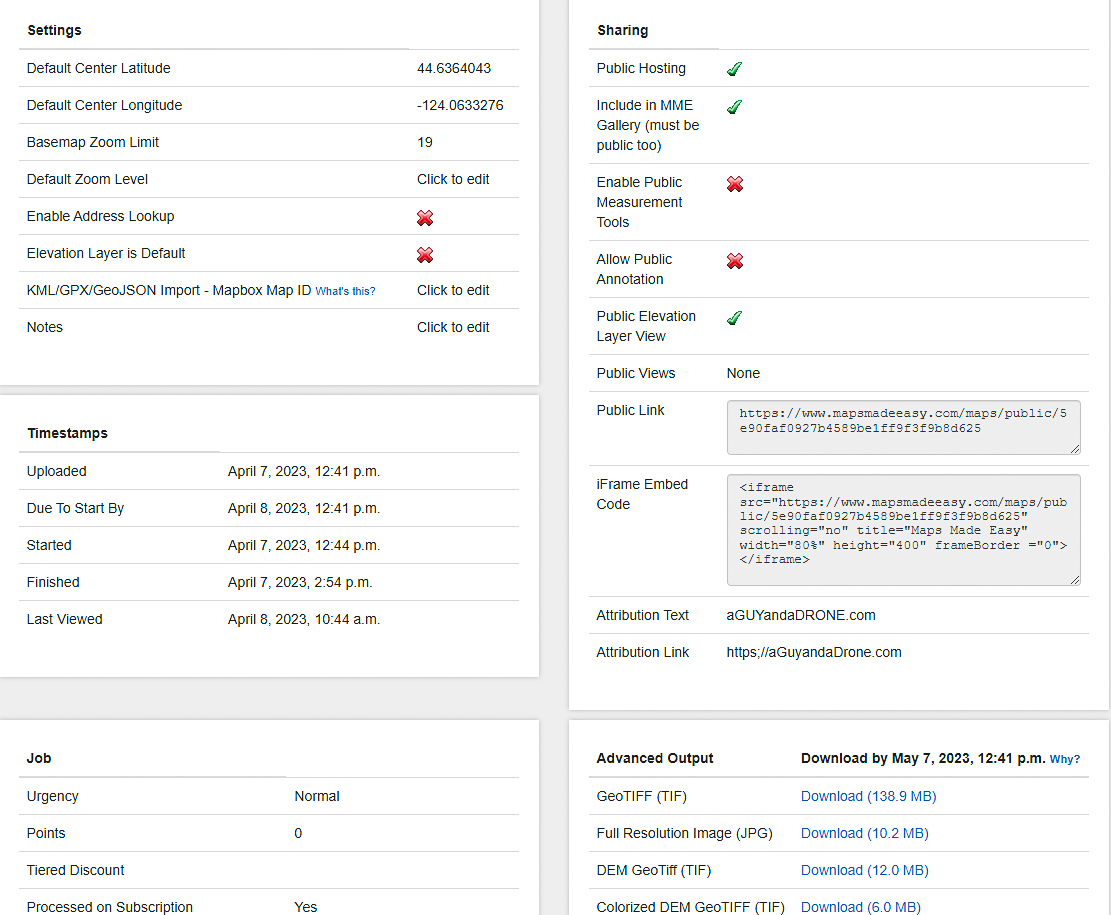
The iFrame embed code is meant to be placed into the HTML code of your own site. Our Samples page is an example of it working.

https://www.mapsmadeeasy.com/samples

Please send a link to a page that has it embedded so we can take a look. It doesn't have anything to do with your subscription status. 

Zane
Aktionen für Kommentare Permalink

Bitte melden Sie sich an, um einen Kommentar zu hinterlassen.

6 Kommentare

0
Avatar

Zane, Thank you for your reply: Yes, I understand how an embed works. Adobe is sometimes fussy about embedding formats. I am just testing the compatibility. If it's not compatible with Adobe hosting, I'll have to make other arrangements. I've just never encountered the Red graphic when hovering over the source embed code. Maybe a browser issue?

Per my original post, it WILL allow me to select and copy the code.
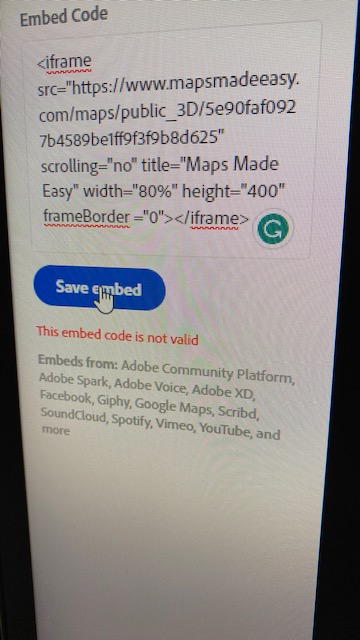
Adobe declares the code "Not Valid".

I don't think the page URL will be helpful to you but per your request: https://aGuyandaDrone.com/mapping-3d-modeling

This is a mock page.

TIA

David Rigg 0 Stimmen
Aktionen für Kommentare Permalink
0
Avatar

That is likely there because it is not editable text. It is meant to be copied and pasted. It doesn't have anything to do with the embed code not working for you. 

I don't know why you wouldn't be able to use it. It is just HTML code like a link. Maybe it is just looking for a regular link. Try just the public link. It is probably adding the iFrame part for you. 

Zane 0 Stimmen
Aktionen für Kommentare Permalink
0
Avatar

I have compared your iFrame code with code that I regularly use from Wistia, video hosting. And what seems to be missing is  a Script code after the last iframe ie: <iframe src="https://fast.wistia.net/embed/iframe/2uwo0ruuc8" title="Newport Oregon's Yaquina Bay- Calm-UHD Video" allow="autoplay; fullscreen" allowtransparency="true" frameborder="0" scrolling="no" class="wistia_embed" name="wistia_embed" msallowfullscreen width="640" height="360"></iframe>
<script src="https://fast.wistia.net/assets/external/E-v1.js" async></script>

David Rigg 0 Stimmen
Aktionen für Kommentare Permalink
0
Avatar

Just try adding it into raw HTML code. I don't know why they would be saying it is invalid. 

Zane 0 Stimmen
Aktionen für Kommentare Permalink
0
Avatar

Adobe does not allow access to the root HTML.  Hey, it's free. (Adobe Portfolio) 

David Rigg 0 Stimmen
Aktionen für Kommentare Permalink