منشور

‏2 متابعين اتباع
0
Avatar

App crashes for multiple recent versions of MPP on DJI M3M

In a separate post I described how the MPP app (3.1.16e) was repeatedly crashing on my RC Pro controller and a Mavic 3 multispectral drone, all with the latest firmware available from DJI.

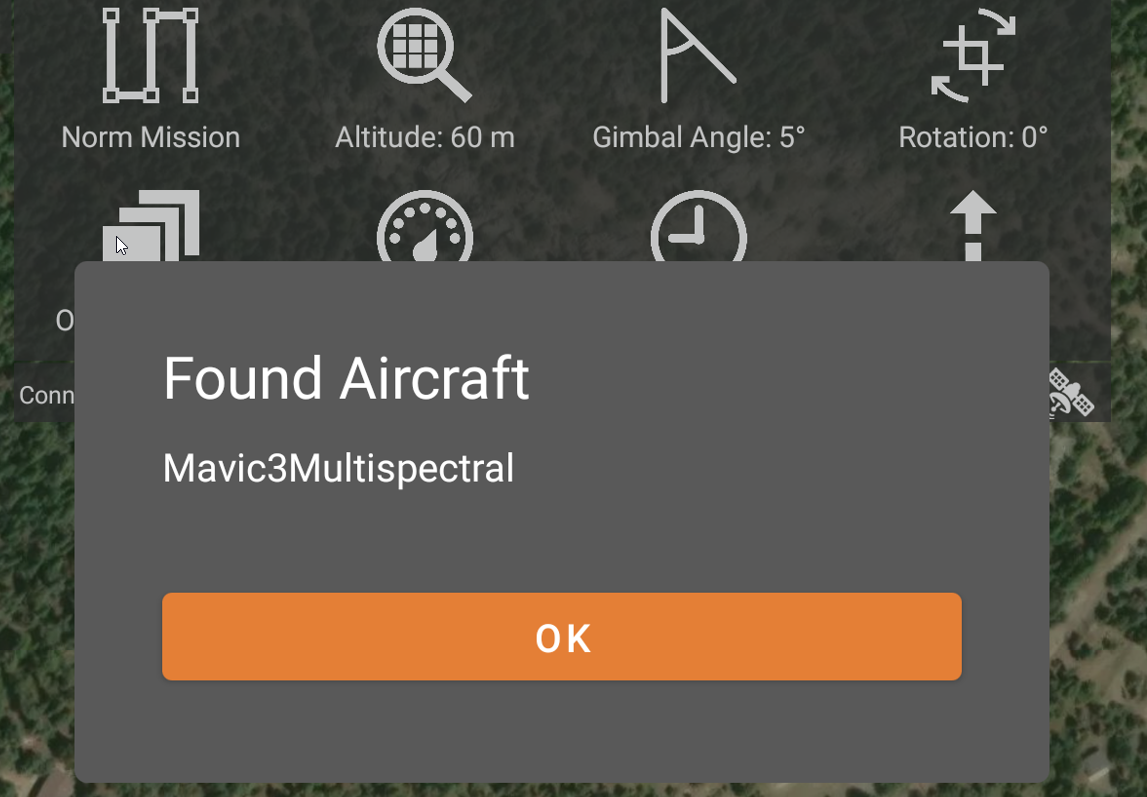
One of the recommendations was to try a newer version of MPP 3.1.18e beta, or 3.1.12e as a fallback. I can report that none of these versions seem to work correctly: Here's what I get:

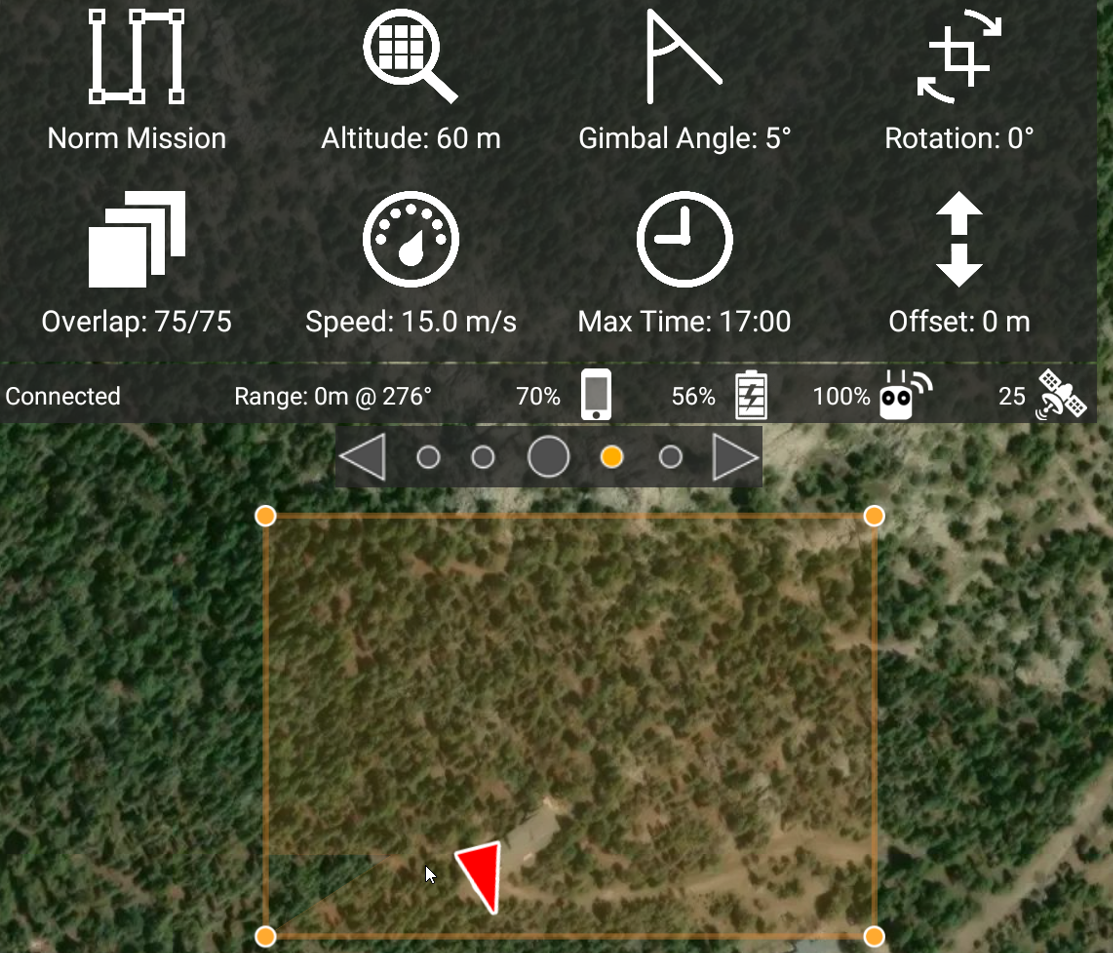
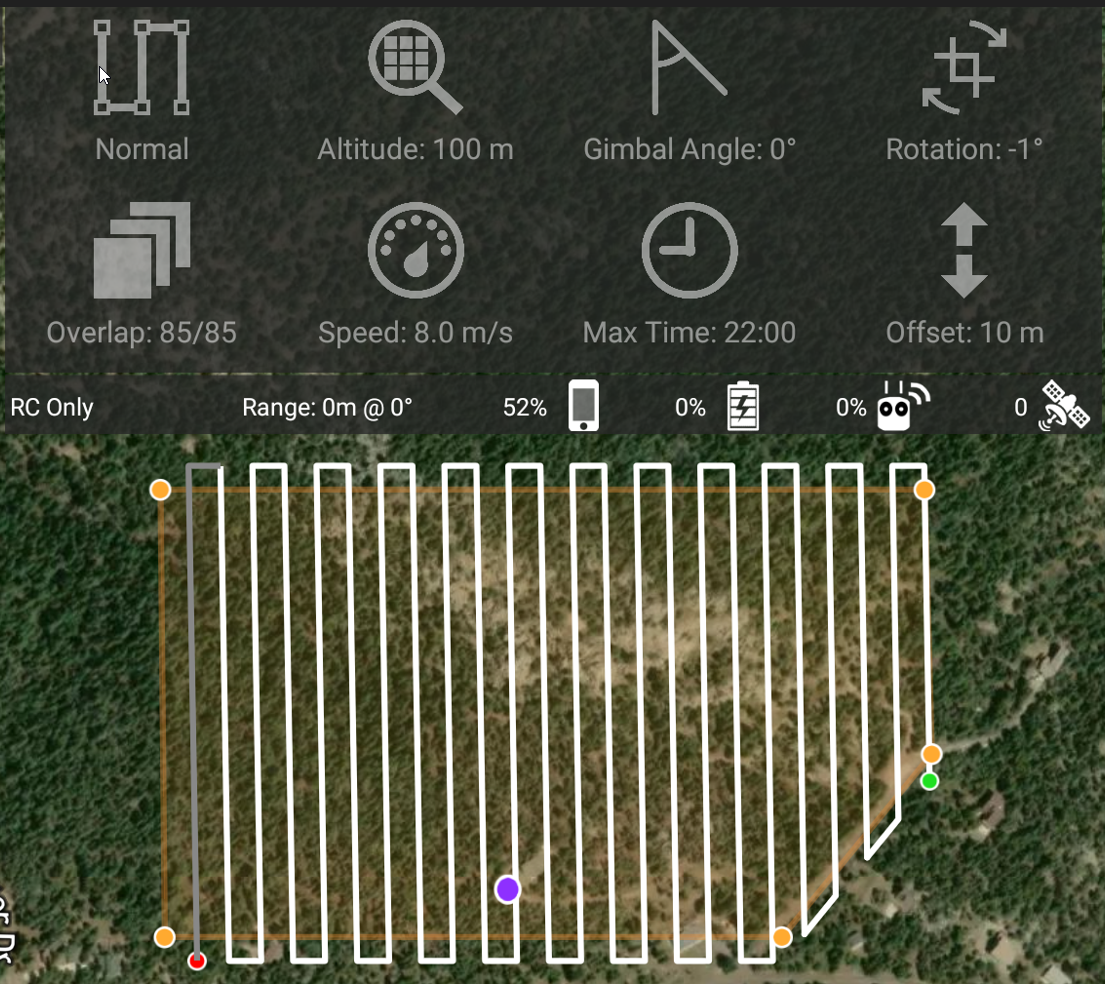
  1. 3.1.12e won't layout a mission after an area is selected from an imported kml file. MPP reports detecting the drone and shows the perimeter of the area, but nothing more. Complete bust. On the upside, it nicely displays the custom topography as the map background.
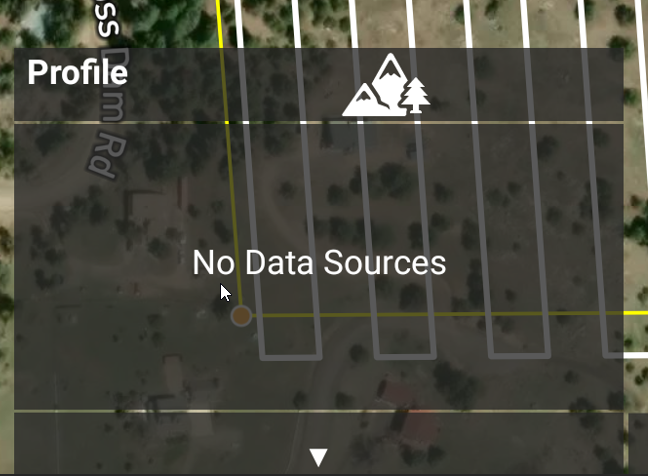
  2. 3.1.16e has intermittent app crashes that seem to be related to a memory allocation error in the MapBox SDK, but it's not clear what triggers it. It's possible to work around these crashes by hitting the controller RTH button, restarting MPP, and setting a manual restart point at the last good corner of the flight path. Inconvenient but workable. Custom topography not displayed.
  3. 3.1.18e beta looks good - right up to the point of takeoff. But the aircraft does not takeoff. Complete bust. Custom topography not displayed.
Chris Wood

الرجاء تسجيل الدخول لترك تعليق.

11 تعليقات

0
Avatar

There are a lot of issues going on here. 

1. The app won't show the position unless you have at least 10 satellites. A layout cannot be done until the GPS fix is shown as the red triangle. OR... you can do a layout when no drone is even attempting to connect. But you can't do a layout in the period between the connection to the aircraft and the GPS fix being attained. 

2. We recommended update. 

3. Please provide a screenshot of what you are seeing before the aircraft takes off so we can tell you if everything was in the proper state. 

Zane 0 أصوات
إجراءات التعليق ارتباط ثابت
0
Avatar

There indeed seem to be many issues going on with these recent releases. Is there a stable release you can me point to?

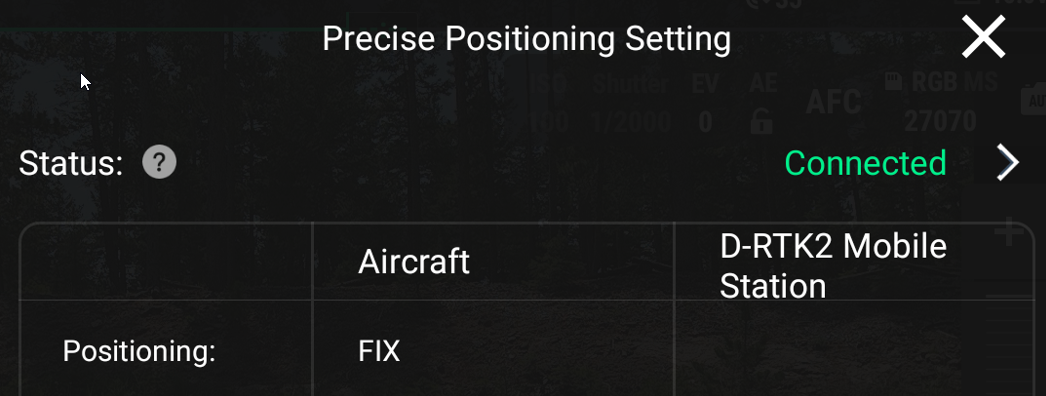
I re-installed each of the 3 versions to test your suggestions. In each case the drone is getting RTK 3D-Fixed positioning with 25+ satellites.

Here's what I get for each of the 3 tested versions:

  1. 3.1.12e. Even with a good RTK fix, no layout is generated.

  2. 3.1.16e. I was able to collect data in spite of the intermittent app crashes, but now MPP fails to consistently load my custom terrain model. Moving this version to the bust category.
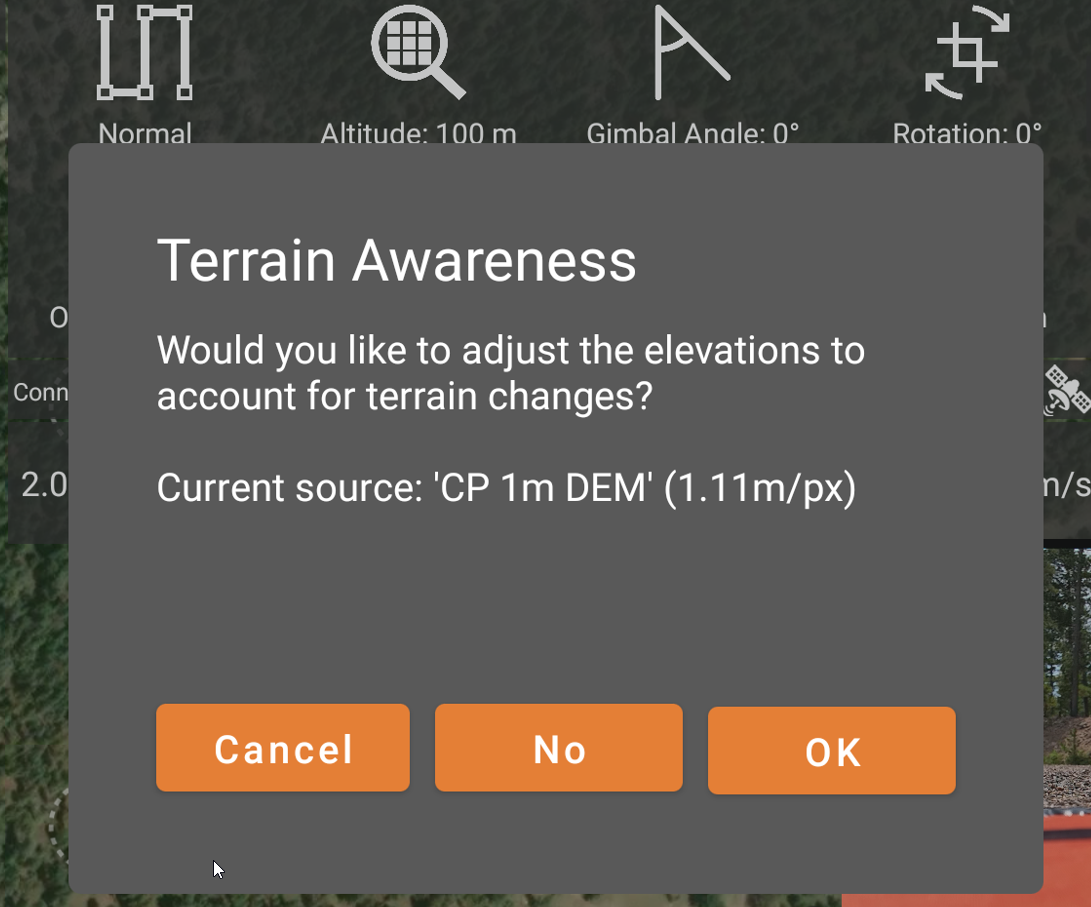
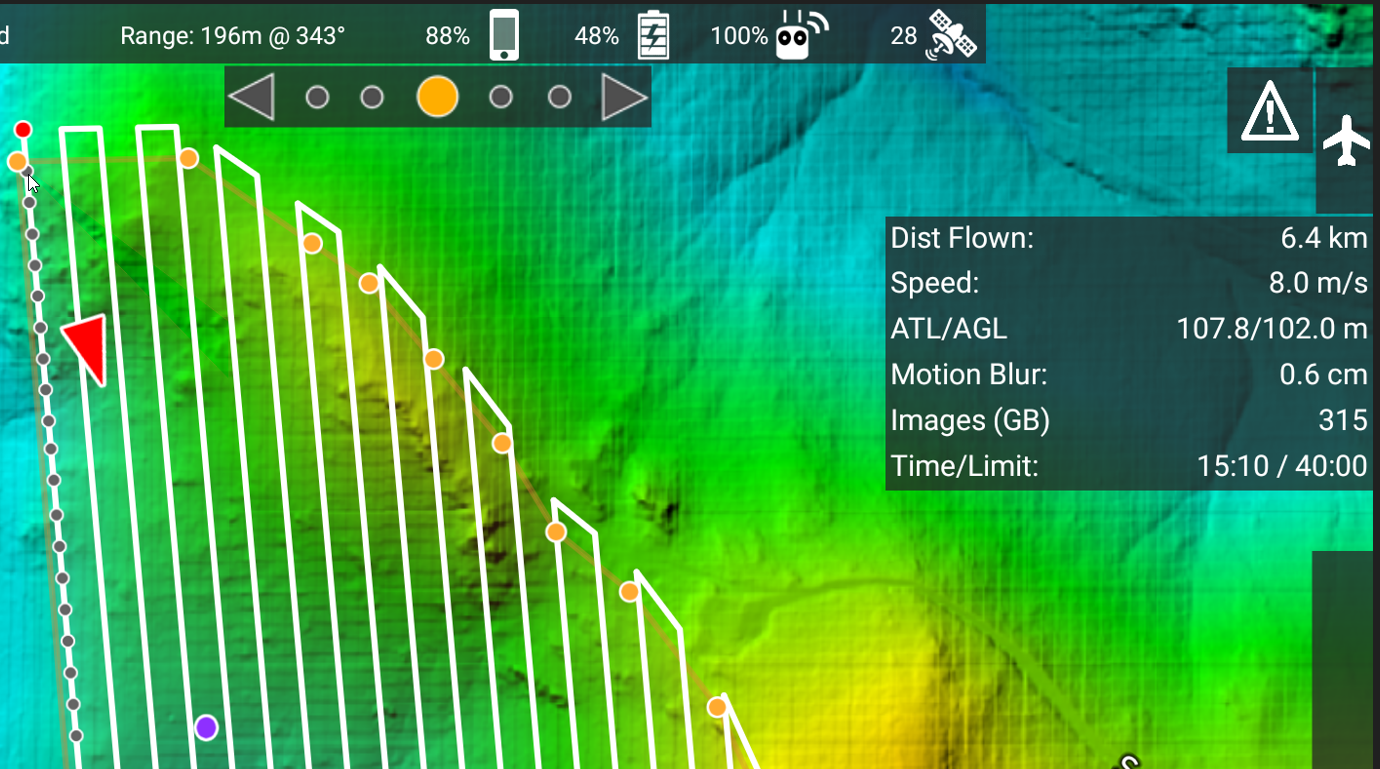
  3. 3.1.18 (beta). Terrain awareness seems to be more reliable in this version. Points appear to uploaded to the aircraft just fine. However, on touching the takeoff icon the aircraft just sits there
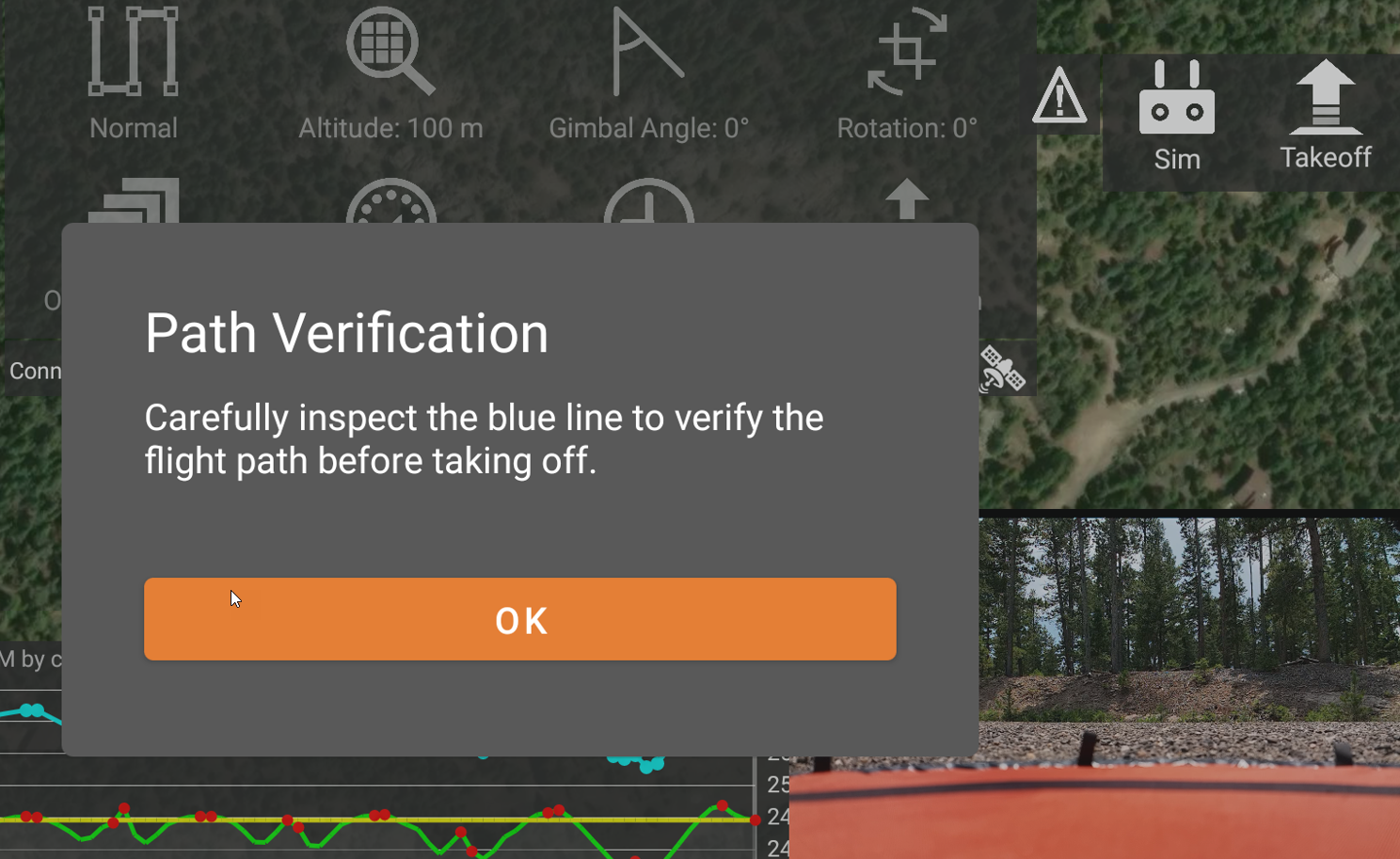
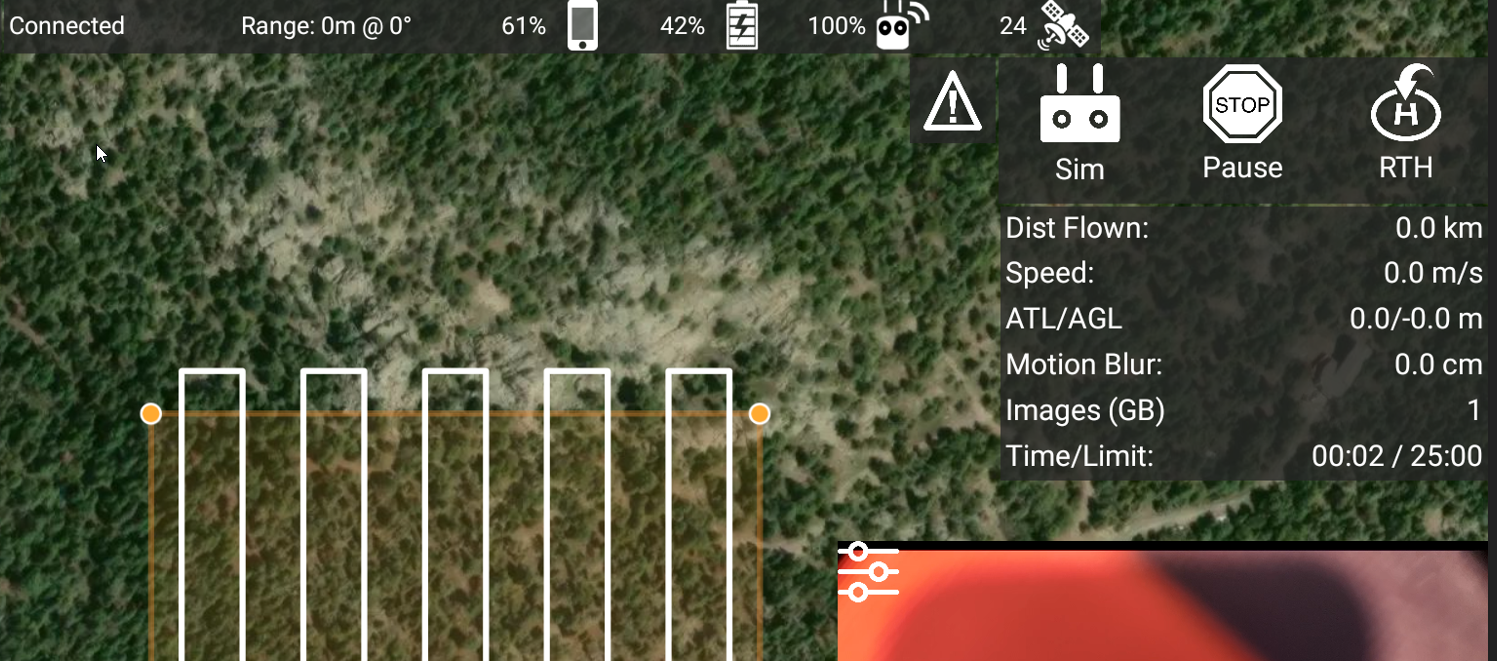
I think I'm going to have to revise my earlier assessment and say that none of these versions seem to be working adequately with my M3M.


Chris Wood 0 أصوات
إجراءات التعليق ارتباط ثابت
0
Avatar

We will look into it not taking off. That certainly shouldn't be happening. You need to have internet access on the remote in order to load the terrain if it hasn't already been loaded. 

It is possible that the area you selected was too small to do a flight layout. You can check this by either setting a larger area or by setting a lower flight altitude. 

Please post your aircraft and remote firmware versions so we can try to test against it with the new DJI SDK. 

Zane 0 أصوات
إجراءات التعليق ارتباط ثابت
0
Avatar

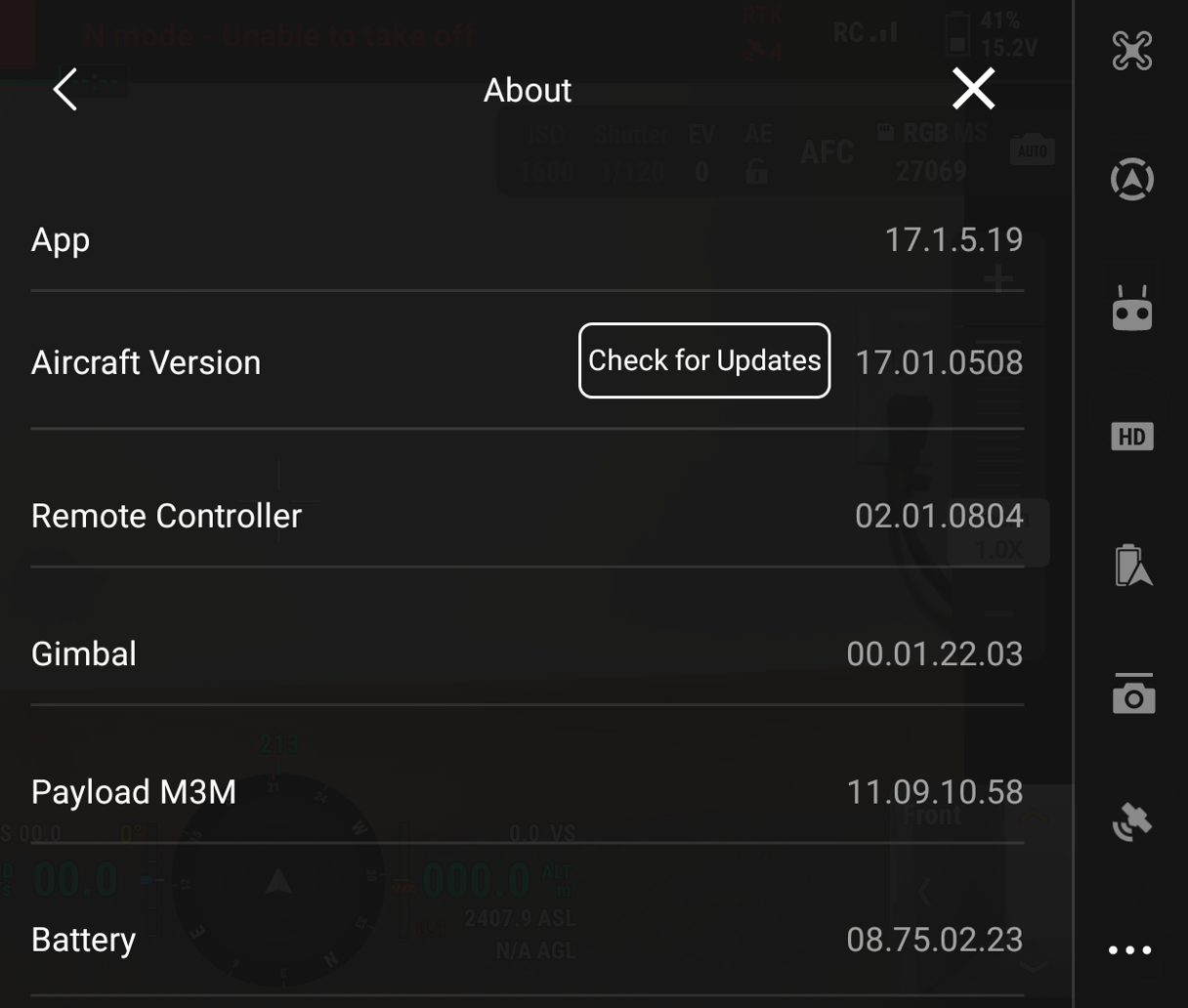
Here's a screenshot of the firmware versions for the aircraft, controller, etc. As of today, they are the most recent available from DJI.

The non-takeoff problem for 3.1.18e (beta) is a show-stopper, so I hope you can get it fixed soon.

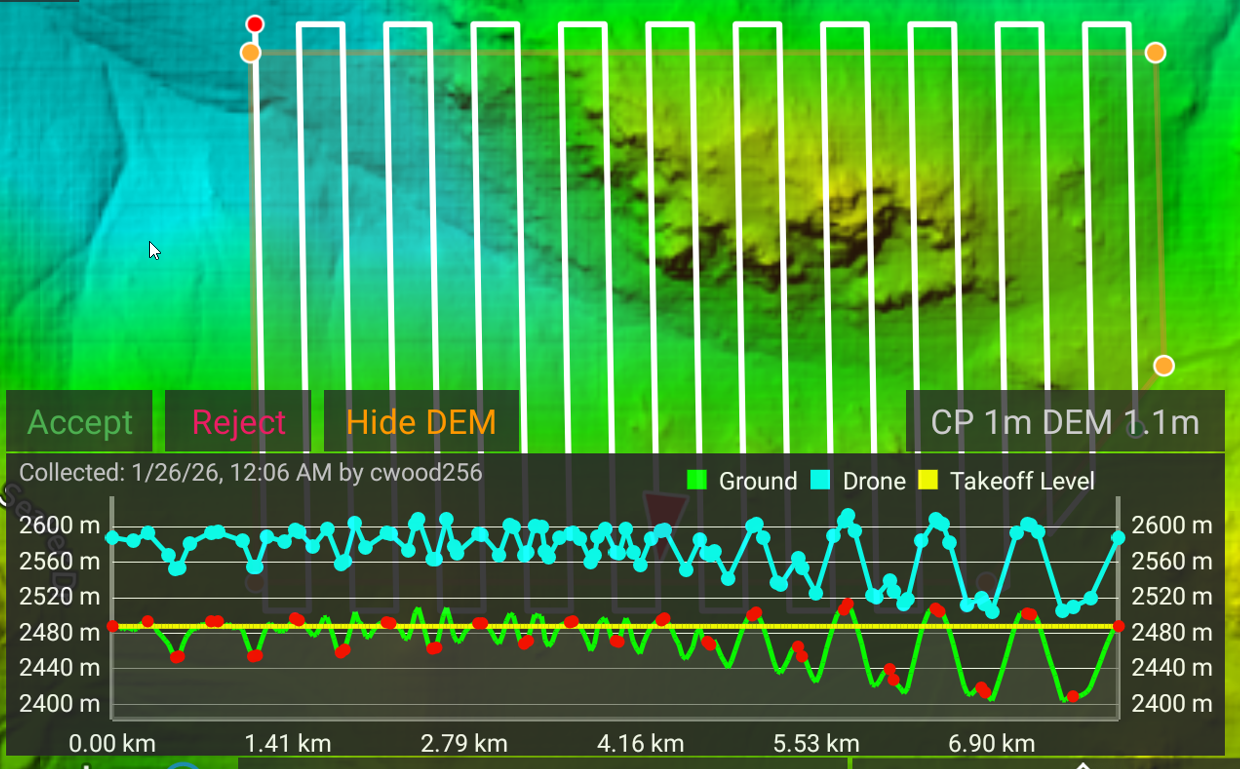
Version 3.1.16e had the problem with inconsistently using the terrain, even after downloading. It was working fine before today, and I've been using that terrain model for a couple of weeks, so I'm not sure why it quit working today.

It seems like versions 3.1.12e and 3.1.18e (beta) are downloading the terrain OK. 

The area used for testing the mission layouts works fine for all other versions except 3.1.12e, and I have used it extensively, so I don't think that mission area is the problem. Maybe 3.1.12e has a problem with RTK fixes or some other issue?

Chris Wood 0 أصوات
إجراءات التعليق ارتباط ثابت
0
Avatar

As a follow-up to my comments about versions 3.1.12e - 3.1.18e (beta) apparently not working with my DJI M3M, I reverted MPP back to version 3.1.11e and used it to fly a mission this AM.

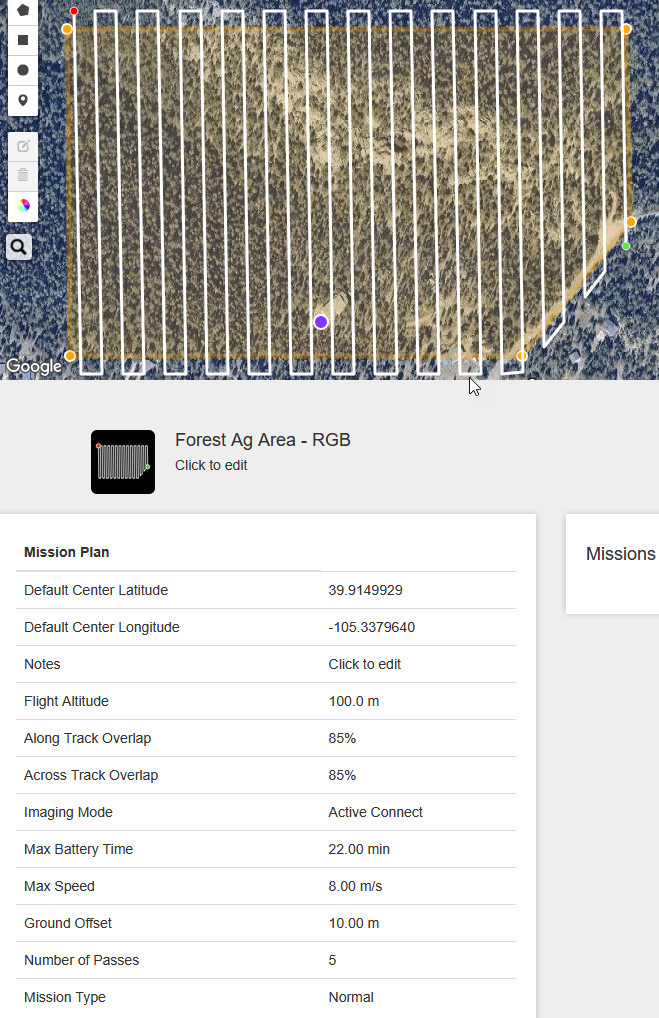
Version 3.1.11e seemed to work pretty well. It created the layout without any problems. There were a few quirks in getting it to consistently load the custom terrain, requiring reloading the mission plan a couple of times, but nothing one can't easily work around.

So, if anyone else is having similar problems, it looks like you could go back 3.1.11e and get some work done.


Chris Wood 0 أصوات
إجراءات التعليق ارتباط ثابت
0
Avatar

Thank you for the follow up. We will take that into account when trying to figure out what is going on. 

Zane 0 أصوات
إجراءات التعليق ارتباط ثابت
0
Avatar

Are you trying to fly with RTK enabled? What happens if you fly without it being enabled?

Zane 0 أصوات
إجراءات التعليق ارتباط ثابت
0
Avatar

Yes, I always use RTK (via either the built-in NTRIP client, or using a DJI RTK-3 in base station mode at previously-surveyed points). My checklist includes verifying in DJI Pilot2 that the aircraft has 3D-Fixed RTK convergence before closing Pilot2 and starting MPP.

I used RTK when trying out versions 3.1.12e, 3.1.16e and 3.1.18e (beta), so don't know if/how those versions would behave without RTK.

I'm able to consistently use version 3.1.11e with RTK for my M3M missions. Apart from minor glitches, 3.1.11e seems to work pretty well. The main glitch is that while either plotting a terrain profile or confirming terrain use to upload waypoints, the app sometimes gets stuck "initializing..." terrain, even if the terrain has been loaded before. The work-around is to back out of the mission plan, reload it, and try again. Usually works within a couple of trys.

Chris Wood 0 أصوات
إجراءات التعليق ارتباط ثابت
0
Avatar

I just realized I'm assuming that MPP doesn't modify the aircraft's RTK setup, like switching over to the NTRIP client in MPP when the aircraft is already getting RTK corrections directly from an RTK-3.

I made that assumption because MPP doesn't seem to support working with an RTK-3 (e.g., selecting well-known points, checking RTK-3 status, etc). Hopefully that assumption is correct because the aircraft needs to be restarted whenever the RTK source changes.

Chris Wood 0 أصوات
إجراءات التعليق ارتباط ثابت
0
Avatar

The app does try to handle the RTK settings but it is probably set up differently on the new model and with the new SDK. We will look at that for the next release. Does it seem to work if RTK is not in use?

Zane 0 أصوات
إجراءات التعليق ارتباط ثابت
0
Avatar

There are 2 options to send RTK corrections to a DJI M3M: (1) use NTRIP running on the controller, with the controller then relaying the RTK corrections to the aircraft; or (2) use a DJI RTK-2 or RTK-3 in base station mode, which sends RTK corrections directly to the aircraft, independently of the controller.

DJI Pilot2 supports both. It has an embedded NTRIP client, and it has a UI to configure an RTK-2 or RTK-3 in base station mode.

MPP seems to explicitly support only the embedded NTRIP client option. Support for using an RTK-2 or RTK-3 base station seems to be implicit - there's no UI, but if the aircraft reports 10 or more satellites, then MPP is happy.

At least that's what I see for MPP version 3.1.11e. In contrast, version 3.1.18e (beta) may do things differently because the aircraft didn't take off in my testing, even though it had excellent RTK fixes from 25+ satellites.

I didn't test whether 3.1.18e (beta) would command the aircraft to takeoff if the aircraft fixes were non-RTK, but presumably that's clear from the code.

I'm sticking with version 3.1.11e for now because it (mostly) works for my use case. If there's a newer version of MPP after 3.1.18e (beta) that supports RTK at least as well as version 3.1.11e does, then I'll be happy to try it out.

Chris Wood 0 أصوات
إجراءات التعليق ارتباط ثابت