منشور

‏3 متابعين اتباع
0
Avatar

Changing camera settings during a flight

Hello,

Sorry if this has been answered elsewhere, but I could not find it.

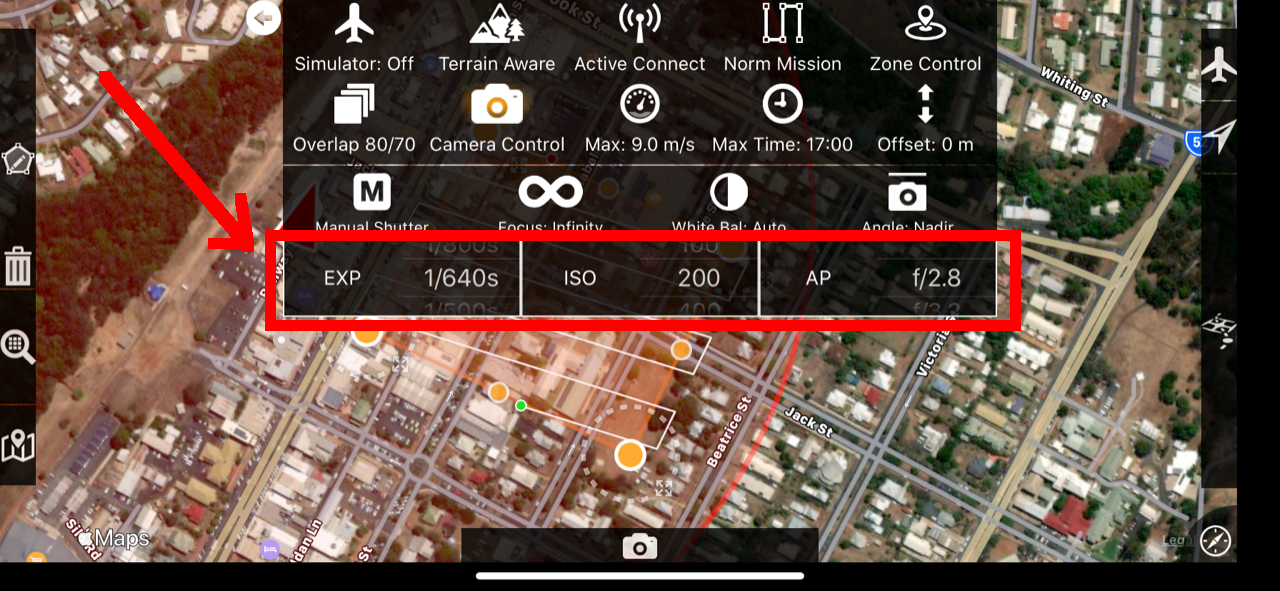
How can I change camera settings (particularly EXP and ISO) during a flight? The version of Map Pilot I am using allows me to change those parameters before I take off only. When flying, those parameters remain read-only, and it is really frustrating not being able to adjust this.

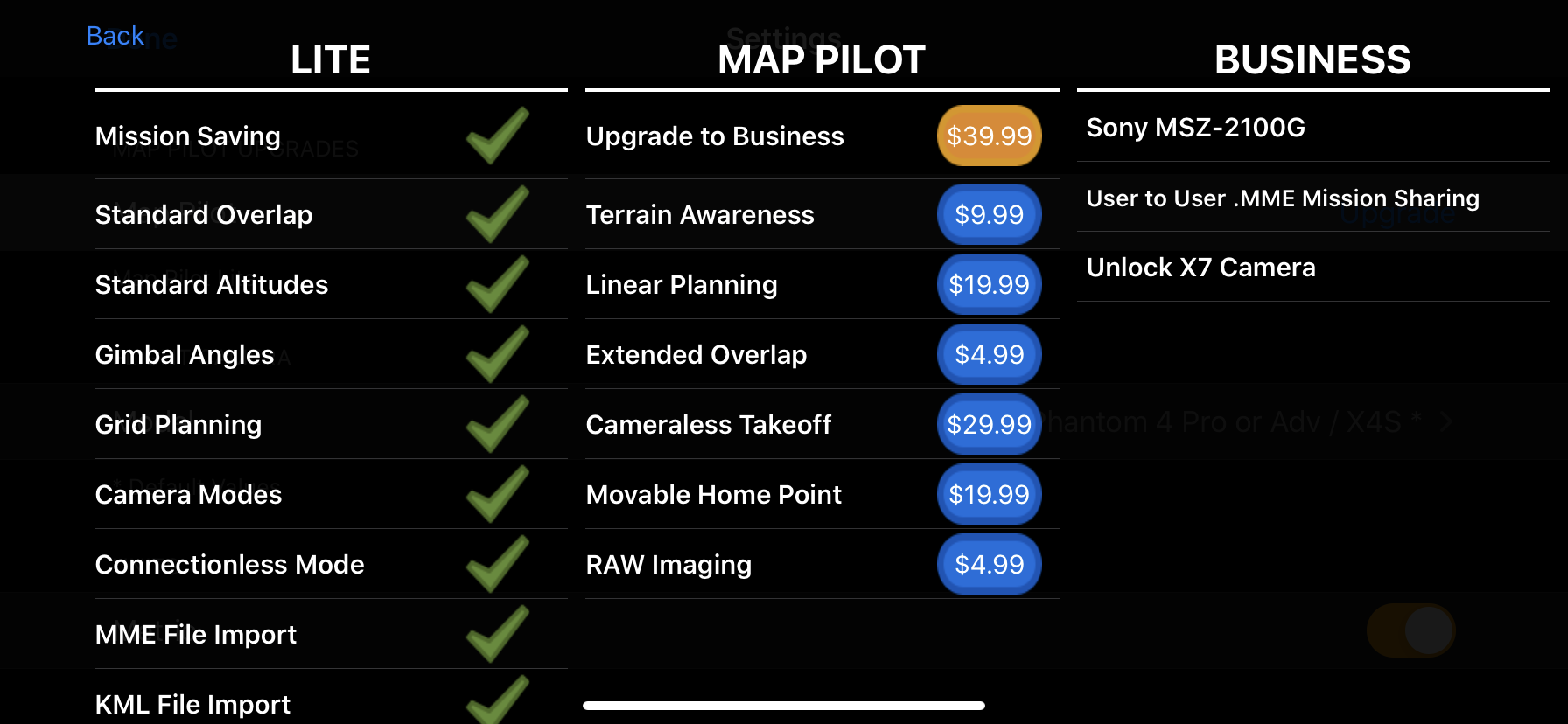
Here is my Map Pilot subscription:

Thank you

Fernando Urzedo

تعليق رسمي

Avatar

If you are using the non-auto camera modes you can adjust the camera's exposure related values in the Options Menu in the 'Camera Control' panel.

It sounds like you might be in Auto mode which doesn't allow you to change those values. Try manual or one of the other modes. 

These values can also be adjusted using the right clickwheel on the remote. 

Zane
إجراءات التعليق ارتباط ثابت

الرجاء تسجيل الدخول لترك تعليق.

6 تعليقات

1
Avatar

Hi,

as a suggestion is it possible to highlight the value that is active during right clickwheel?

I use the right clickwheel to adjust the camera settings but by clicking the wheel cycles between the various values (ISO,EXP,Shutter speed etc) and the user doesn't know which value is active. So I have to press the click and turn the wheel a few times to change the value I want.

George 1 صوت
إجراءات التعليق ارتباط ثابت
1
Avatar

You should be able to change them however you want in the Camera Control panel if you are using manual mode. We would love to highlight the value that is currently up in the clickwheel adjustments but that information isn't available in the DJI SDK. 

Zane 1 صوت
إجراءات التعليق ارتباط ثابت
0
Avatar

Hi Zane,

Sorry, I wrote my question in a hurry, and I'm afraid I missed a few important details.

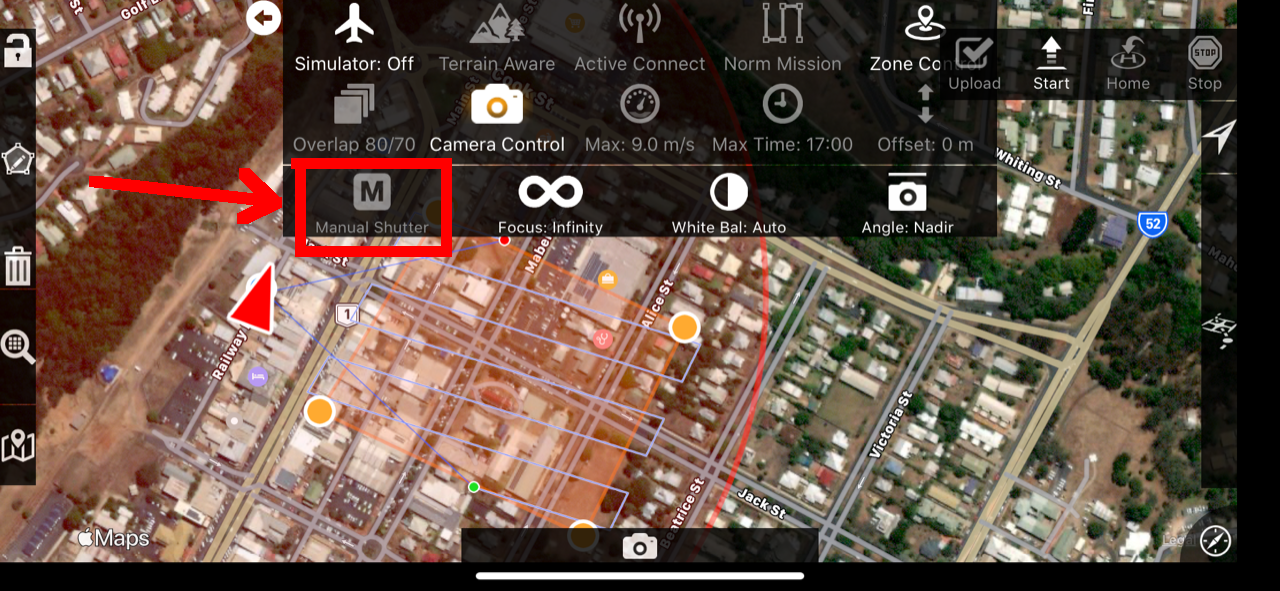
I'm using Manual Shutter mode (it is a requirement for the tests I'm conducting). Indeed, I can set the camera parameters on the "Camera Control" panel before I transfer the mission to the drone flight controller.

However, when I start the flight, the Camera Control option gets disabled and I cannot change parameters anymore.

I remember watching a video where the Map Pilot user is able to change camera parameters via the Camera Control menu while the drone was flying, so I was expecting the same experience on the Map Pilot app version I have installed

I do remember that in the same video I saw terrain following features on their Map Pilot, which is part of the Map Pilot Business version. So perhaps I have to upgrade my version to Business as well, to have access to that functionality? Please advise.

Anyway, I made a quick test with the right clickwheel on the remote and it seems to do the trick. However, as you guys pointed out, we don't know which is the parameter we are changing until we click the wheel a few times and find the parameter.

Thank a lot

Fernando Urzedo 0 أصوات
إجراءات التعليق ارتباط ثابت
1
Avatar

Thanks for bringing this to our attention. Those are supposed to be enabled during flight. This will be fixed in version 4.1.4.

Zane 1 صوت
إجراءات التعليق ارتباط ثابت