منشور

‏2 متابعين اتباع
0
Avatar

backup ipad - No Business tier or saved missions

I upgraded MP to the business tier.  On my backup ipad which is the same Apple ID, the app does not recognize the business tier, nor do my saved missions sync. I've tried deleting and reinstalling the app with no effect.

I've signed in to my MME account with no difference.  I can probably manually load the missions from one device to the other, but I would like to get to the bottom of why they are not syncing.

In addition, looking at my primary ipad where everything is working, on the settings>Map Made Easy login line, it lists "mme_username" for the username field which can't actually be correct, can it?  my account username is not that.

Thanks,

Dave

Dave Pitman

تعليق رسمي

Avatar

Go to upgrade it again and select 'Restore' instead 'Buy'. This will pull all of the purchases you have made through the AppStore on that Apple ID to this device.

The saved missions will either need to be transferred via email or AirDrop. The next release (4.1) will have a mission sync feature.

The "mme_username" is a place holder for users who had previously manually entered the Access Password. It will work fine the way it is or you can press log out and then log back in. Good question. 

Zane
إجراءات التعليق ارتباط ثابت

الرجاء تسجيل الدخول لترك تعليق.

9 تعليقات

0
Avatar

re: manual file sharing

I have never tried AirDrop.  In the past, using iTunes, I've backed up and use the file "Flights.plist"

But it appears that file is now hidden in iTunes? Is there another way to move all missions at once?  Though, it's not a big deal if mission syncing is coming soon. **Hopefully with some organizational mechanism as well ;)  

Update:

Airdrop seems easy enough except in my case, no joy.  On both pads sitting next to each other with "receive from everyone" on, both on the same wifi network, both with bluetooth on, the Airdrop option in MP file sharing does not show the other pad.

I emailed one of the missions (*.mme) to myself, dropped it into the MP folder via iTunes, and it does not show up in missions.

I've always loved apple devices for their straight forward file sharing ability (sarcasm).

Here's hoping for MP v.4.1

Dave Pitman 0 أصوات
إجراءات التعليق ارتباط ثابت
0
Avatar

Working on it...

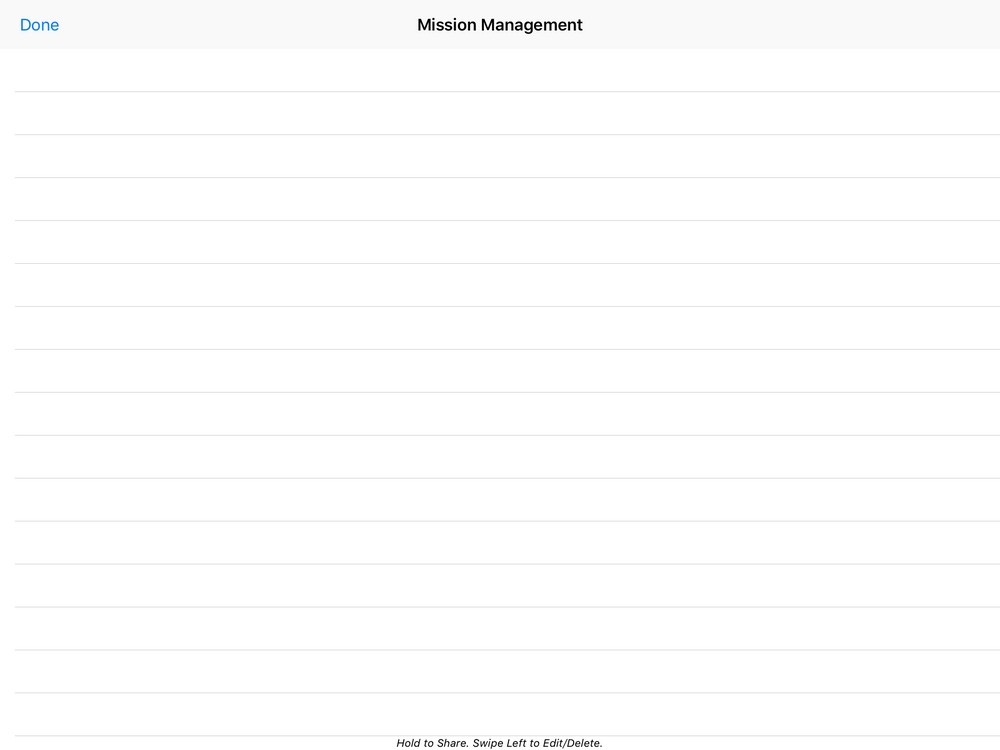
From the Mission Management screen you can save the individual missions to the 'Files' app by selecting 'Save to Files'. From there you can access all of the missions in bulk through iTunes. 

Zane 0 أصوات
إجراءات التعليق ارتباط ثابت
0
Avatar

Was editing my previous post as you replied.  I'll give that a try, Thanks!

Dave Pitman 0 أصوات
إجراءات التعليق ارتباط ثابت
0
Avatar

Are you backing up or trying to load it? 

If you are trying to get it out of the device you have to 'Save to Files' first to put it in the accessible folder.

If you are trying to load it you have to tap on it in the Files app and it will bring it into Map Pilot and show up in the Mission Management screen. 

Zane 0 أصوات
إجراءات التعليق ارتباط ثابت
0
Avatar

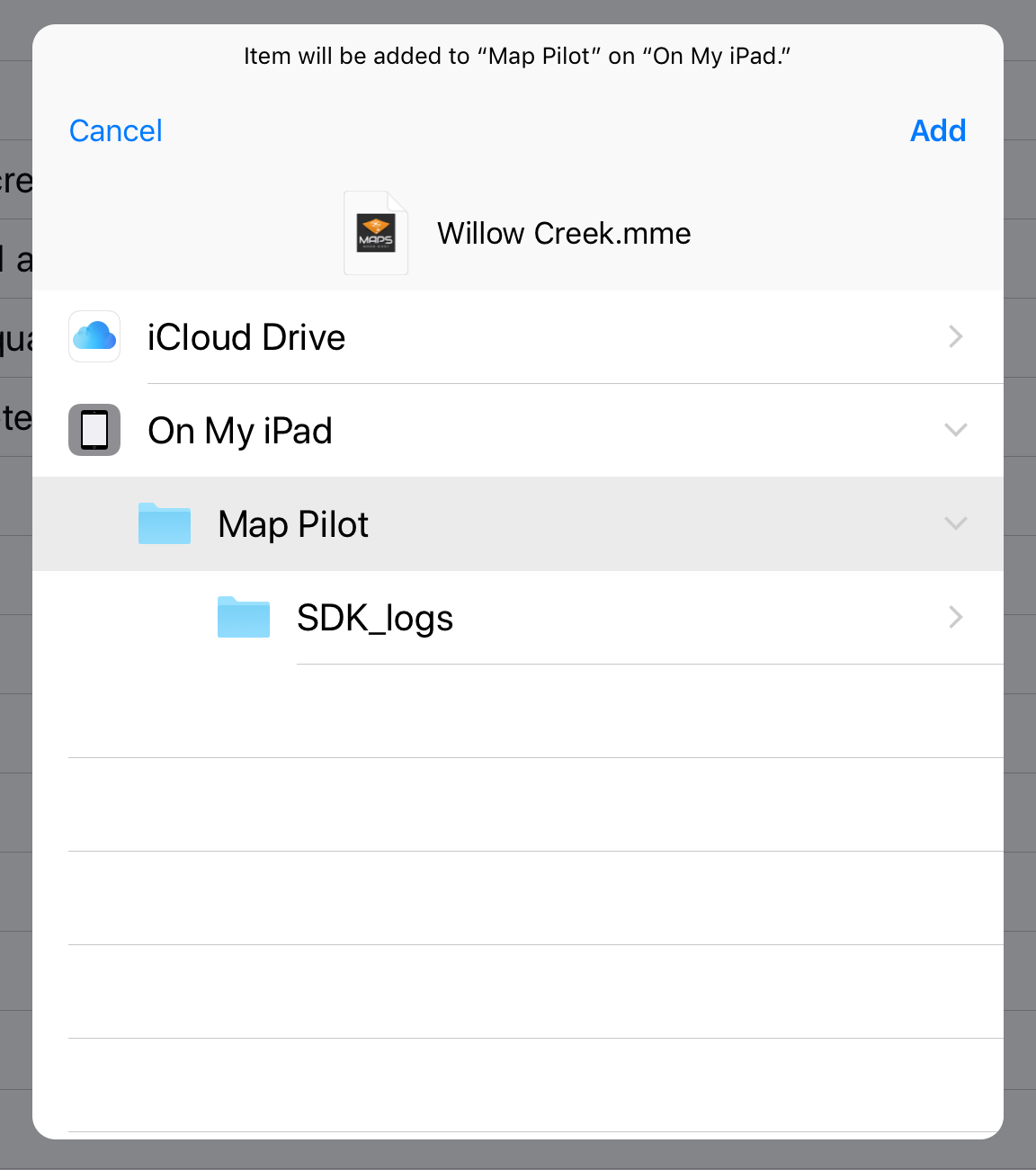
On the device with the mission, I go to Mission Management, press and hold the mission, then Save to Files.

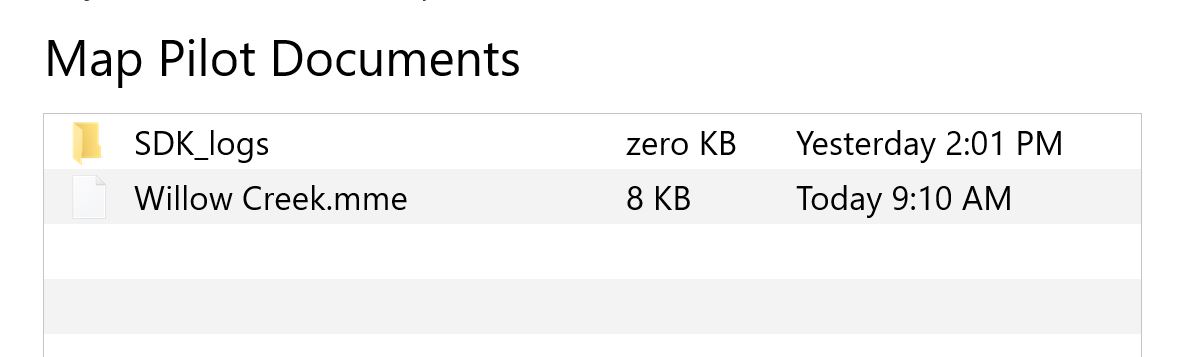
I then open that device in iTunes and copy that file out of the Map Pilot docs folder. Then, I open the receiving device via iTunes and put that .mme file in the Map Pilot docs folder.  I'm not sure what you mean by "tap on it in the files app".  The File Manager tab in Map Pilot on the receiving device does not list the .mme file.

The screen grab is the dialog I see when I save the mission file out of the sending device.

Is there some reason you guys abandoned the simple, straight forward copy and paste of the Flights.plist file to move over all the missions at once?  

Dave Pitman 0 أصوات
إجراءات التعليق ارتباط ثابت
0
Avatar

Starting with version 4.1 which was released today you can sync Mission Plans from Map Pilot to MME and back to enable sharing between devices logged into the same account. 

Zane 0 أصوات
إجراءات التعليق ارتباط ثابت