
Bình luận chính thức

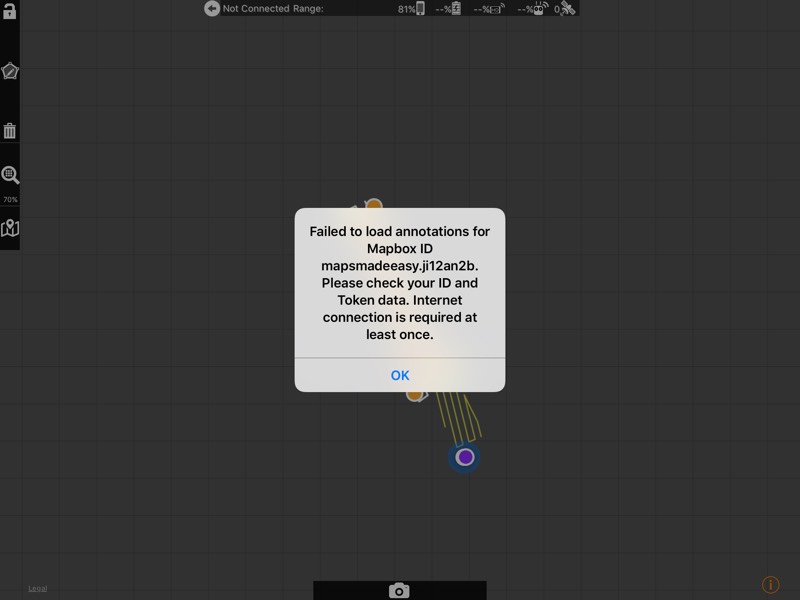
After changing the Mapbox ID you are essentially telling Map Pilot to look somewhere else for the basemap data even though it is saved on your device.
You will need to recache the previously saved missions using the new credentials.
Here are the steps to recache a previously cached mission:
1. Put your updated Mapbox Map ID and Access Token into their respective settings. Open the cached mission that the basemap is not opening for you.
2. Click the "Unlock" button in the top left.
3. Open the Map Control panel and recache the map.
4. Go back to the Map Management list.
5. Go back AGAIN to the main menu (recaching a cached mission does not repopulate the list).
6. From the main menu, go back into Manage Missions and you will see the new version of your old mission cached with your basemap data.
If you are already in the field and you are getting this error, you can remove the Mapbox ID and Access Token values from their settings, leaving them totally blank, and it will default back to the previous value and work again.
Give that a try. It should work.


