
Comentário oficial

We are more than willing to discuss deficiencies in the app and address them when called for. We do all of our support via emails and these forums. No requests for remote support has ever been met for anyone unless it is a super large account that has a service agreement in place.
Another source of poor focus isn't actually focus at all. It is motion blur. Your images seems to be averaging around 1/280 exposure. That means an exposure time of 3.5 milliseconds. If your aircraft is traveling at 10 m/s you are going to get smear of 3.5 centimeters. You are flying quite low while doing this and your GSD is about .4 cm. That means you are getting almost 9 pixels of directional smear in your images.
If you look at these screenshots from your sample images you will see that the smear is directional, up and down, not side to side.
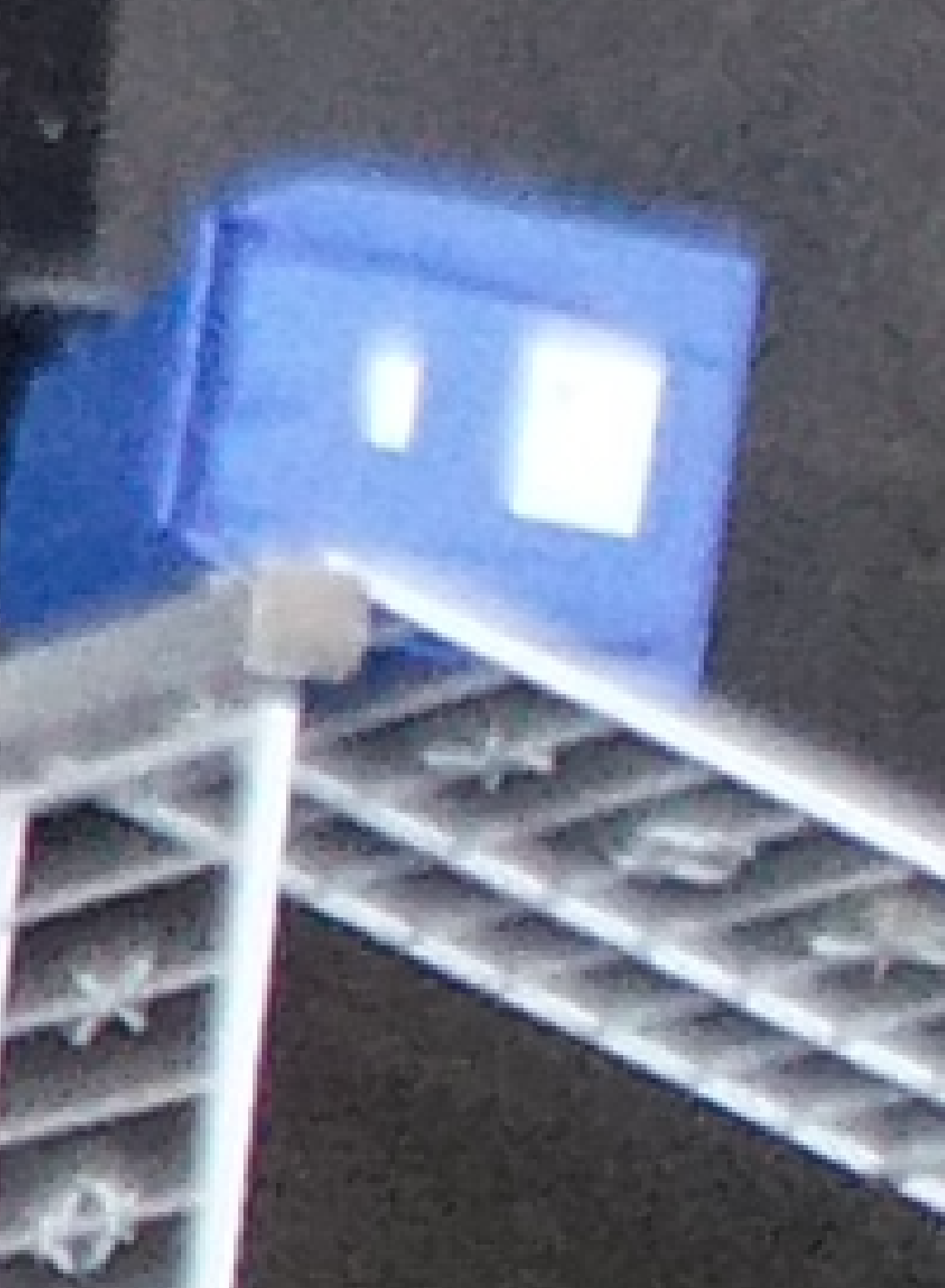
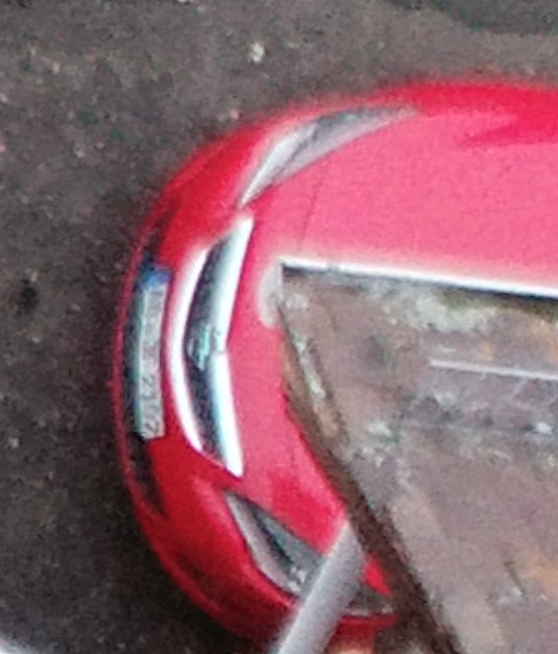
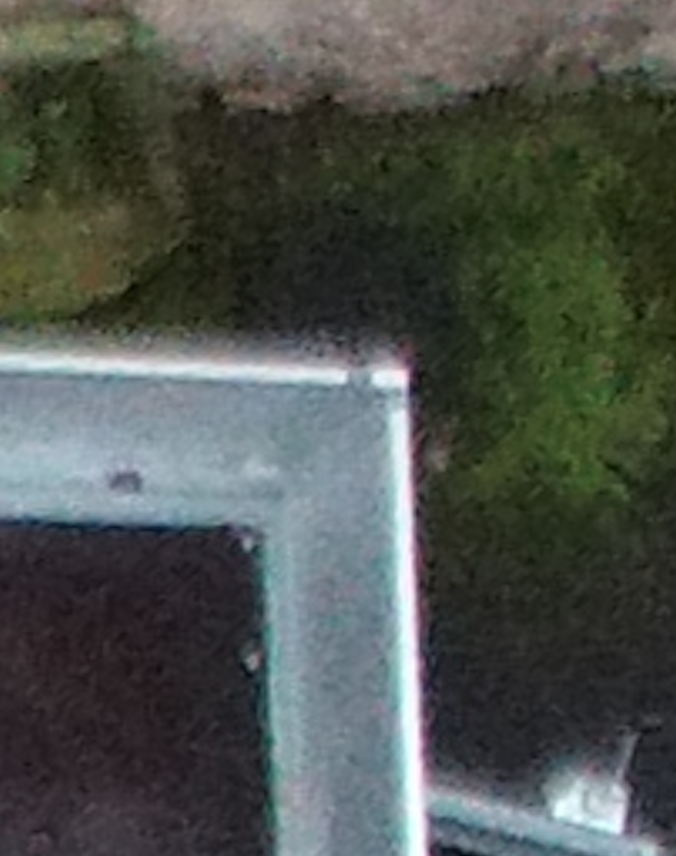
In the interest of keeping people from repeating what we have already said here are our replies:
_______________________________________________
Jan 04 / January 28
We are sorry to hear you are having focus issues. The focus controls in Map Pilot Pro are documented here:
https://support.dronesmadeeasy.com/hc/en-us/articles/4401958968468-Camera-and-Gimbal-Controls
What flight was having the issue? Send us the link from your Missions/Flights list in Maps Made Easy. The latest flight in the system is from December 23.
You are either use AF (Auto Focus) or MF (manual focus), not both.
These images are pretty low light which can make the camera do so weird things but check the focus settings so you understand what you were actually using.
It is possible you were using MF inadvertently and had a bad value. Once you send us the link to the flight we will be able to look at the log file to tell you more.
https://www.mapsmadeeasy.com/map_pilot/flights/detail/xxxxx
The Flight log from yesterday shows that Auto Focus was not done. This either means that you have Manual Focus selected or you have 'Inherit Camera Settings' enabled. Make sure you don't have the 'Inherit Camera Settings' enabled unless you are trying to focus the camera in another app. 99% of the time we recommend users use Auto Focus unless there is a special need not to.
________________________________________________
January 31
It looks like your most recent job from Jan 28 did do auto focus successfully. Can you check those images for focus quality? We only get a message that the autofocus succeeded, not a metric of how good it is. This is the same process that is used in the older Map Pilot variants.
________________________________________________
March 29
As noted in the Camera and Gimbal Controls article you should be double tapping on the camera preview in a contrast rich area in order to get a good focus solution. You should see the focus value slider change to reflect the change.
If you are ever questioning your focal quality you can stop the flight and double tap on a contrasty spot in the camera preview screen to force the auto focus to pull another solution. "
Alternatively you could do some testing to figure out what the optimal manual focus value is for your flight height at use that.
https://support.dronesmadeeasy.com/hc/en-us/articles/4401958968468-Camera-and-Gimbal-Controls
________________________________________________


