Publicação

2 seguidores Seguir
0
Avatar

Viewing a 3D model

Hi there,

I am new to this site but not new to creating 3D models and have been using other software. However, I have done my first test here using some map and orbital images of a site collected using a Mavic Mini and another app, and in the static output files, I can’t see a textures file for me to compress with the Obj and Mtl files to upload manually to Sketchfab, so do I use the 3D Texture file?
 
Also, if I click on the 3D Texture (JPG) download link, it shows it in the browser but does not download it to my PC so how can I download it to compress it with the Obj and Mtl files to upload to Sketchfab?
 
Thanks
Julian Perry

Comentário oficial

Avatar

From our Data Collection guidelines that are agreed to at the time of upload:

  • Never Fly Backwards or Sideways - Collect all of your data while traveling forward. Most aerial cameras have rolling shutters and mixing forward and backward flight ruins the chances of the job turning out well.
  • Collect Images at a Consistent Speed - Images for a set should all be collected while traveling as close to the same speed as possible. With a rolling shutter, images taken at differing speeds will have different geometries and harm the accuracy of the final product.

For the only completed map in your account I see that the OBJ, MTL and JPG texture files are all available for download. 
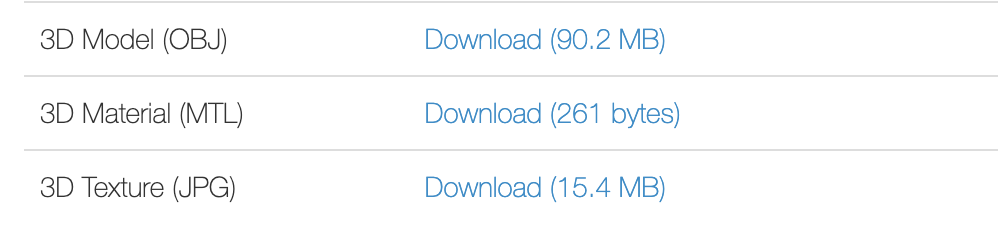
You could right click on the link and hit "Save as" or "Download" depending on your browser.

Zane
Ações de comentário Permalink

Por favor, entrar para comentar.

2 comentários

0
Avatar

Thanks. My chrome browser downloaded all the files except the last texture one. I’m sure I can get it by another mouse option.

May I ask if I need a height reference image when using the DJI workflow option? It didn’t prompt me for one but did when I looked at the Flat map option?

Thanks

Julian Perry 0 votos
Ações de comentário Permalink