게시물

팔로워 2명 팔로우
0
Avatar

M3M in RTK mode won't take of with 3.1.20e (beta)

This post describes RTK problems with 3.1.20e (beta) that prevent the drone from taking off. It's a continuation of https://support.dronesmadeeasy.com/hc/en-us/community/posts/50907290877972/comments/51823465158548

TLDR; for those having similar issues, version 3.1.11e seems to work OK for RTK missions.

To recap, there are two ways to get RTK corrections to DJI drones: (1) use a DJI RTK-2 or RTK-3 in base station mode to transmit RTK corrections directly to the drone, or (2) use an app on the RC that supports NTRIP over the WIFI connection, with the app then forwarding the RTK corrections from NTRIP to the drone over the RC link.

Both methods seem to work fine with DJI Pilot2 and Map Pilot Pro (MPP) version 3.1.11e. Unfortunately, neither method seems to work with MPP version 3.1.20e (beta), at least for my M3M.

MPP 3.1.20e (beta) seems to disable RTK, with the result that the rear LEDs on the drone start flashing red and stay that way. If the LEDs are red, then the drone won't take off when you tap the Takeoff button in MPP.

My test procedure is to first start DJI Pilot2 and set up either NTRIP or an RTK-3 base station. Then I restart the drone and verify that RTK fixes are working. Finally, I close DJI Pilot2 and start up MPP.

With the base station method, the RTK-3 keeps sending corrections to the drone, so MPP doesn't need to configure anything after it starts up. In NTRIP mode, MPP needs to start up its own NTRIP client and relay the RTK corrections to the drone. For NTRIP, the drone is going to lose RTK corrections during the brief time that DJI Pilot2 is closed and MPP is started.

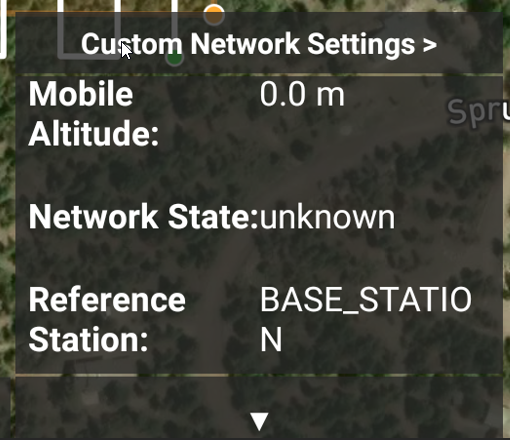
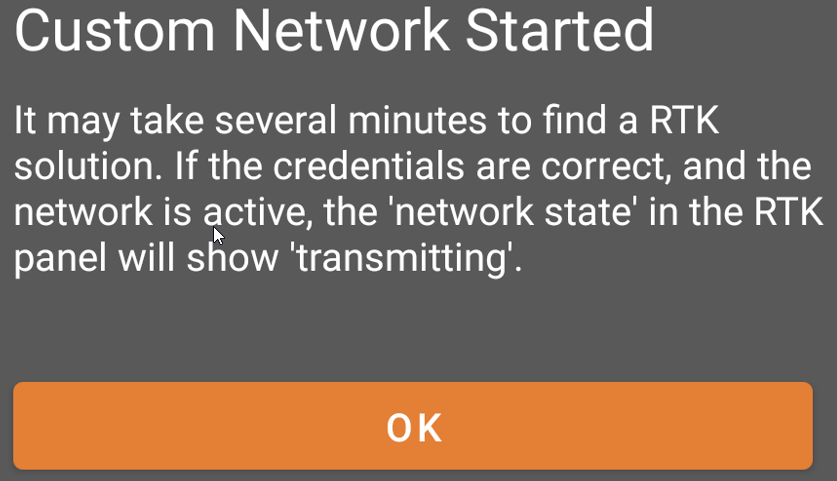
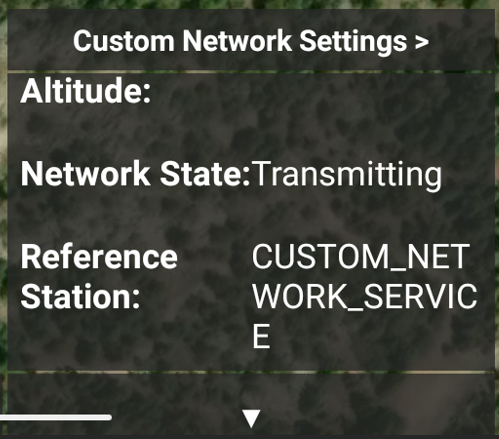
To check or set up RTK in MPP 3.3.20e (beta), I tap the satellite icon at the lower edge of the screen. This brings up a "Custom Network Settings" button and a scrollable status window: NTRIP is configured in the Custom Network Settings, where you enter the NTRIP sever, port, credentials, and the closest station (mount point). If all is well, you should get a popup saying to wait and check status in the panel. For my testing, the panel indicates "transmitting" but the LEDs at the back of the drone stay red forever. It's also an annoyance that MPP 3.1.20e (beta) forgets the NTRIP server name and your password, requiring having to type it in over and over.
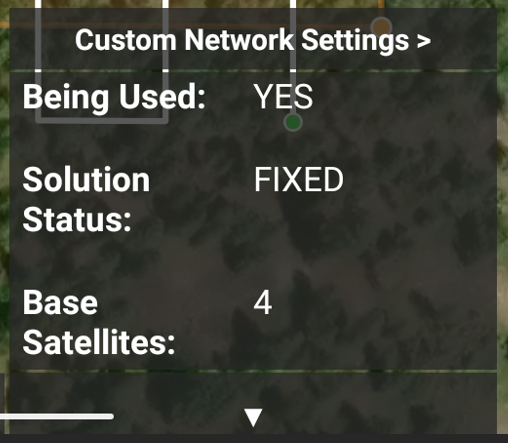
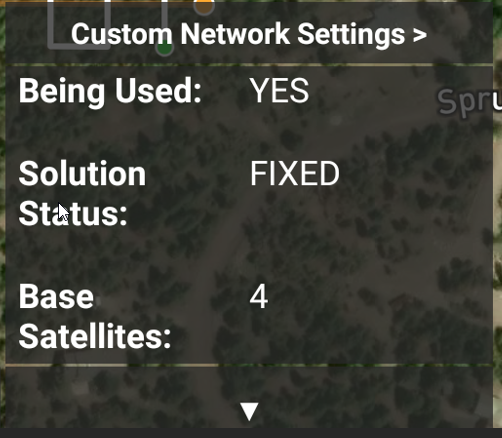
For an RTK-2 or RTK-3 base station, the panel will again show a FIXED solution in BASE_STATION mode, with lots of satellites As with NTRIP, the LEDs at the back of the drone stay red, so the drone won't take off.
The linked post shows screenshots of RTK working in DJI Pilot2, so I won't duplicate here.

Again, each RTK method seems to work fine with MPP version 3.1.11e. In contrast, it's not working with version 3.1.20e (beta).


Chris Wood

댓글을 남기려면 로그인하세요.

댓글 4개

0
Avatar

Thank you for writing this up. In our testing, we have been able to take off normally in Base Station mode. It sounds like your issue is primarily with NTRIP mode. 

In order to strip out some of the layers here can you please try testing with a freshly designed mission plan (not KML import involved layout) with no terrain to verify that has nothing to do with it?

Zane 0 표
댓글 작업 고유 링크
0
Avatar

Let's test!

You've suggested 3 potential variables: (1) terrain awareness (on/off), (2) source of the mission layout polygon (kml import or direct entry), and (3) GNSS source (RTK-base, RTK-NTRIP, and non-RTK). That's 12 tests, so we need a systematic process.

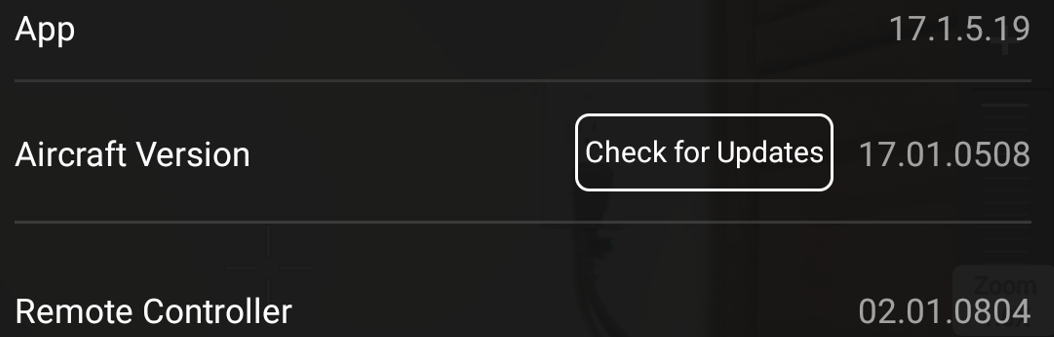
First, let's define a test environment. The aircraft is a DJI Mavic 3M. The Android version of MPP is installed on a DJI RC Pro Enterprise controller. The aircraft and controller have the latest available firmware:

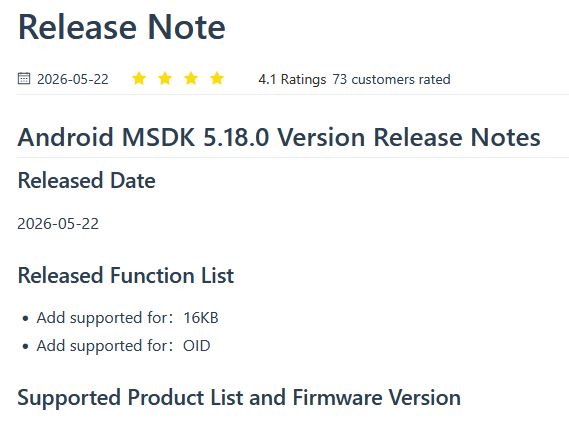
The aircraft and RC firmware are compatible with DJI's latest MSDK according to https://developer.dji.com/doc/mobile-sdk-tutorial/en.

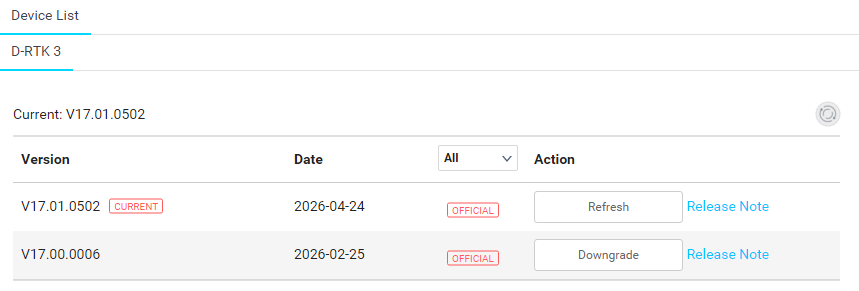
The base station is a DJI D-RTK-3 with the latest available firmware. The D-RTK-3 is placed on a tripod at an established control point. In the "advanced settings" menu of Pilot2, the control-point is selected from the "frequent coordinates" menu (previously set up).

For NTRIP, I'm using an external service. The NTRIP client in DJI Pilot2 works fine with it, and I also use it with other GNSS receivers and NTRIP clients.

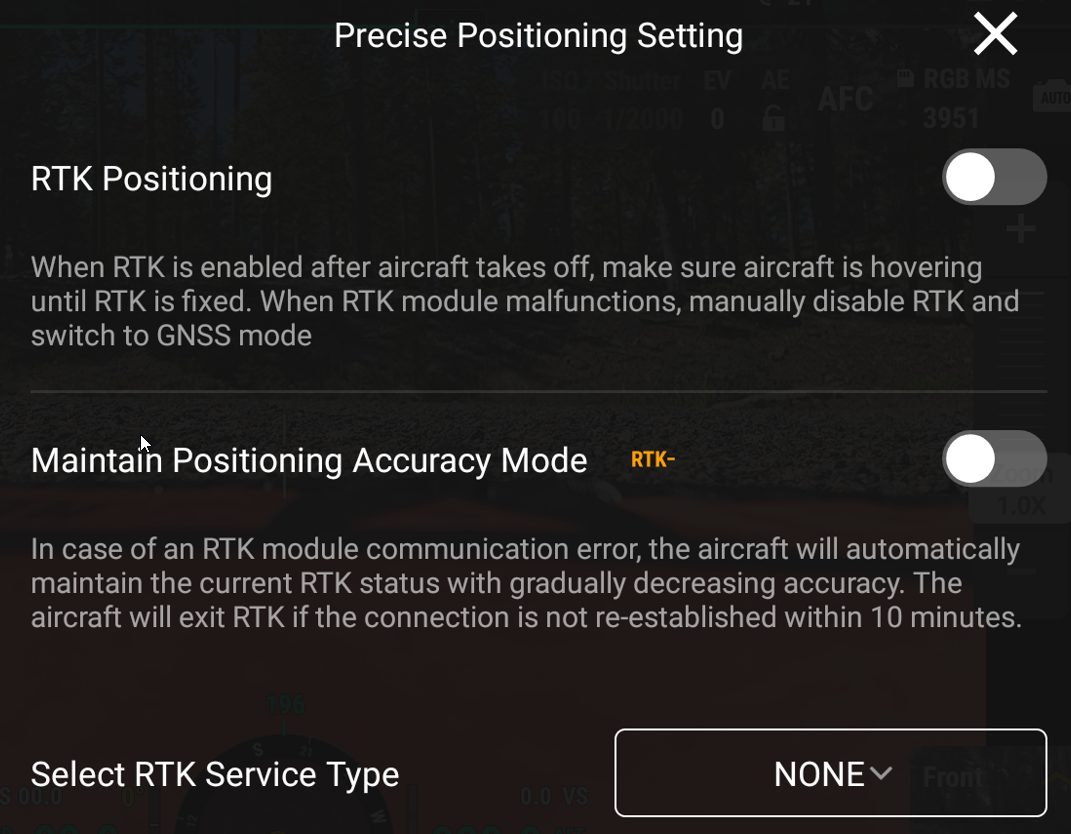
For non-RTK (FLOAT) only, RTK is disabled in DJI Pilot2:

Second, let's define a checklist for each test:

  1. power on the aircraft *after* powering on the controller
  2. make sure MPP is stopped, and then start up DJI Pilot2
  3. configure GNSS options in Pilot2 (NTRIP options, base-station options, or RTK off)
  4. power-cycle the aircraft
  5. verify aircraft operation and GNSS convergence in Pilot2
  6. stop Pilot2 and start MPP
  7. create a new mission plan either from a polygon imported via kml or drawn directly
  8. for terrain-aware enabled tests only, select the terrain and check the profile
  9. for NTRIP enabled tests only, set up the NTRIP client (it's an annoyance that MPP 3.1.20e forgets these settings - 3.1.11e remembers them)
  10. verify GNSS operation from the MPP scrollable area and the GNSS icon
  11. upload the mission, selecting terrain as necessary
  12. view the rear LEDs on the aircraft
  13. tap the Takeoff button

With all that, let's do the 12 tests! The test metrics are: (1) whether the Green LEDs flash at the back of the drone, and (2) whether the drone takes off.

Here are the results for 3.1.20e (beta)

For comparison, let's do the same tests with 3.1.11e:

It seems clear that none of these variables are causing the problems with 3.1.20e (beta).

Given the numerous changes and regressions since 3.1.11e, and the suggestions that the latest DJI MSDK is to blame, I'm willing to test a version of 3.1.11e built with that latest MSDK, and no other changes. Please let me know by email if that would be of help to you and where to get the apk. Otherwise I think we're just chasing our tails given the number of changes.

Chris Wood 0 표
댓글 작업 고유 링크
0
Avatar

Just inserting the new SDK in the old version isn't an option. This video is us getting RTK NTRIP connected with 3.1.21 but nothing here is much different from 3.1.20. We did fix the part where you have to re-enter the NTRIP connection details every time and how quick it will get to the "transmitting" state. The Terrain Awareness and KML stuff should have become non-issues with 3.1.20. 3.1.21 also has the popup messages to show the changes in the NTRIP solution value.

https://youtu.be/O0lHrpj20R8

We tried to show and follow your steps as closely as possible and we can't get it not to work. I am not sure if there is something different with your NTRIP network or the aircraft or what. 

Differences:

  • It does show getting a FLOAT status instead of a FIXED one.  
  • The firmware version is different 
  • M4E is used


Zane 0 표
댓글 작업 고유 링크
0
Avatar

The takeaway from my testing with 3.1.20e on the DJI Mavic 3 Multispectral (M3M) was that GNSS isn't working, preventing the aircraft from taking off. The mission gets uploaded to the aircraft, but the rear LEDs remain red, so when you tap the Takeoff button the aircraft just sits there without taking off.

In contrast, all GNSS modes seem to work fine on 3.1.11e with the M3M. The aircraft just gets a fix and takes off. This was true for all 3 GNSS modes: (1) RTK from a base station, (2) RTK from NTRIP, and (3) RTK disabled.

I watched the YouTube video you linked to, and it was helpful to see your exact test setup. However, as you noted there are some significant differences, including aircraft (M3M vs M4E), controller (RC Pro vs RC Plus 2), and Android version.

The problem I'm reporting is that 3.1.20e doesn't work with an M3M and an RC Pro, so it's not clear how relevant tests using an M4E are going to be. I recall from an earlier post that you had an M3M, so if you did a similar video with the M3M and an RC Pro then that would be a better comparison.

The idea of building a test version of 3.1.11e using the latest DJI SDK is to help debugging. The many changes made since 3.1.11e makes it hard to divide-and-conquer. SDK linking is a binary choice, so building 3.1.11e with the latest SDK looked like an easy way to test whether it's to blame. If it then turns out that the SDK isn't the problem, then the other changes could be cherry-picked or back-ported in smaller chunks, until the problem with the M3M can be identified.

Regarding some of the other differences in the video, I think these are minor. For example, RTK-FLOAT should become RTK-FIXED with more time for convergence. It looks like the M4E rear LEDs alternately flash red and green when it's in RTK-FLOAT but presumably would flash green once in RTK-FIXED. I also noticed that 3.1.11e provides a value for "Mobile Altitude" but 3.1.20e stays at zero. The "Being Used" field seems to always be true, even for SINGLE (i.e., non-RTK) fixes, which doesn't seem right.

In any case, my offer remains to help with any meaningful tests that I can fit into my schedule.

Chris Wood 0 표
댓글 작업 고유 링크