공식 댓글

It appears your aircraft is not connecting to Map Pilot. Make sure all other apps are closed and reboot all the hardware.
Is this on iOS 11? iOS 11 has exhibited some hardware connectivity issues.
댓글 작업

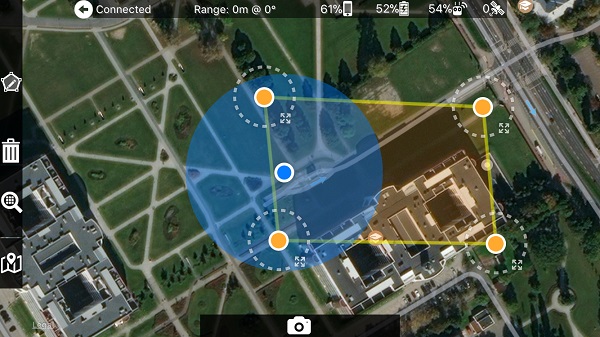
Fortunate I've checked if I can fly tomorrow with MapPilot after last update 2.7.1 and it turned out I can't. Inspire 2 is correctly connected afterwards I draw the area and, as you can see below, there is no flight route. The right top window with area and drone analysis is also empty.
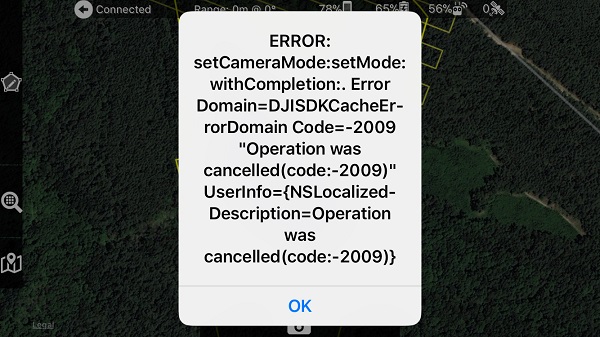
By the way sometimes such screen is also visible but after restart it doesn't appear again.
It appears your aircraft is not connecting to Map Pilot. Make sure all other apps are closed and reboot all the hardware.
Is this on iOS 11? iOS 11 has exhibited some hardware connectivity issues.
댓글을 남기려면 로그인하세요.
It is iPhone 7 and the last iOS 11.2. But the second screen is not a problem. The main problem is with the first one.
