Posting

2 pengikut Ikuti
0
Avatar

Clearing Prior Mission Tracks?

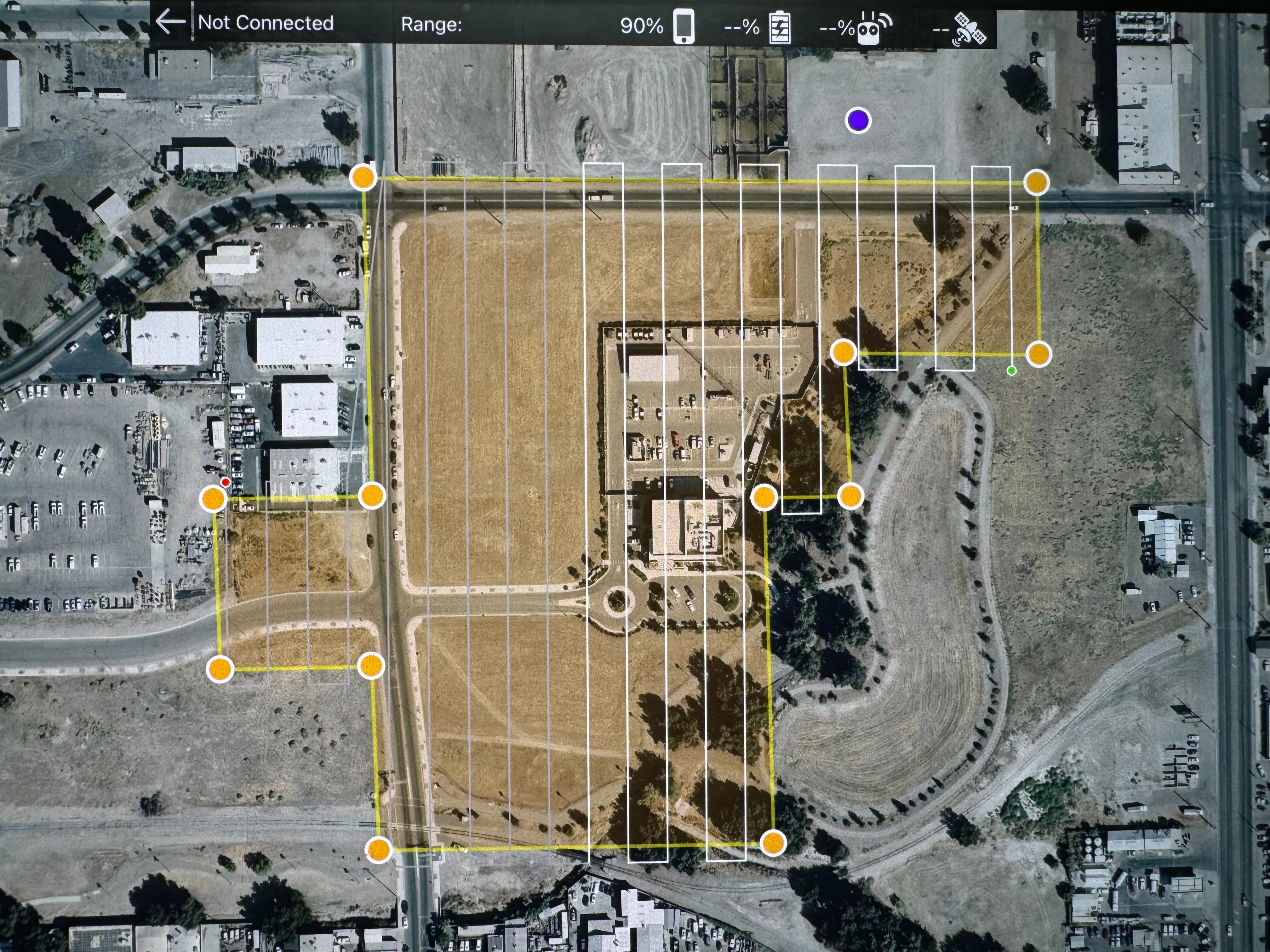
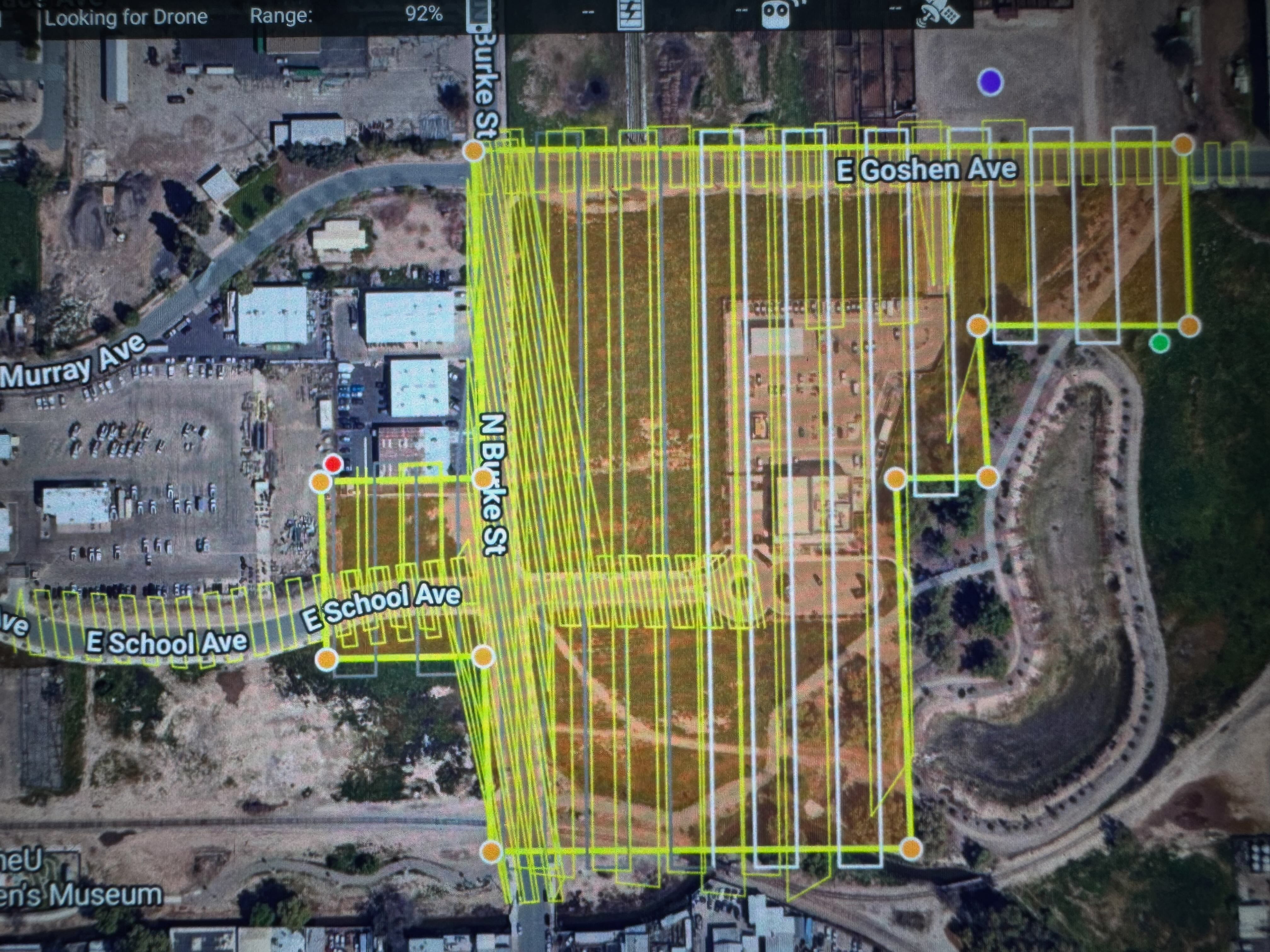
I didn't find anything on this maybe because of the search terms. Anyway, Recently, none of the tracks are clearing when I start a new mission. When I load a mission, there are like 5 different mission tracks still showing. Everything runs fine, but I can't see squat. Is there a way to clear screens?

terry

Komentar resmi

Avatar

If they are other missions you have saved you can turn of the display by disabling the "Show Nearby Mission Plans" in the User Interface section of the Settings. 

If it is showing the KML tracks of previous flights you would have to uncheck the boxes next to those in the File Manager. 

Zane
Tindakan komentar Permalink

Harap masuk untuk memberikan komentar.

3 komentar

0
Avatar

Or could it just be my Hugerock X7 Android Tablet? It's clear on my iPad. But then I didn't fly these missions on my iPad.

terry 0 suara
Tindakan komentar Permalink
0
Avatar

Yep. It was the view nearby missions switch. I knew it had to be something simple. Thanks, Zane.

terry 0 suara
Tindakan komentar Permalink