Posting

2 pengikut Ikuti
0
Avatar

Attitude mode + Upload timeout

Just wondering if anyone else is running into these issues?


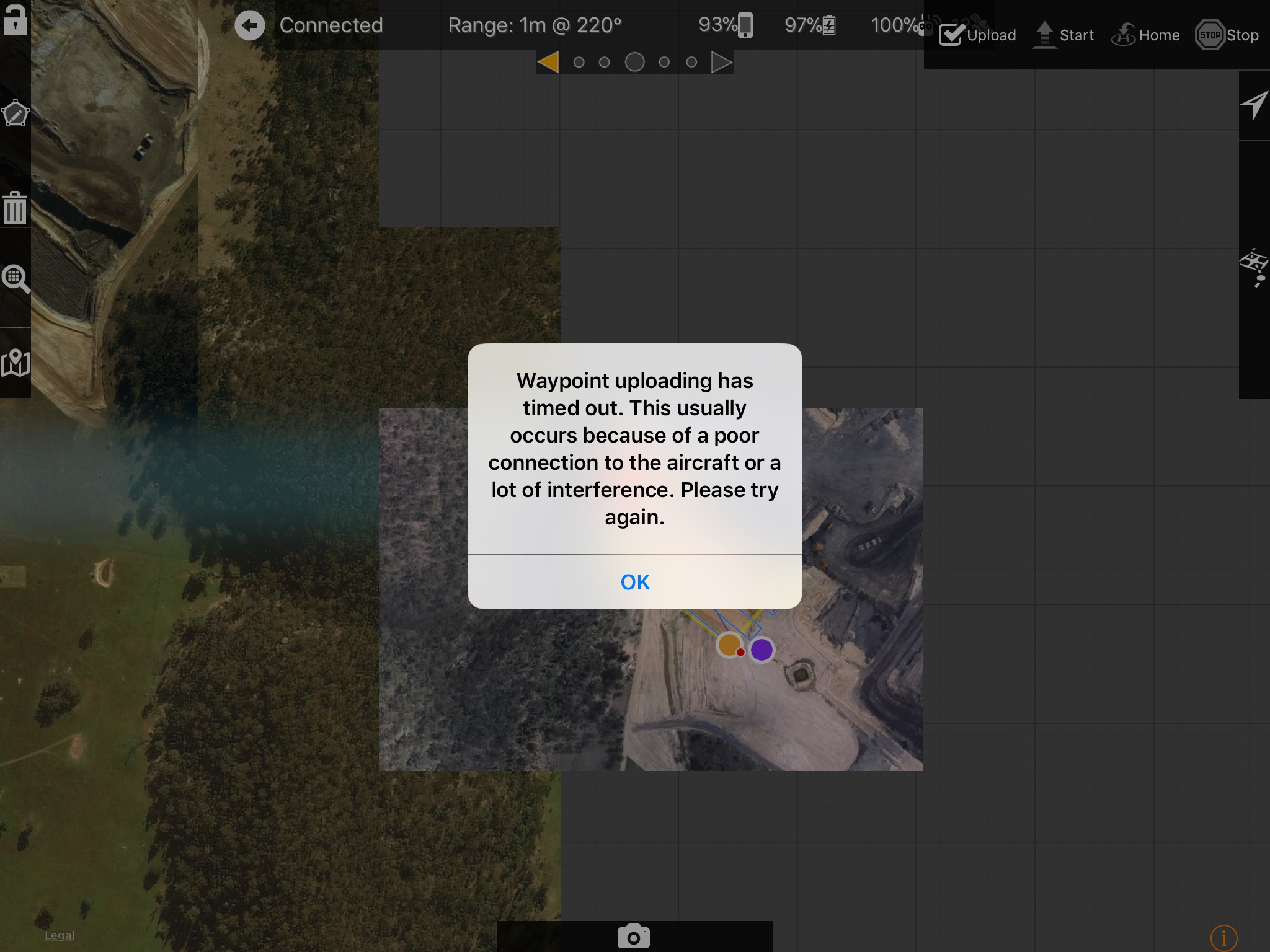
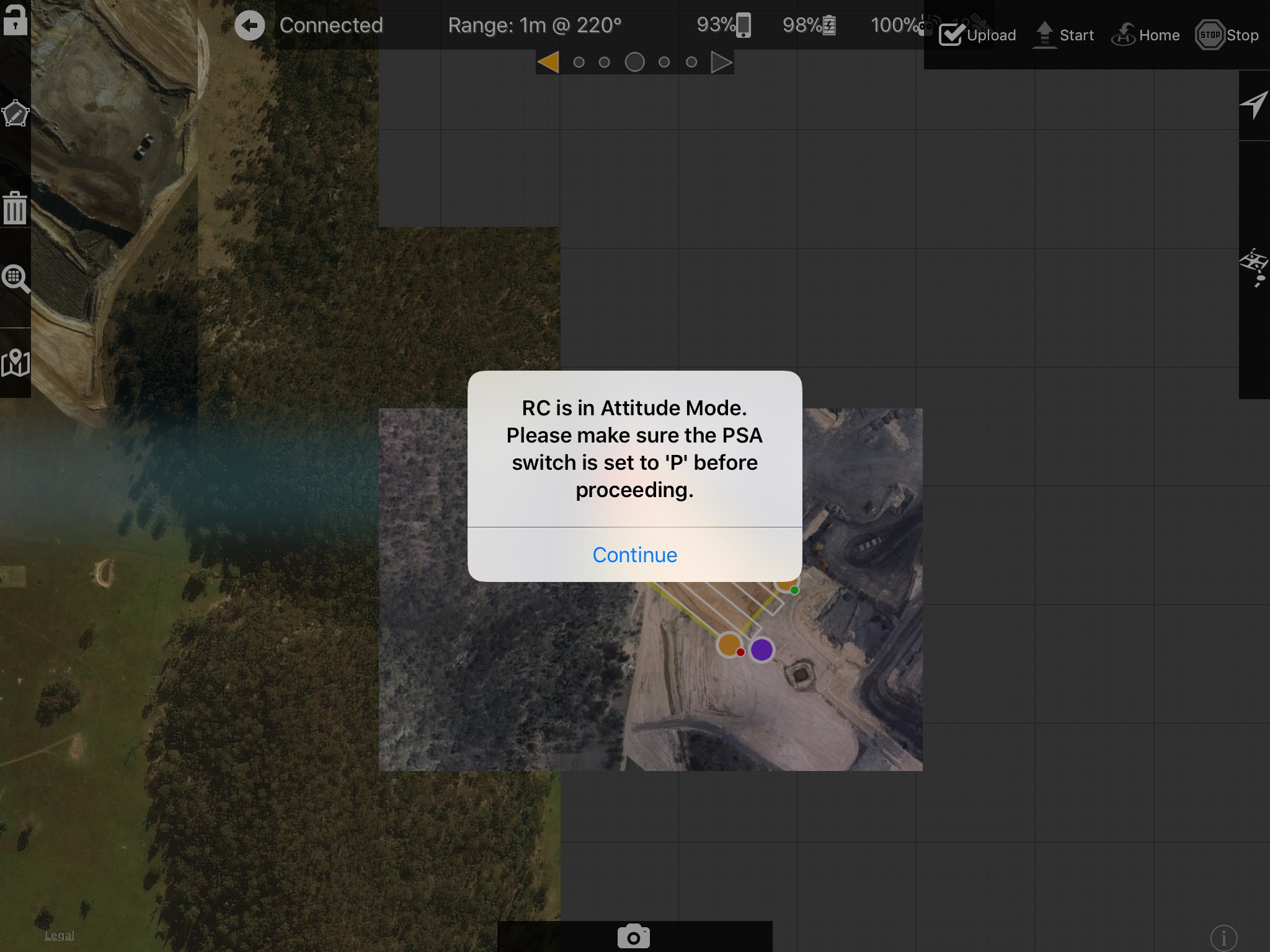
1) When trying to upload a mission, an message pops up saying "RC is in Attitude Mode. please make sure the PSA switch is set to 'P' before proceeding". The PSA switch is set to P, but the app doesnt seem to realise that. Checking the mode in DGI Go, or Litchi shows the aircraft isn't in Attitude mode. Toggling the switch doesn't make the error go away either.
When this message shows, the next one follows:

2) Waypoint upload timeout....

I usually have to quit and restart the app 10-15 times before I can get it to work, and I get these errors basically every flight I do.

I'm running a P4 with latest firmware, brand new iPad, and version 2.73 of Map Pilot.

I've done all the tricks like re-install the app, hard reset, firmware updates, change cables, turn off notifications and location services etc, but these errors keep persisting.

Just wondering if anyone else has this problem?


Will

Komentar resmi

Avatar

Make sure all of the other apps are FULLY closed. It seems like you may have too many things trying to connect to the remote at one time. 

Does it work as expected when not loading a saved mission?

Zane
Tindakan komentar Permalink

Harap masuk untuk memberikan komentar.

4 komentar

0
Avatar

Yes, always have all other apps closed while MP is running. 

I haven't tested it on unsaved missions, but I can try. 

Not sure if it would make any difference, but I have the HDMI module on my RC. Have read on other forums that there have been connection issues when using an HDMI module. Might be causing the issue?

Will 0 suara
Tindakan komentar Permalink
0
Avatar

Just an update - removed the HDMI module, app now works perfectly.

Will 0 suara
Tindakan komentar Permalink
0
Avatar

Thanks for the update. That is interesting to know... I wouldn't have expected that to make a difference. 

Zane 0 suara
Tindakan komentar Permalink