This post describes RTK problems with 3.1.20e (beta) that prevent the drone from taking off. It's a continuation of https://support.dronesmadeeasy.com/hc/en-us/community/posts/50907290877972/comments/51823465158548
TLDR; for those having similar issues, version 3.1.11e seems to work OK for RTK missions.
To recap, there are two ways to get RTK corrections to DJI drones: (1) use a DJI RTK-2 or RTK-3 in base station mode to transmit RTK corrections directly to the drone, or (2) use an app on the RC that supports NTRIP over the WIFI connection, with the app then forwarding the RTK corrections from NTRIP to the drone over the RC link.
Both methods seem to work fine with DJI Pilot2 and Map Pilot Pro (MPP) version 3.1.11e. Unfortunately, neither method seems to work with MPP version 3.1.20e (beta), at least for my M3M.
MPP 3.1.20e (beta) seems to disable RTK, with the result that the rear LEDs on the drone start flashing red and stay that way. If the LEDs are red, then the drone won't take off when you tap the Takeoff button in MPP.
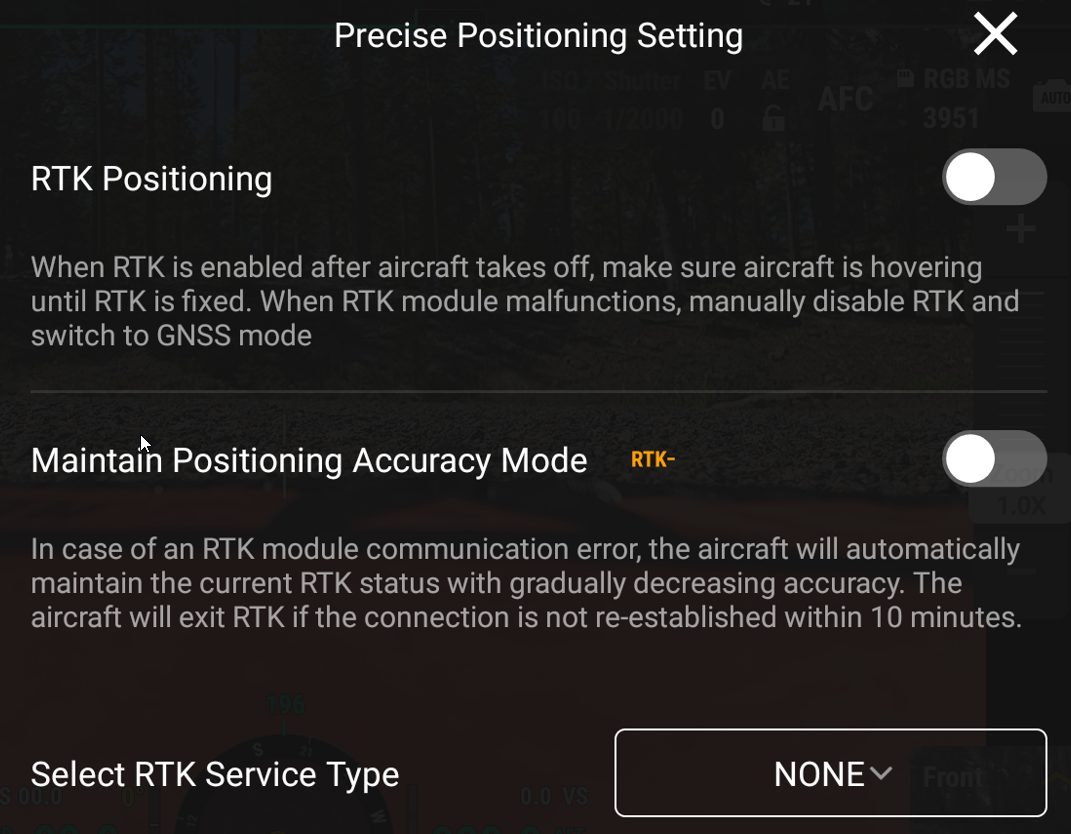
My test procedure is to first start DJI Pilot2 and set up either NTRIP or an RTK-3 base station. Then I restart the drone and verify that RTK fixes are working. Finally, I close DJI Pilot2 and start up MPP.
With the base station method, the RTK-3 keeps sending corrections to the drone, so MPP doesn't need to configure anything after it starts up. In NTRIP mode, MPP needs to start up its own NTRIP client and relay the RTK corrections to the drone. For NTRIP, the drone is going to lose RTK corrections during the brief time that DJI Pilot2 is closed and MPP is started.
To check or set up RTK in MPP 3.3.20e (beta), I tap the  satellite icon at the lower edge of the screen. This brings up a "Custom Network Settings" button and a scrollable status window:
 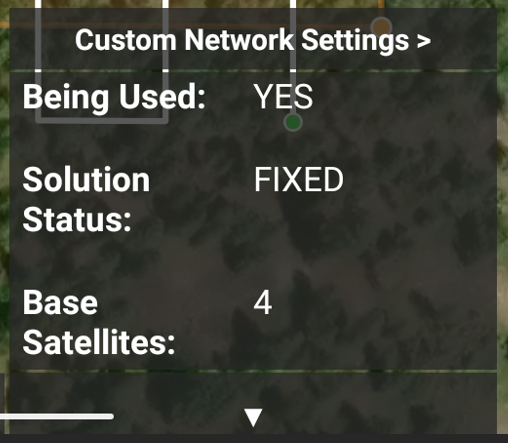 NTRIP is configured in the Custom Network Settings, where you enter the NTRIP sever, port, credentials, and the closest station (mount point). If all is well, you should get a popup saying to wait and check
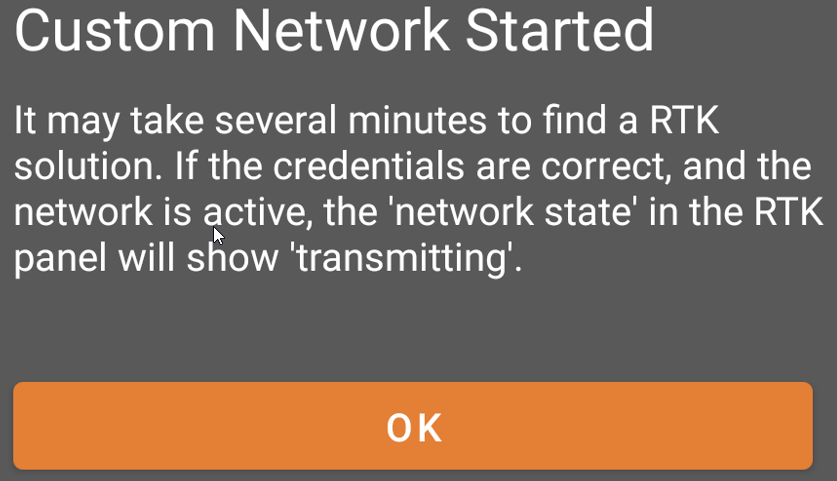 status in the panel. For my testing, the panel indicates
 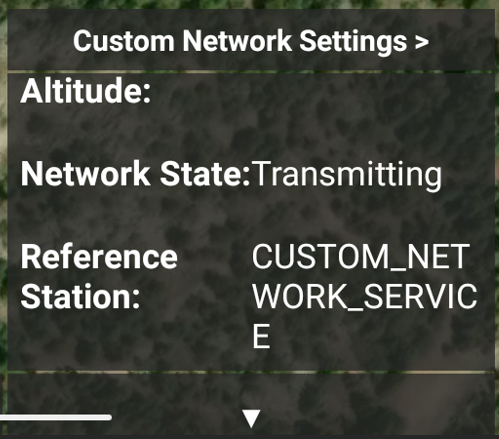 "transmitting" but the LEDs at the back of the drone stay red forever. It's also an annoyance that MPP 3.1.20e (beta) forgets the NTRIP server name and your password, requiring having to type it in over and over.
For an RTK-2 or RTK-3 base station, the panel will again show a 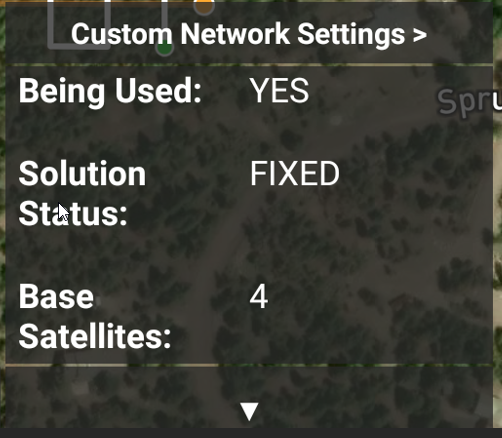 FIXED solution in BASE_STATION mode,
 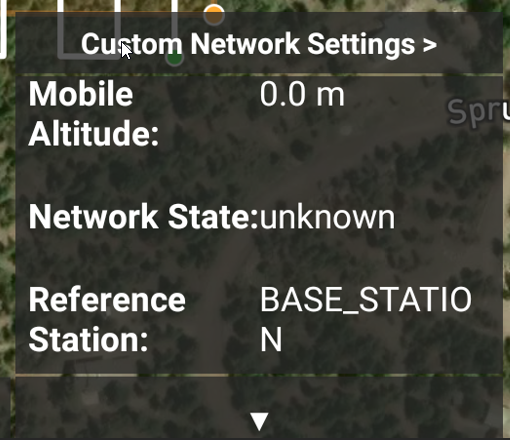 with lots of satellites
  As with NTRIP, the LEDs at the back of the drone stay red, so the drone won't take off.
The linked post shows screenshots of RTK working in DJI Pilot2, so I won't duplicate here.
Again, each RTK method seems to work fine with MPP version 3.1.11e. In contrast, it's not working with version 3.1.20e (beta).