Post

2 followers Follow
0
Avatar

sharing with clients

My client had me fly his gravel pits to conduct an inventory each containing multiple piles. Is there a way to share the map that would automatically populate the volume of each pile/annotation into a spreadsheet? Or a way to download the map that would have the annotations on it vs him having to go on line to view the map?

Brett Kitz

Official comment

Avatar

There is not a way to do it automatically. You have to draw the measurement polygons for each. You can download the KML file that has all of the volume information by clicking the link that says "KML of Annotations" (shown in the picture under the 'View Full Screen' button.
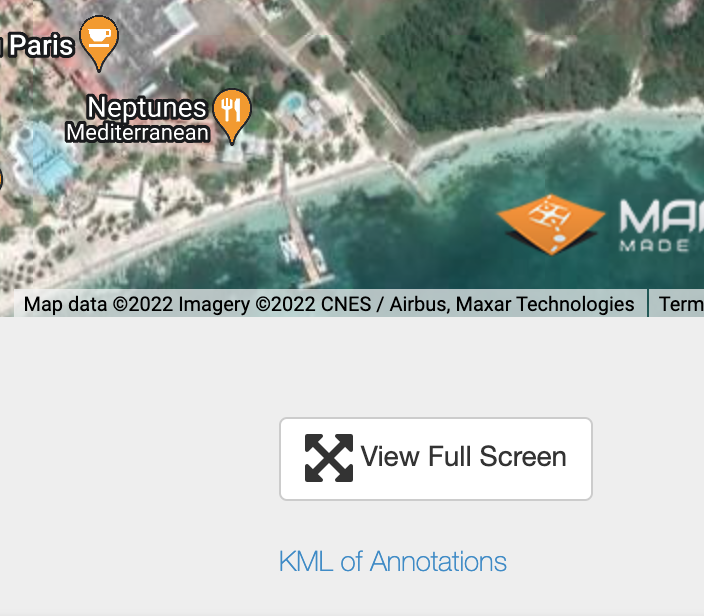
 

PS - Please don't post in response to 5 year old threads that are only loosely related to your question. It triggers emails to all users on that thread and I am sure that guy is wondering why he is getting emails. 

Zane
Comment actions Permalink

Please sign in to leave a comment.

5 comments

0
Avatar

I've drawn the polygon for each. I downloaded the KML file but I don't have any way to open or view that KML file. Is there a program I should have on my computer to be able to view it?

Makes sense, sorry about that. 

Brett Kitz 0 votes
Comment actions Permalink
0
Avatar

KML files are most easily viewable in Google Earth. The KML file you draw with the volumes would go well with the KMZ file which is a 3D model of the area. Both can be opened in Google Earth and would show the piles well. Otherwise the KML polygons will not likely be anywhere meaningful on the Google Earth basemap since stockpile locations tend to shift around a lot. 

Zane 0 votes
Comment actions Permalink
0
Avatar

So I've opened those files up in google earth but it just shows the shape of the polygon that I've created and doesn't show the volume numbers anywhere. Is there any way to export the volumes with the maps or the elevation scale with the elevation maps?

Brett Kitz 0 votes
Comment actions Permalink