Official comment

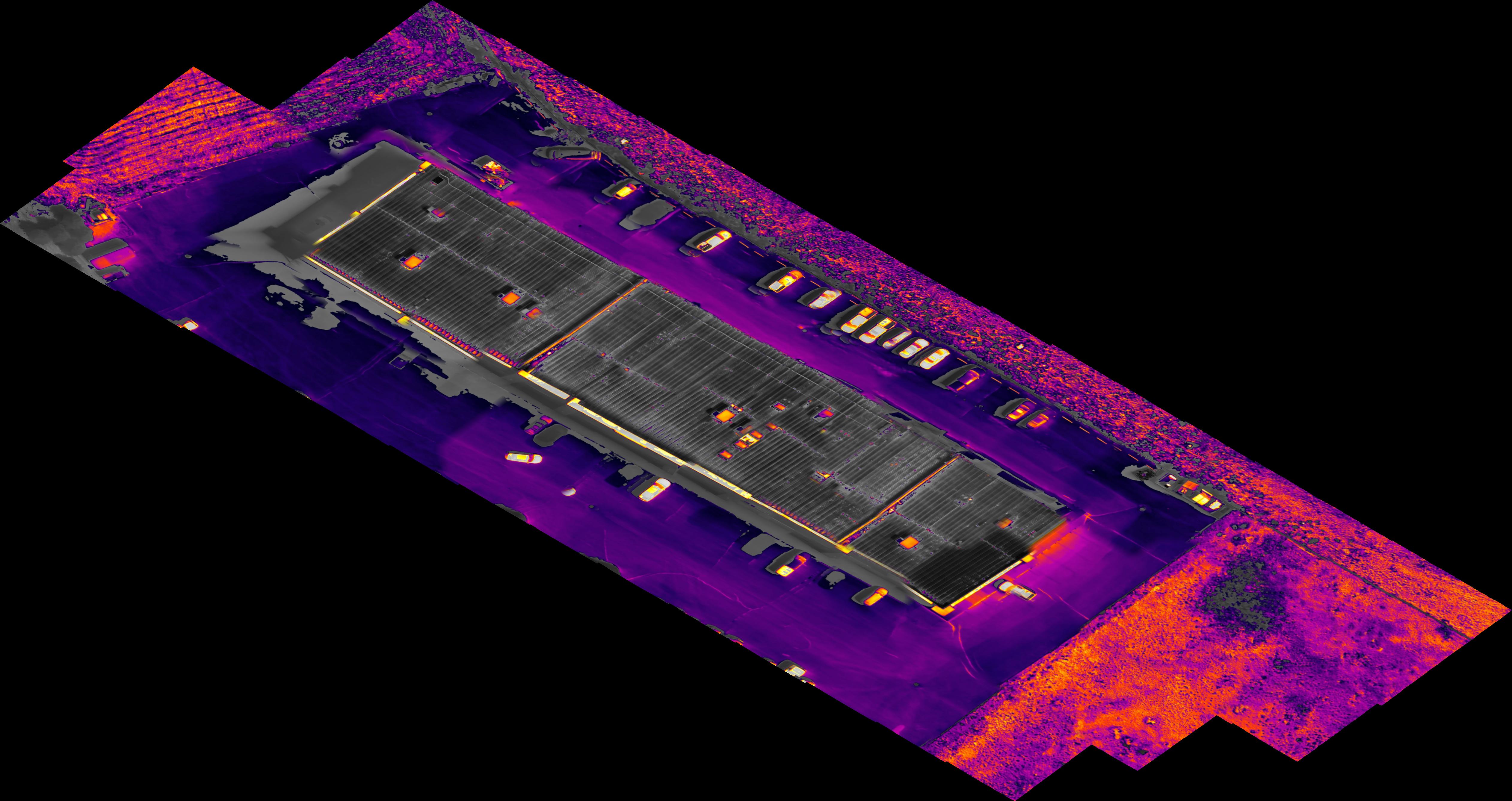
Thank you for reporting this. There is definitely a bug here we will fix in the next release. We incorrectly update the Max/Min values of the iso therm range slider to be the max and min, not the “selected” max and min. Which is why he is probably “locking out” at 30 to 35
We believe you had an iso therm of 30 - 35 selected in DJI Pilot, and Map Pilot reads those currently values and incorrectly makes that iso therm range the Entire possible range of the slider.
The workaround for now is to make sure the value is set properly in DJI Pilot and then open Map Pilot Pro. Then don't touch the sliders in MPP.
Comment actions