
Official comment

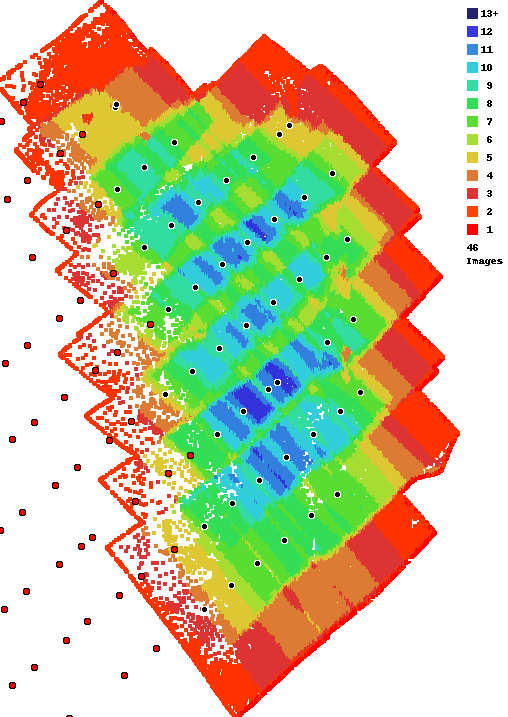
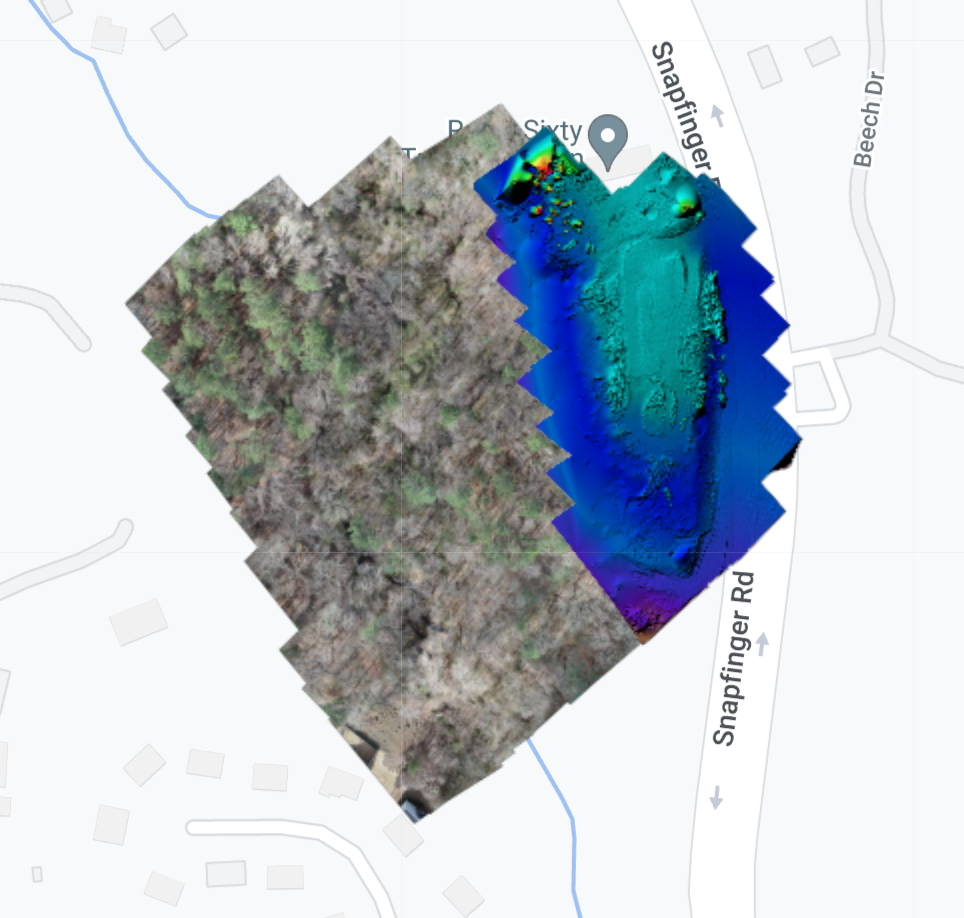
We are sorry to hear you are not happy with your results. Looking at your overlap report you can see that you didn't really have enough overlap for anything but simple areas to turn out. We always recommend using at least 80% overlap when trees are involved. You can see the area that turned out in the colorized elevation map below. The treed area that didn't have nearly enough overlap was filled in using our Flat Map Failover system. You can read more about that here:
https://support.dronesmadeeasy.com/hc/en-us/articles/360054457952-Flat-Map-Failover
If you want the whole output as it is shown in the web map you would need to combine the normal GeoTiff with the patch GeoTiff.
Comment actions


