It is possible open KML files that are sent to the mobile device. KML files are a great way to define flight area boundaries in Google Earth where the basemap coverage is often way more up to date than it is with Map Pilot's standard Apple Maps basemap.
As of version 4.1.10, you could also define a polygon, line string, or set of pushpins in Google Earth and import it into Map Pilot as you normally would (via Email or AirDrop) but rename the file from sample.kml to sample_boundary.kml to import as boundaries and linear flight plans. Adding the _boundary to the filename tells the system to import is as boundary definitions instead of just guidelines. The imported data will show up in the File Manager screen. All features that are being imported need to have a name associated with them.
Use Files to copy the file to the Map Pilot folder and open the File Manager screen. Do not open the file from Files.
The following steps should be used for loading and viewing the received KML files:
NOTE: Do the following steps with the Map Pilot application already open.
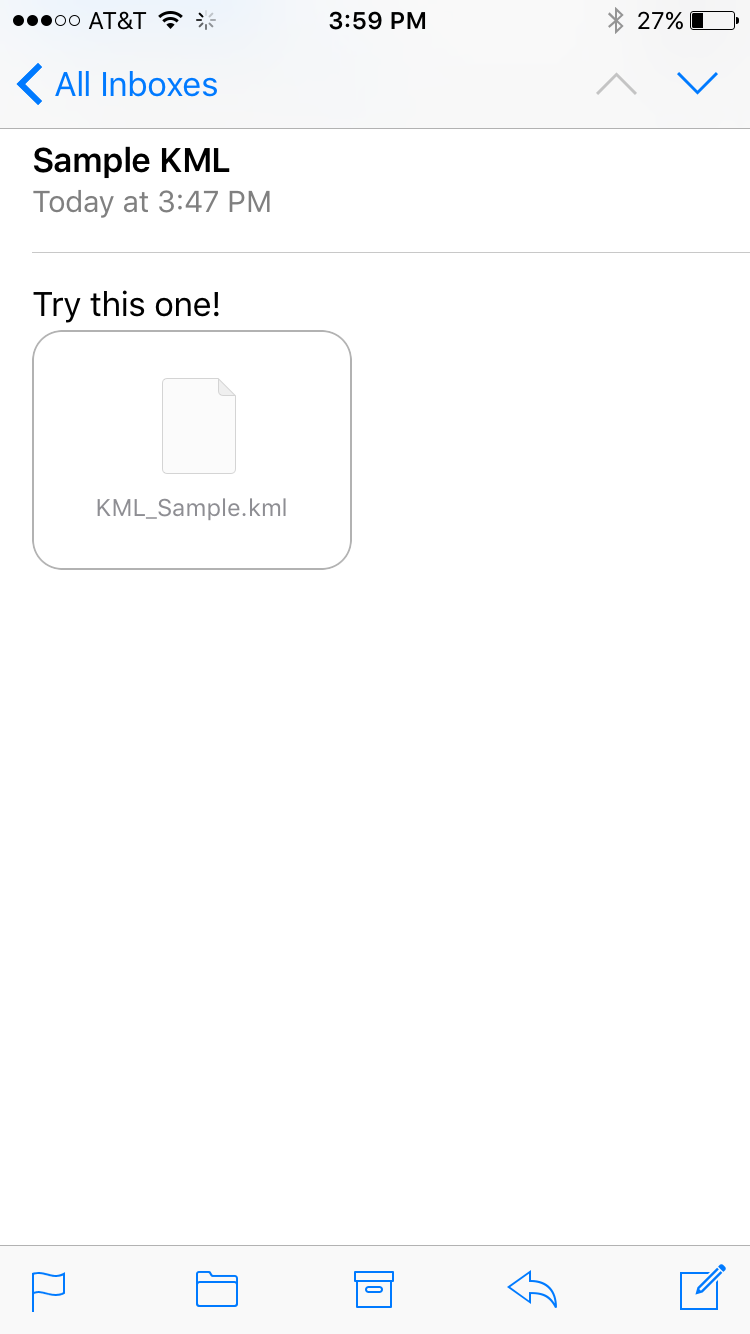
Tap on the file icon in the email
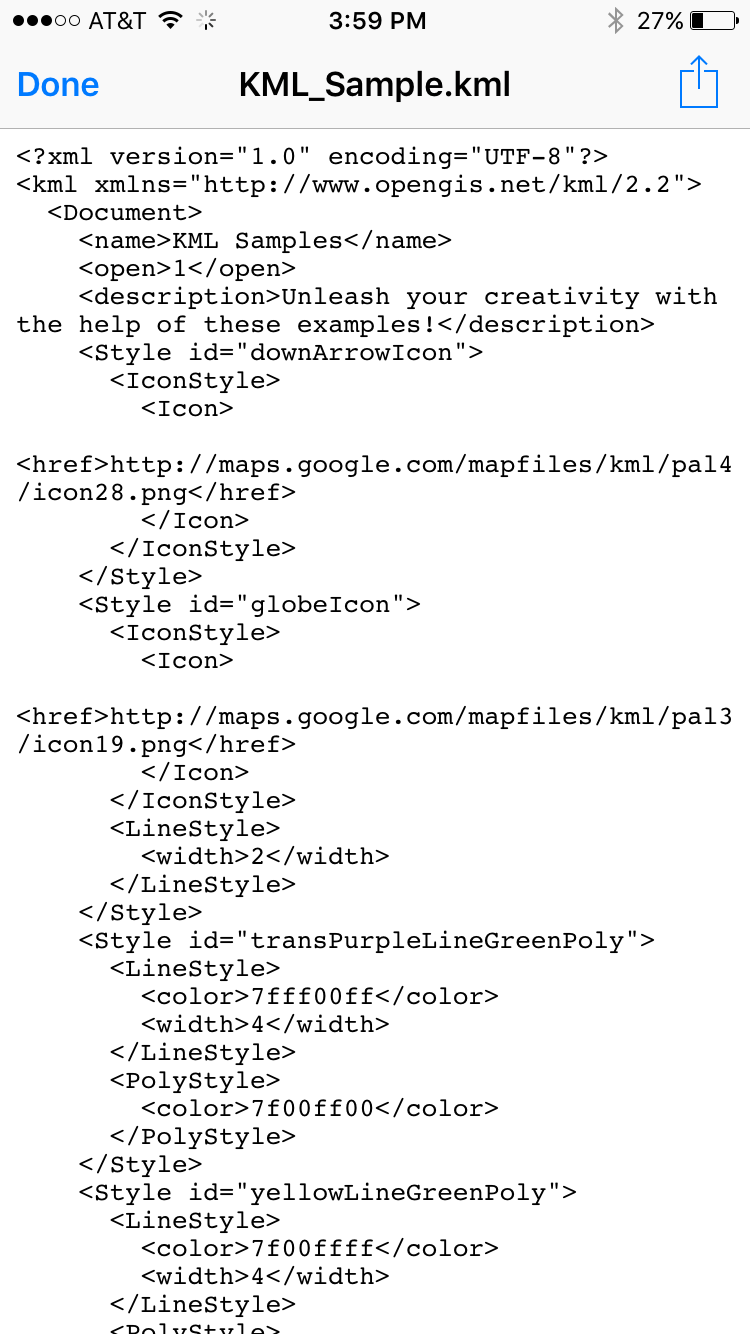
Tap on the open file button in the top right of the text file view of the KML file
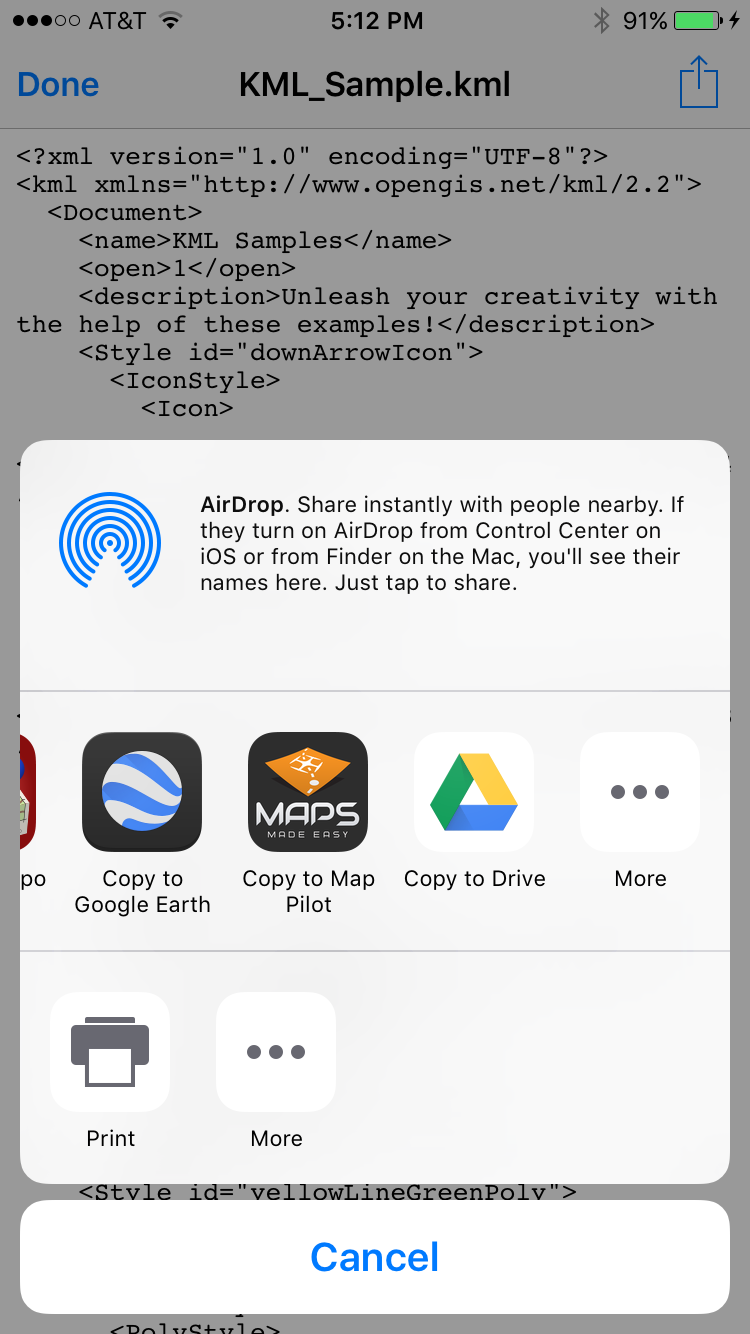
Select "Copy to Map Pilot" to open the file with
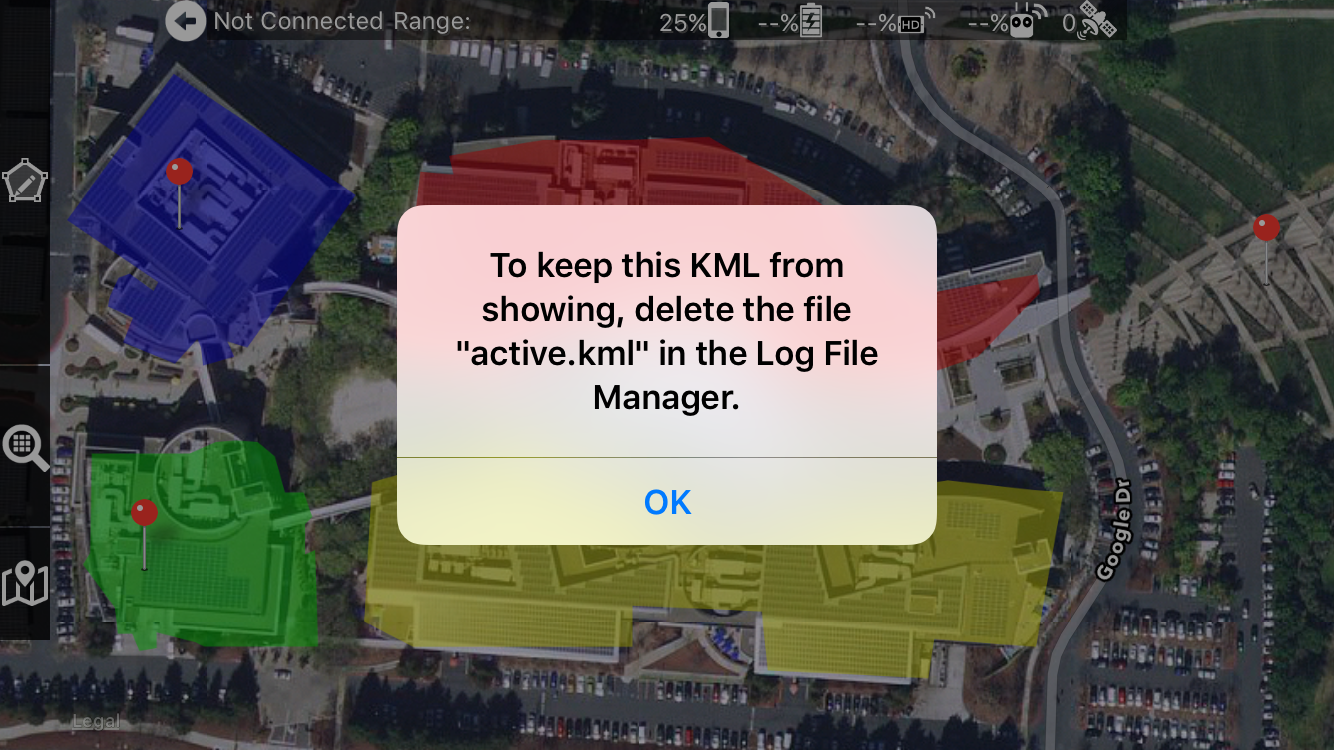
Enjoy fully featured KML files to use as your guide in Map Pilot.

Just curious as to if the kml can only be opened from an email?
or can I file sync it and open from storage?
Files, Email and AirDrop all work.
Gotta say, I sync'd a few kml's yesterday and this works a treat. no need for email client just added via itunes and the kmls appeared file manager. easy as and sooooo useful
Ya pude hacer cargar mi kml, lo primero que deben hacer es lo siguiente descargar el kml ya sea del correo de icloud, gmail o el que tengan una vez esta en su ipad, ingresan por el administrador de archivos de su ipad y van a descargas, toman el archivo y lo cambian de ubicación, de icloud drive, a ipad donde encontraran la carpeta map pilot, ingresan a esta y pegan el KML, por ultimo abren la app map pilot y por filemanager encuentran el kml y eso es todo.
I've imported a KML file and it's showing in the 'Imported KMLs' section of the file manager and overlaying on the map okay when I click open. I then renamed the file adding '_boundary', I can now see the file in the 'KML Boundary Groups' section of the file manager, however it's showing as 0 boundaries and 0 lines and when I click on it just shows a blank screen with a title. I've tried simpler KML files, all give the same results. I'm trying to import a KML file to define the boundary of a mission.
The '_boundary' has to be in the filename when the file is imported. Changing the name of it after it has been imported won't do anything. Polygons and markers are the only supported shapes for boundary and flight path import.
Email the file to mapping@dronesmadeeasy.com if you would like us to check it for you.
Hi Zane, thanks for replying so quickly. I emailed a KML file on Wednesday but gmail is having trouble delivering it ('There was a temporary problem while delivering your message to mapping@mapsmadeeasy.com..'), I've just tried again. Sorry I wasn't clear. I renamed the file outside the app and then reimported it. It is a polygon as far as I'm aware. The file is listed in the 'KML Boundary Groups' section of the file manager so it has imported and I can also see the original file (in 'Imported KMLs') overlaid on the map, however the boundary file is showing as 0 boundaries and 0 lines and a 'blank screen' when I click it
I would say there is a permanent issue sending that file since it was to the wrong email address. Yikes. Our email address is mapping@dronesmadeeasy.com. It has been changed above. Sorry about that.
It sounds like it is importing OK but we can take a look.
Got the file and I am seeing what you are seeing. Just black and no boundaries or lines. Pretty weird. It is because the shape you are trying to use is a poly line, not a polygon. I have replied with a sample that has a polygon drawn in Google Earth that should work while the other one still won't. I don't think there is a way to convert a poly line to a polygon without redrawing it. We support polygons and markers, not poly lines.
So I currently seem to be having an issue adding new KMLs to my file manager on my Android phone, (Samsung Galaxy S22+, fully up to date). I had previously loaded a KML that still shows, but is not showing in my file manager screen and every time I import a new KML it says imported successfully but does not show in my file manager screen. I have read through and tried to do some of the tricks but nothing seems to work. Thanks.
Cody: There are LOTS of softwares out there that will generate KMLs that are not able to be loaded by Map Pilot Pro. It sounds like a parsing issue. Make sure the KML consists of poly lines, polygons and markers and that's it. If there are other features like embedded images or links it can break things. You could try opening it in Google Earth and making a KML of just the features you actually need. Email the file to mapping@dronesmadeeasy.com if you would like us to take a look.