Post

2 Follower Folgen
0
Avatar

Help Please

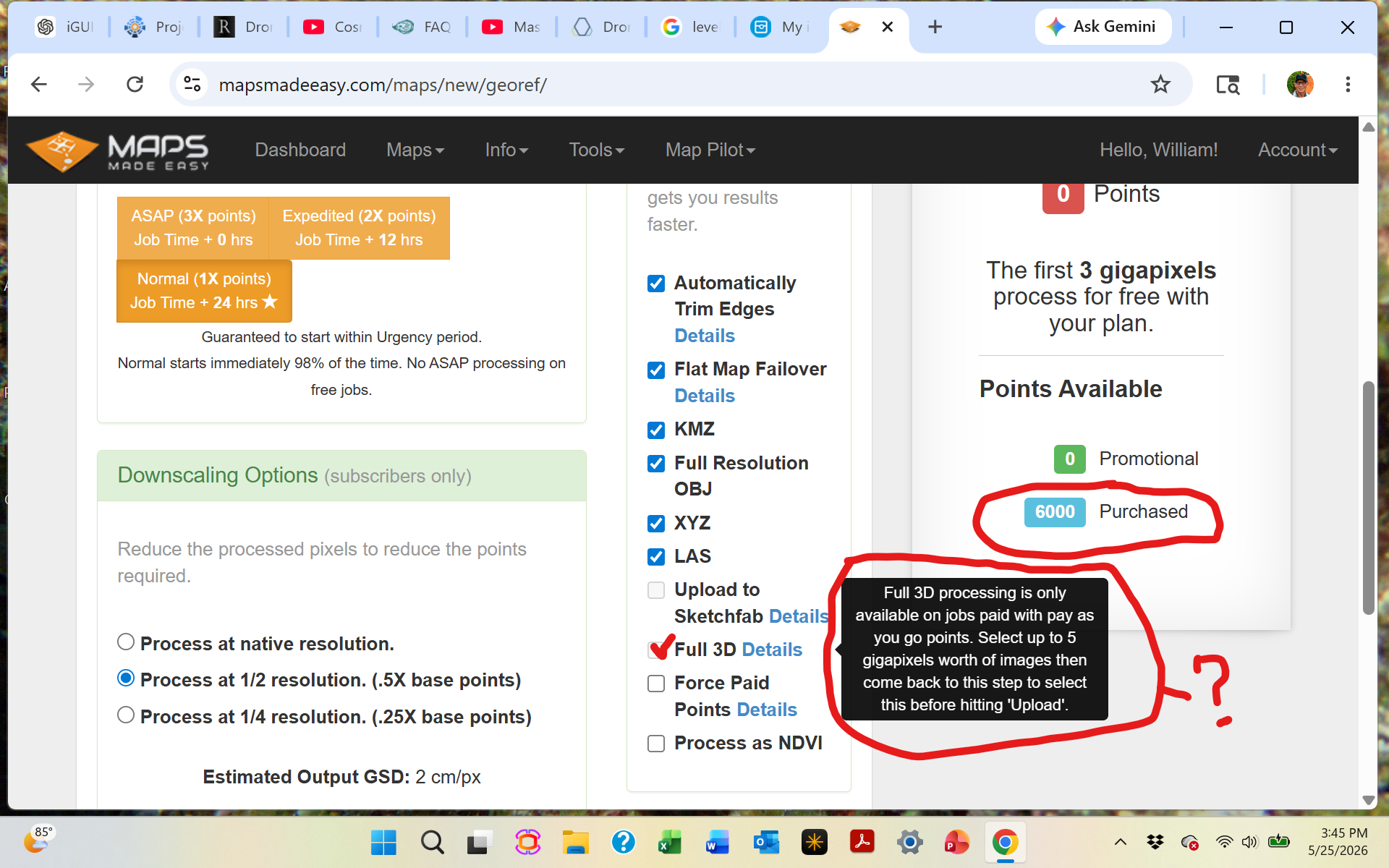
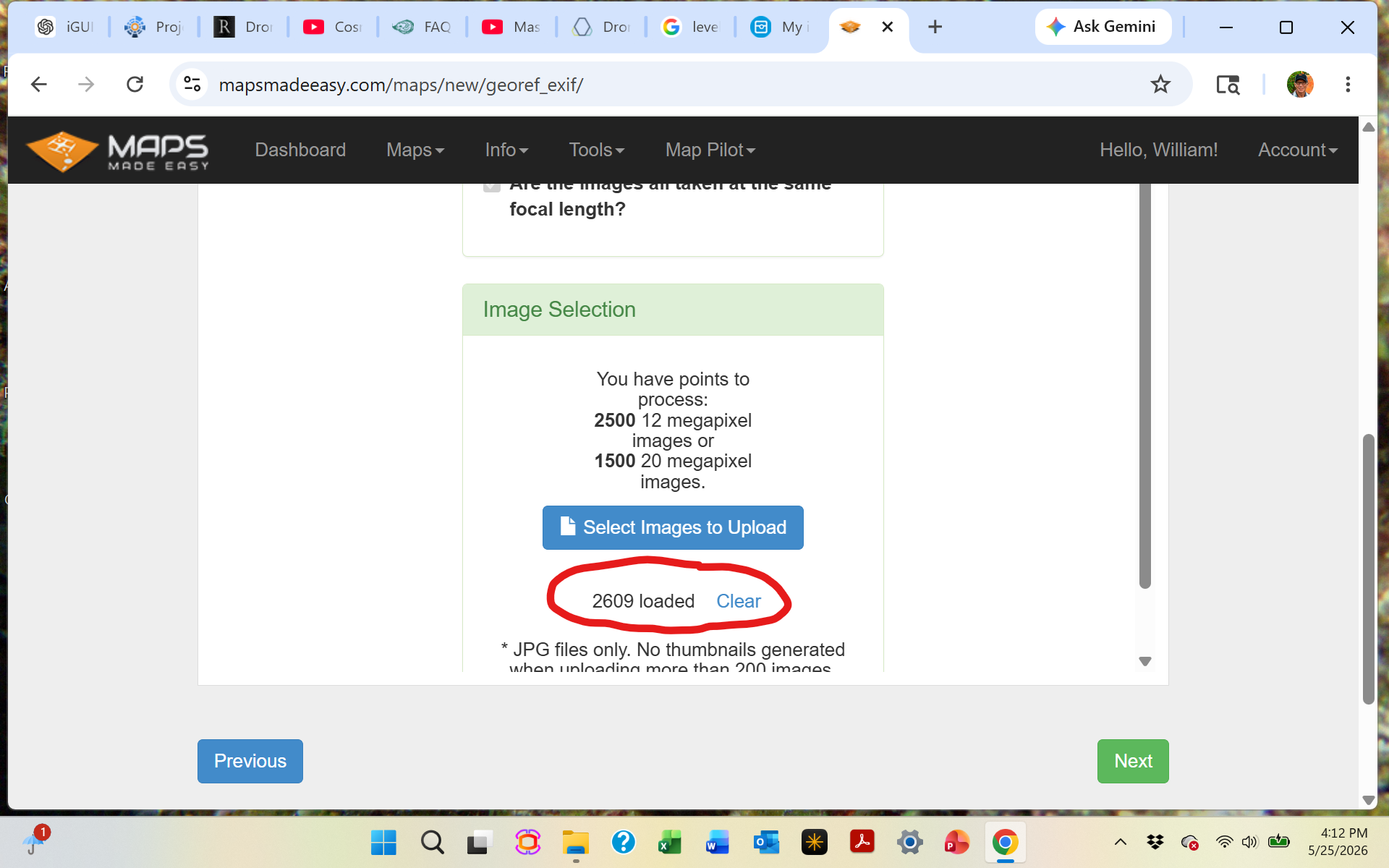
Can't seem to get this site to work for me as I've been trying to create a full 3D map (2,600 images collected with DJI M3M using DJI Pilot 2 mission planning software in the RC Pro controller). 

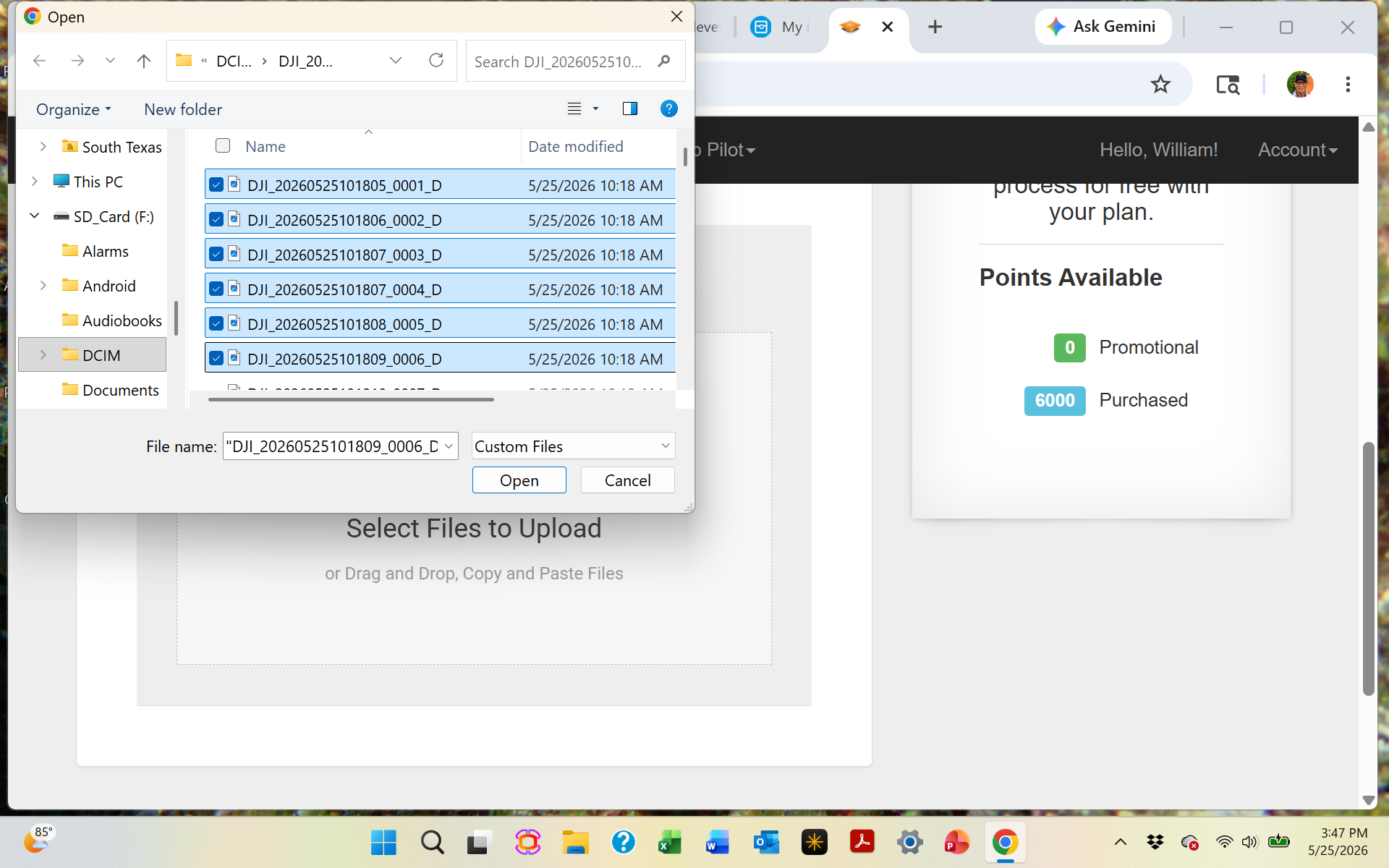
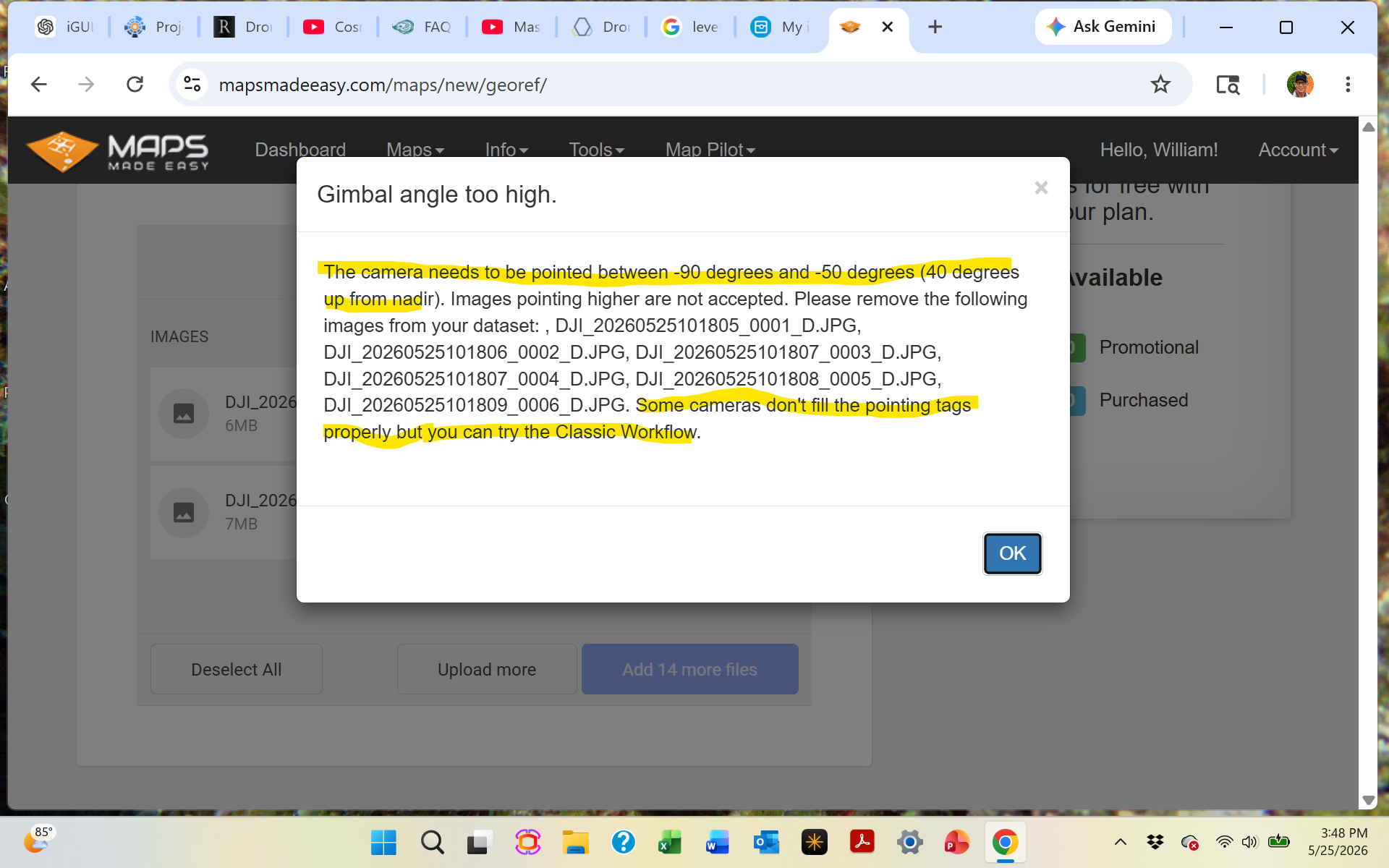
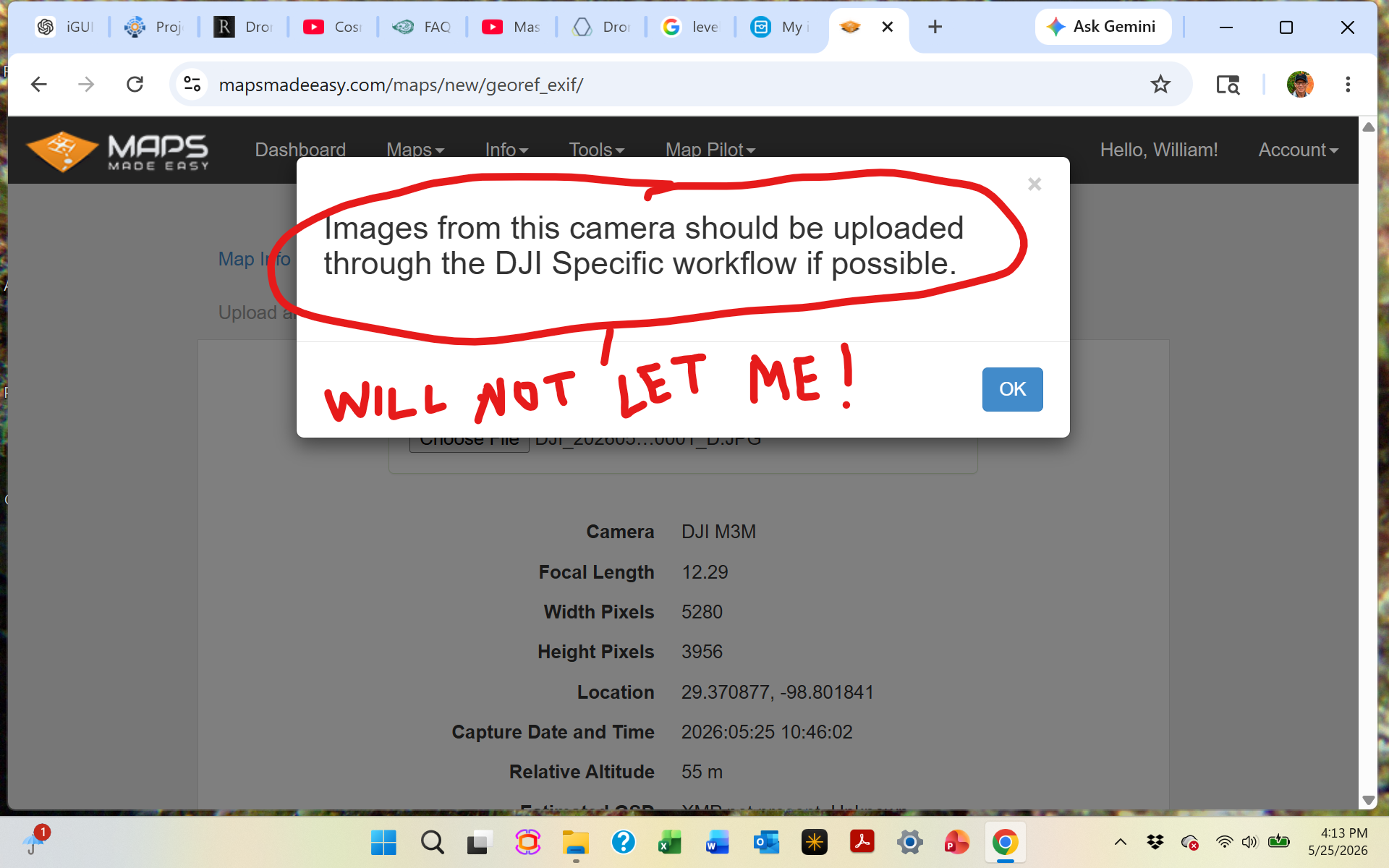
As you see by the sequence of attached screenshots, I tried to use the DJI Specific workflow but that was no luck so tired to use the Classic workflow and that wants me to use the DJI Specific workflow. Circular circle jerk! DJI Specific claims the downward 45 degrees gimbal angle preset by Pilot2 is not acceptable not allowing me to upload the images....WTH?  I should have plenty of points so not the issue. 

Anyone know how to get a hold of MME support.  No phone numbers, no email, nothing....Maps Made (Not so Easy)!

Cuatro

Bitte melden Sie sich an, um einen Kommentar zu hinterlassen.

1 Kommentar

0
Avatar

The images you collected must have the gimbal angle set to high so the images cannot be used with the DJI Specific workflow. The M3M is not compatible with the classic workflow since people were using some weird collection mode in the DJI app that was looking backwards and forwards during flight and the tags were not populated in a way that represented that accurately so we had to shut it down for that aircraft. 

Also, the Full 3D rendering only works with 5 gigapixels worth of imagery or less. That is roughly 250 20 megapixel images. 

We highly recommend using Map Pilot Pro for your data collection. The Pilot app from DJI will let you do all sorts of goofy stuff that gives bad results. They don't care since they aren't processing it. 

Zane 0 Stimmen
Aktionen für Kommentare Permalink